Short answer. A book launch email plan for a first book needs three emails: an announcement on launch day, a reminder a few days later, and a last call before the launch price ends. Each one has a single link and a single ask. In the US, every one must also carry your postal address and a working way to unsubscribe.
Key points
- Three emails: announcement, reminder, last call. One link each.
- Send the announcement only once the buy link works. A scheduled paperback stays hidden until launch day.
- US law (CAN-SPAM) needs a postal address and an opt-out in every marketing email.
- Opt-outs must be honored within 10 business days.
- A small list still counts. Forty readers who asked to hear from you beat 4,000 who did not.
What is a book launch email?
It is the message that tells people who signed up to hear from you that the book is out, with the link to buy it. Most launches use a short series rather than one email, because one email is easy to miss.
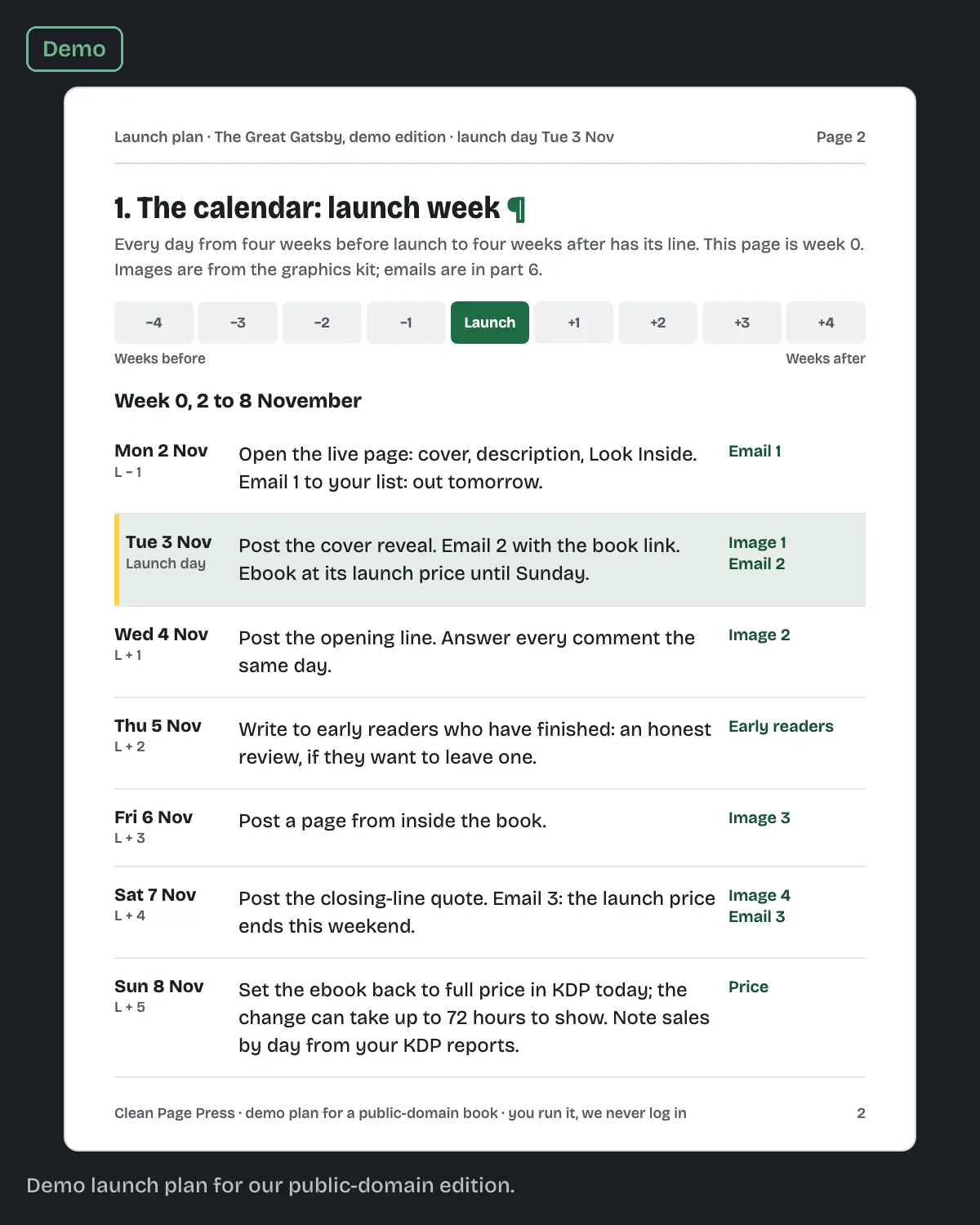
The emails are one part of a launch. Our book launch plan dates them alongside the posts, the early readers and any price promotion, so they all point at the same day.
Which emails should I send, and when?
Three, timed around launch day. This is the sequence we use in our own launch plans.
| When | The one ask | |
|---|---|---|
| Announcement | Launch day, once the link works | Buy the book |
| Reminder | 3 to 4 days later | Buy it if you have not yet, or tell a friend |
| Last call | The day before the launch price ends | Buy at the launch price |
If you have no launch price, swap the last call for a thank-you a week later. Share one thing readers said, and ask nothing.
Spacing matters more than the exact day. We wrote our own three-email sequence for the Clean Page Press KDP checklist to go out on day 0, day 2 and day 5, and kept that gap for the same reason: close enough that people remember, far enough apart that it does not feel like a flood.
When can I send the announcement?
When the link on your Amazon page works. Click it yourself on launch morning before you press send.
This matters most for a print-first launch. KDP's Schedule a Release page says a paperback scheduled for a future date stays hidden on Amazon until that date. KDP's Timelines page gives up to 72 hours for a new book to appear on Amazon.com. A link copied into a scheduled email a week early can lead to a page that is not live yet.
If your ebook is on pre-order, its page already exists, so you can send a "pre-order now" email earlier. Our post on setting up a KDP pre-order explains how that works and why it is ebook only.
What goes in the announcement email?
Five things, in this order:
- A subject line with the book's title in it.
- One sentence on what the book is and who it is for.
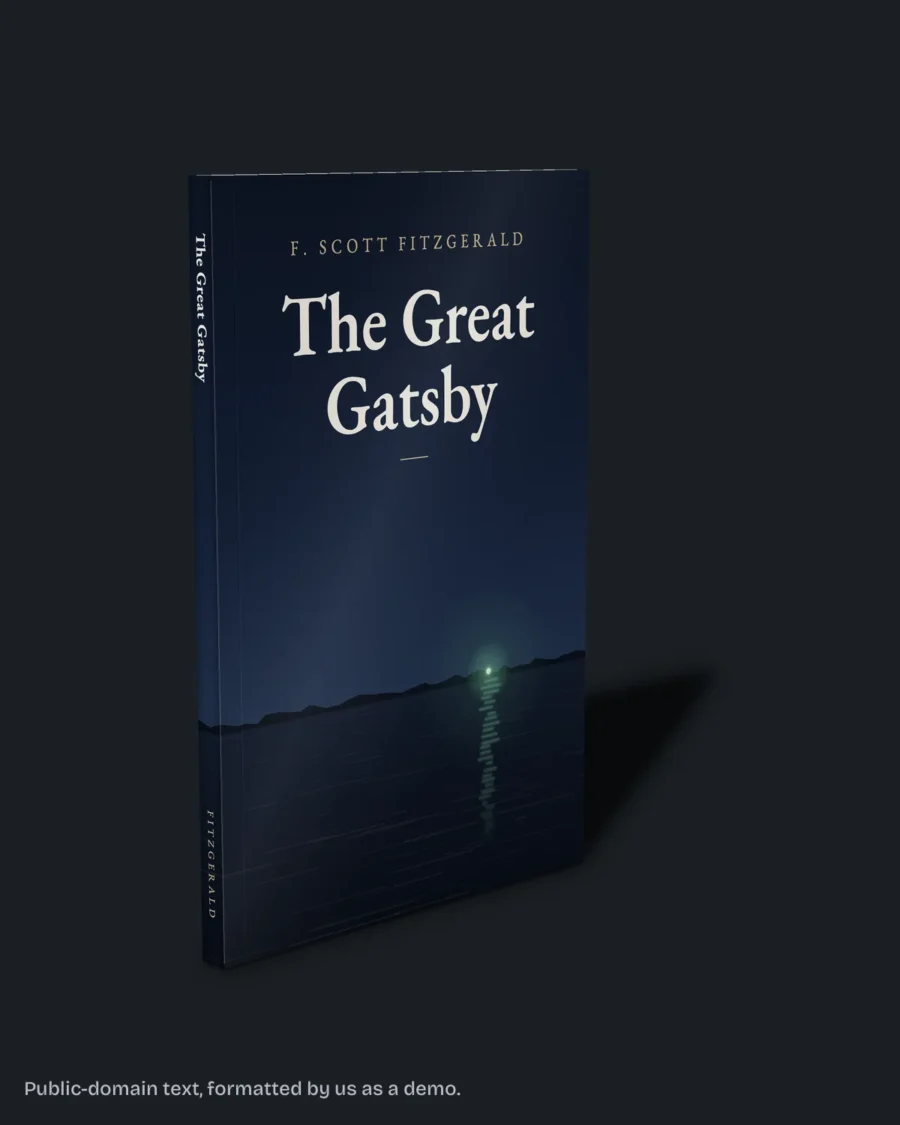
- The cover image.
- One button or link to the Amazon page.
- Your sign-off, then the footer with your address and unsubscribe link.
Leave out the second link, the social buttons and the long story of how you wrote it. Every extra choice takes clicks away from the one that matters.
The fix we do for this: we write your launch plan in six parts, dated day by day around your launch, with the emails written to match the posts, for $249 in 7 business days. You run it; we promise no sales. Tell us your launch date.
What do the US email rules require?
The CAN-SPAM Act applies to every commercial email, and a book launch email is commercial. The FTC's compliance guide sets these rules:
- Include your valid physical postal address. A registered post office box or private mailbox counts.
- Explain clearly how to opt out of future emails.
- Honor an opt-out within 10 business days.
- Keep the opt-out working for at least 30 days after you send.
The FTC guide puts the penalty at up to $53,088 for each email that breaks the law.
Most email services add the address and unsubscribe link to the footer for you. Fill in a real address the day you set up the account, and send yourself a test to see it.
This is a summary of the FTC's guide, not legal advice. If your readers live outside the US, their own country's rules may ask for more.
Who should get the emails?
People who asked for them. Readers who joined your list, readers of your last book who signed up, people who said "tell me when it is out" at an event.
Do not copy your contacts into an email service and send a launch blast. It is our rule because readers who never signed up are the ones who mark you as spam, and those marks follow your sending address.
What if my list is tiny?
Send the emails anyway. A list of 40 people who chose to hear from you is the warmest audience you have. Write to them like you would write to one reader.
Then lean on the other parts of the plan: your own social accounts, and any group whose written rules allow book posts. Our 4-week book launch plan timeline shows where each part fits.
Should the email link to Amazon or to my website?
To Amazon, on launch day. That is where the reader buys, and every extra click loses some of them.
Link to your own site when you are offering something Amazon cannot hold: a signed copy, a bonus chapter for subscribers, or the page that lists every store if your ebook is sold outside Amazon.
Questions authors ask
How many emails should I send for a book launch? Three: an announcement, a reminder and a last call or thank-you.
Can I schedule the announcement in advance? Yes, once you have clicked the live link yourself. For a scheduled paperback, the page is hidden until launch day.
Do I need my home address in the footer? No. The FTC guide allows a registered post office box or private mailbox.
How fast must I remove someone who unsubscribes? Within 10 business days, per the FTC.
Is one email enough? It can be, but one email is easy to miss in a busy inbox.
Your next step
Write down your launch date and how many people are on your list. Send both through our launch plan page and the $249 plan comes back with the three emails dated and written, with the $99 graphics kit if you want the images made too.