Short answer. Kindle Previewer is a free desktop app from Amazon that shows how your ebook will look on Kindle e-readers, Fire tablets and the Kindle phone apps. Open your EPUB in it, change the device, orientation and font size, click every table of contents link, and flip through the whole book before you upload it to KDP.
Key points
- Kindle Previewer is free, runs on Windows 10 and up and on macOS 12 and up, and opens EPUB, HTML, KPF and Word files.
- KDP also has an Online Previewer inside your Bookshelf, with fewer filters and display options.
- Check three things: the table of contents links, the text at a large font size, and every image.
- The online version adds a quality panel that flags misspellings and blurry images.
- Kindle Previewer does not catch everything. Tables in particular can look different on a real device.
What is Kindle Previewer?
Kindle Previewer is Amazon's free desktop app for checking an ebook before you publish it. KDP's help page calls it "a free desktop standalone application" and suggests using it while you format, not only at the end.
It shows the book as a Kindle e-reader, a tablet and a phone would show it. For reflowable books it also shows Enhanced Typesetting, the newer typography and layout Kindle applies to books that support it. When we read the page on 13 October 2026, KDP described the current release as Kindle Previewer 4.
Checking every ebook in Kindle Previewer is part of our Kindle ebook formatting service, and the screenshots go to the author with the file.
Which files can Kindle Previewer open?
EPUB, HTML, XHTML, OPF, KPF, DOC and DOCX. Word files work for English-language books only, and KDP lists a few reasons a Word file will not open: a password, a file name with non-ASCII characters, or a very old version of Word.
An EPUB is the most direct test, because it is the file you will upload. If you check a Word file and then upload an EPUB made from it, you have checked a different file.
Do I need the desktop app or the Online Previewer?
Either works for a first check. The Online Previewer sits inside KDP: from your Bookshelf, click the three dots next to the book, choose Edit eBook content, and click Launch Previewer under Kindle eBook Preview.
KDP says the online version has the same basic functions (device type, orientation and font size) with fewer filter and display options. It adds a quality panel, which the desktop page does not describe. That panel flags misspellings and low-quality images in English-language ebooks, and you can email yourself the list.
The desktop app is the one to use before you upload anything. You do not need a KDP title set up to run it.
What should I check in Kindle Previewer?
Work down this list in order, links first.
- Every table of contents link. Click each one and make sure it lands on its chapter. KDP's quality guide names a TOC link that does not work as a quality issue.
- The text at a large font size. Readers change it. Body text that stays the same size when you change the setting is forced, and KDP lists forced body text size as a formatting problem.
- The margins. Side padding wider than a quarter of the screen is on KDP's list of critical formatting issues.
- Every image. Use the View All menu and pick Images, and the app shows only the pages with pictures.
- The whole book, end to end. Turn on Auto-Advance in the Navigation section and the app flips through the book for you.
Then switch between the Kindle e-reader, tablet and phone views. KDP notes that e-reader mode is grayscale, so a colored heading or a chart that relies on color can lose its meaning there.
What does a clean ebook file look like inside?
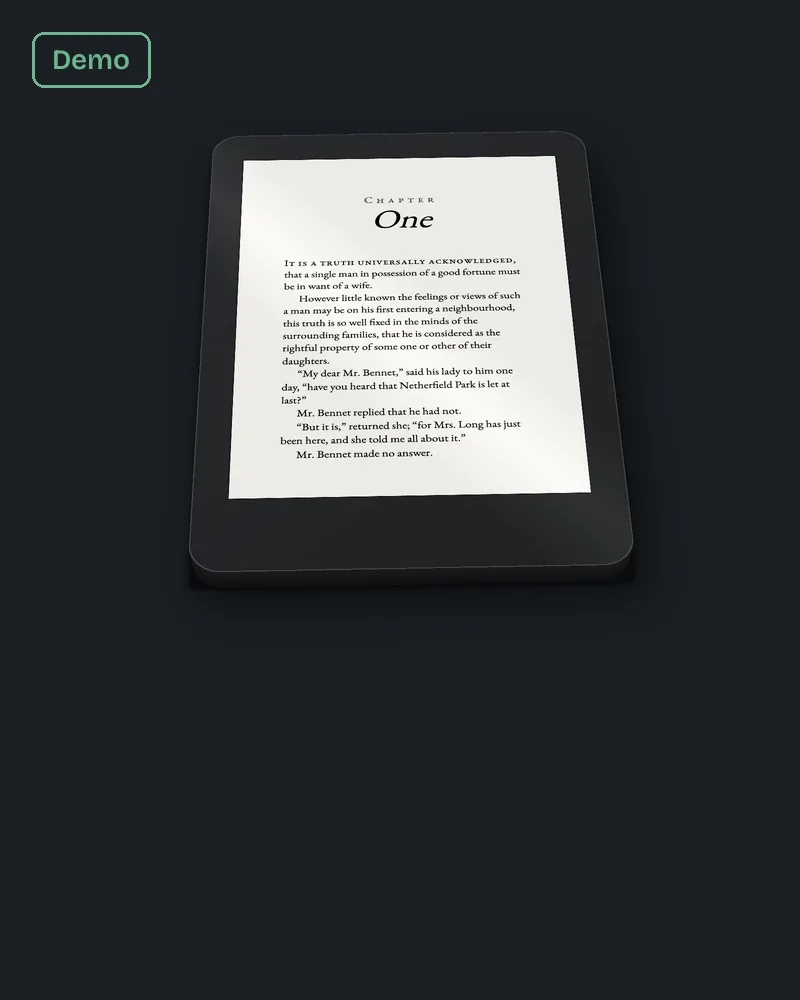
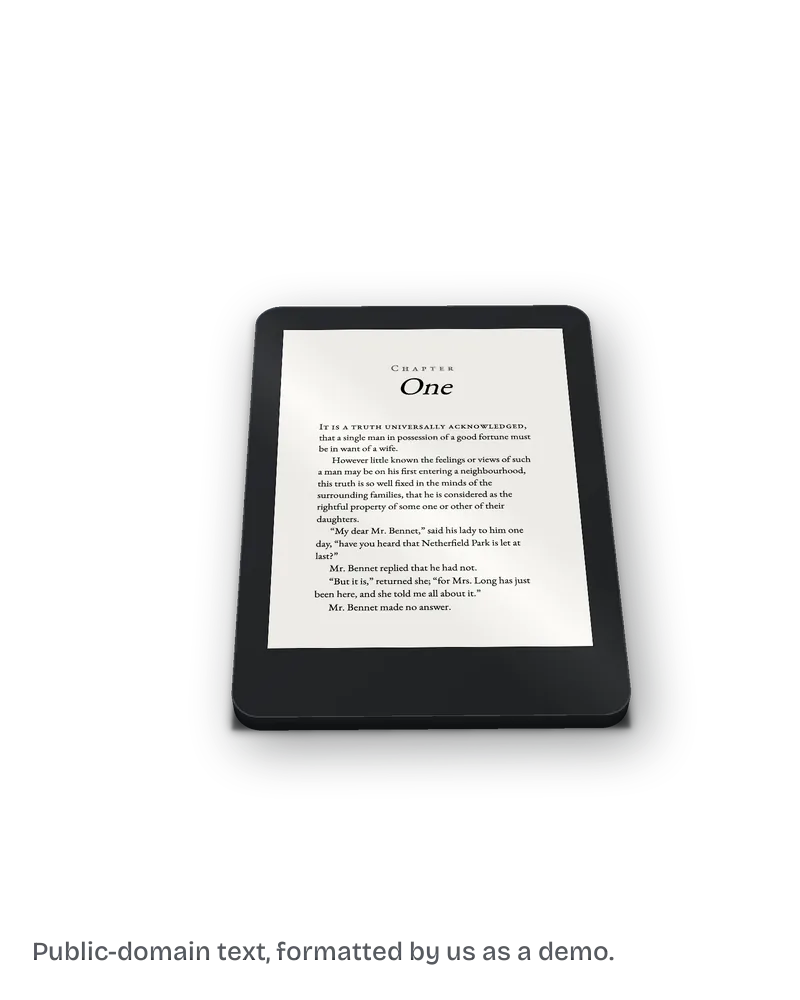
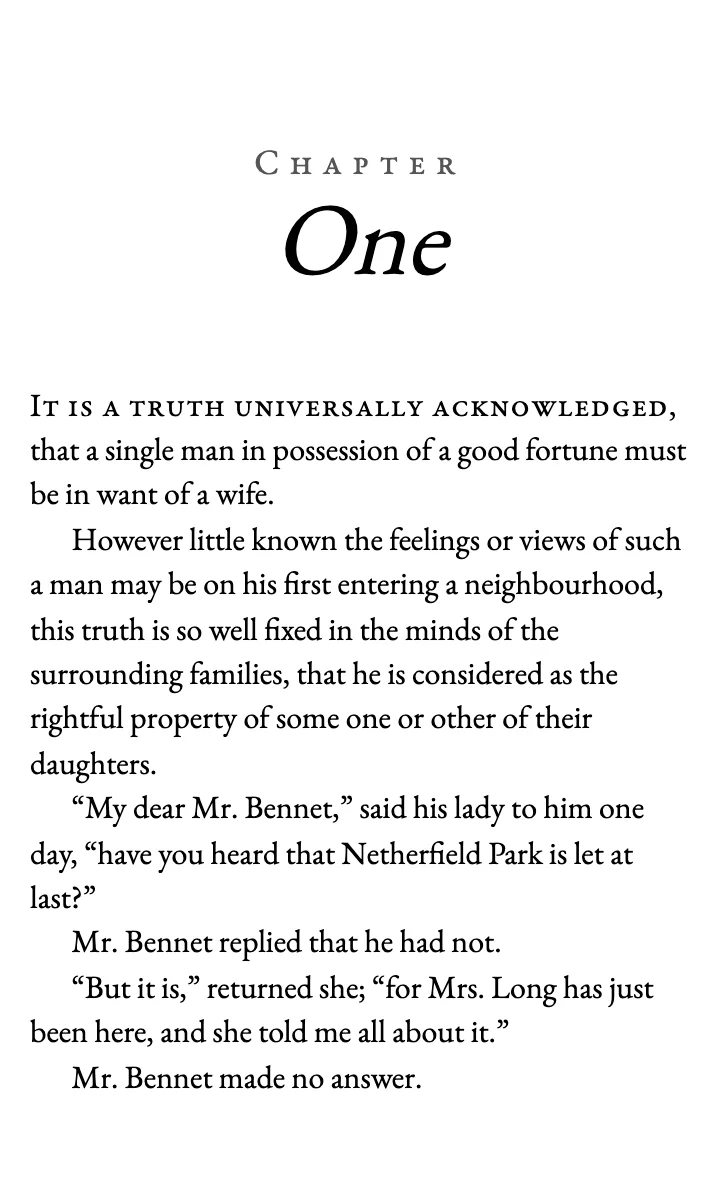
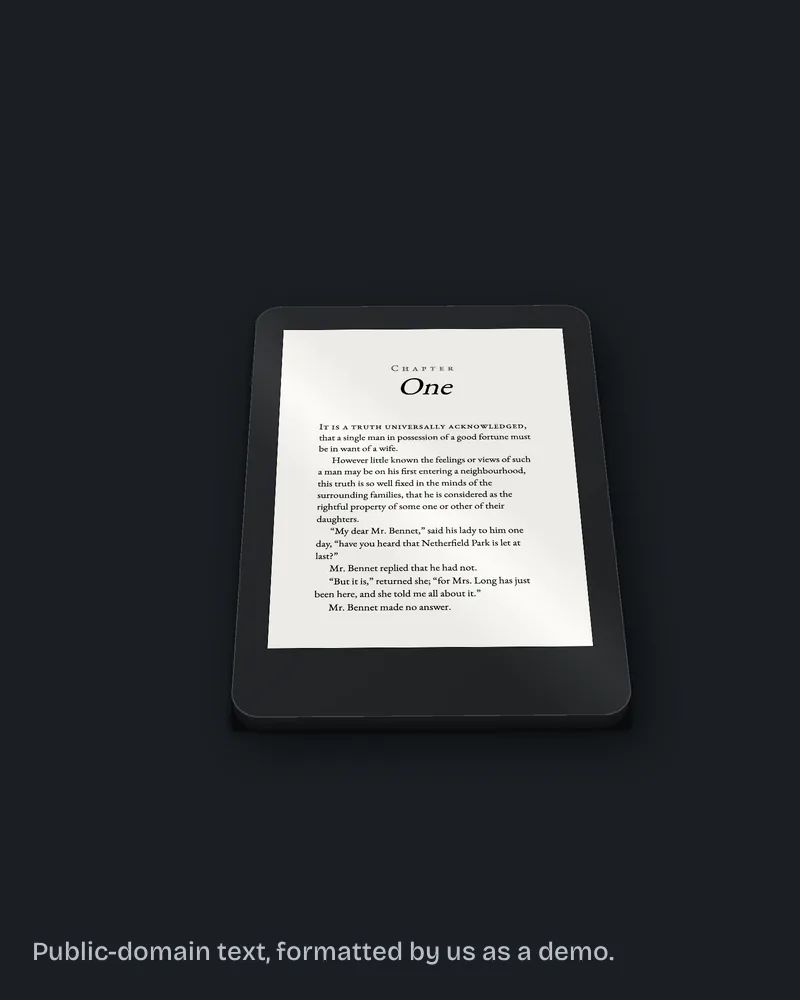
Smaller and plainer than most people expect. On 13 October 2026 we unzipped the sample EPUB from our ebook page, a chapter of Pride and Prejudice. The chapter text is 5,246 bytes. The style sheet is 481 bytes. The embedded EB Garamond font is 851,176 bytes, so the font makes up 99% of what is inside the file.
The style sheet sets no text size on the body, so the reader's own size setting stays in charge. The side margins are 0.4 em. The table of contents is one link, from "Chapter One" to the chapter heading's anchor. Those are the same things Kindle Previewer helps you test: the size changes when you change it, the margins stay narrow, and the link lands where it says.
The fix we do for this: we build your EPUB with a linked table of contents for $99, up to 80,000 words, in 7 business days, check it in Kindle Previewer and send you the screenshots, and fix it free if KDP rejects it for a formatting reason. Ask for a free sample of your own book.
What did Kindle Previewer find in our own sample EPUB?
One notice, and it was ours. On 13 October 2026 we ran Kindle Previewer 4.0.3 on the same sample EPUB. The conversion succeeded with 0 errors and 0 quality issues, but the log carried a notice, W14016, "Cover not specified". The file had no image declared as its cover. It would not have blocked an upload, and we only saw it because we read the log instead of stopping at "Success". We added a cover image to the file's manifest, marked it as the cover, and ran the conversion again: 0 errors, and the log had no rows left.
Why does my book look different on my Kindle than in the Previewer?
Because ebooks reflow. KDP's own troubleshooting note says the text you see at a given location can differ between Kindle Previewer and a device, since the screen size and font size move the text onto other pages. Fixed-layout books do not reflow, so those should match.
Tables are the other known gap. KDP's quality guide says the Previewer "will not always reproduce table display very accurately" and suggests checking tables on a real Kindle.
Why is Kindle Previewer not working on my Mac?
Start with KDP's own requirements. On Apple Silicon Macs you may be asked to install Apple's Rosetta 2 for some conversion features. The app needs macOS 12 or later, and KDP recommends at least 4 GB of RAM (8 GB is better) and 1.5 GB of free disk space.
If a Word file will not open, try the EPUB instead, or rename the file with plain letters and numbers.
Does a clean preview mean KDP will accept the book?
No. A clean preview means the file looks right. KDP still runs its own checks after you upload, and its review team can flag issues later, which then show in the Quality Notifications Dashboard.
The ebook and the paperback are two separate files, so a clean ebook preview says nothing about the paperback PDF. Our post on ebook vs paperback formatting for KDP covers what changes between the two.
What else do authors ask about Kindle Previewer?
Yes. Amazon gives it away for Windows and Mac.
Yes, DOC and DOCX, for English-language books only.
No. KDP adds them when the book is published.
No. KDP points to Kindle Previewer for authors without a device, though tables are worth checking on a real Kindle if you can.
No. It shows them. You fix the source file and export again.
What should you do next?
Open your EPUB in Kindle Previewer and click every table of contents link. If one lands in the wrong place and you would rather hand the file over, the $99 ebook build on our ebook formatting page comes back with the Previewer screenshots.