Short answer. Ebook vs paperback formatting comes down to one thing: a paperback has fixed pages and an ebook does not. The paperback is a PDF at your trim size with margins, page numbers and embedded fonts. The ebook reflows to the reader's font size, so it has no page numbers, headers or margins to set. One file cannot do both jobs.
Most authors write one manuscript and expect one file. KDP asks for two, and they are built in different ways. This post goes through the eight places where ebook vs paperback formatting splits, each checked against KDP's help pages on 2026-10-12.
If you only need the Kindle file, our ebook formatting service builds the EPUB and checks it in Kindle Previewer before you see it.
Key points
- A paperback is fixed pages. An ebook reflows, so page numbers and page count do not apply.
- The paperback needs margins, a gutter and embedded fonts. The ebook needs clean heading styles and a linked contents list.
- Each has its own cover and its own checker: Kindle Previewer for the ebook, Print Previewer for the paperback.
- Write once, format twice. The text is shared; the files are not.
Choosing software for both files? See Atticus vs Vellum vs hiring a formatter.
What is the main difference in ebook vs paperback formatting?
Fixed pages against reflowing text. KDP's eBook Manuscript Formatting Guide says it plainly: "eBooks are reflowable and can be viewed with different font sizes, so page numbers and page count don't apply." A paperback page is the opposite. Every line sits where you put it, at your trim size, and that is the page KDP prints.
Which file types does KDP want for each?
For a paperback, a PDF at your trim size with fonts embedded; KDP converts the others to PDF before printing, so sending a PDF means you see the same page KDP prints. For an ebook, KDP accepts Word, KPF and EPUB among others; check any EPUB in Kindle Previewer before you upload.
Ebook. KDP's list of supported eBook formats names Word (DOC/DOCX), Kindle Package Format (KPF) and EPUB as the ones to use. It calls KPF, made in Kindle Create, a "go-to method for avoiding any formatting issues", and it tells you to check an EPUB in Kindle Previewer before you upload. MOBI is out: KDP's MOBI FAQ says support ended on August 1, 2021 for reflowable ebooks and on March 18, 2025 for fixed-layout ones. Our guide on how to format an ebook for Kindle says which of the three to pick.
Paperback. KDP's Paperback Submission Guidelines accept PDF, DOC, DOCX, RTF, HTML or TXT for a book without bleed, and PDF only for a book with bleed. A hardcover has its own trim sizes and page limits, covered in our post on KDP hardcover requirements.
Do margins and the gutter matter in an ebook?
No. Margins and the gutter are print settings. In the paperback, the inside margin grows with page count, from 0.375 inch for 24 to 150 pages upward, and the outside margin is at least 0.25 inch without bleed. In the ebook the reading device sets the edges.
Our post on formatting a book for KDP in Word walks through the paperback margin setup step by step.
What happens to page numbers, headers and footers?
The paperback needs them. KDP asks for page numbers in order, with even numbers on left pages and odd numbers on the right, and allows Roman numerals for the front matter. The ebook drops them. KDP's ebook guide says "eBooks don't have headers and footers, so you don't need to add them to your file."
So any page numbers typed into the text by hand come out before the ebook is built.
How do fonts differ?
In the paperback, every font must be embedded. KDP's submission guidelines say to "embed all fonts and images in your native file prior to submission", for the interior and the cover. A missing font is one of the errors the Print Previewer flags. In the ebook, the reader picks the font and the size.
Your job is to leave room for that: no fixed text size that fights the reader's setting, and headings set as real heading styles.
How does the table of contents change?
In the paperback it is a list of chapter titles with page numbers. In the ebook it is a list of links, because there are no page numbers to point to. KDP's ebook guide shows how to build it in Word or in Kindle Create.
We set every chapter title as a heading style, because that is what the contents links point to. A title that is only bold and larger has nothing for a link to find.
Is the cover different?
Yes, completely. The ebook cover is the front only: KDP's cover criteria give an ideal size of 2,560 pixels tall by 1,600 wide, as a JPEG or TIFF. The paperback cover is one PDF with the back, the spine and the front, plus 0.125 inch of bleed, per Create a Paperback Cover.
Its width depends on the spine, and the spine depends on the page count. Our 384-page sample cover on cream paper has a 0.96 inch spine. That number only existed once the interior was final.
Which checker do you use for each?
Kindle Previewer for the ebook. KDP's ebook guide calls it "a free desktop application" that shows the book as it looks on tablets, Kindle e-readers and phones. Print Previewer for the paperback. It runs when you upload the PDF and links each error to the pages it affects. Source: Fix Paperback and Hardcover Formatting Issues.
What does the same chapter look like formatted both ways?
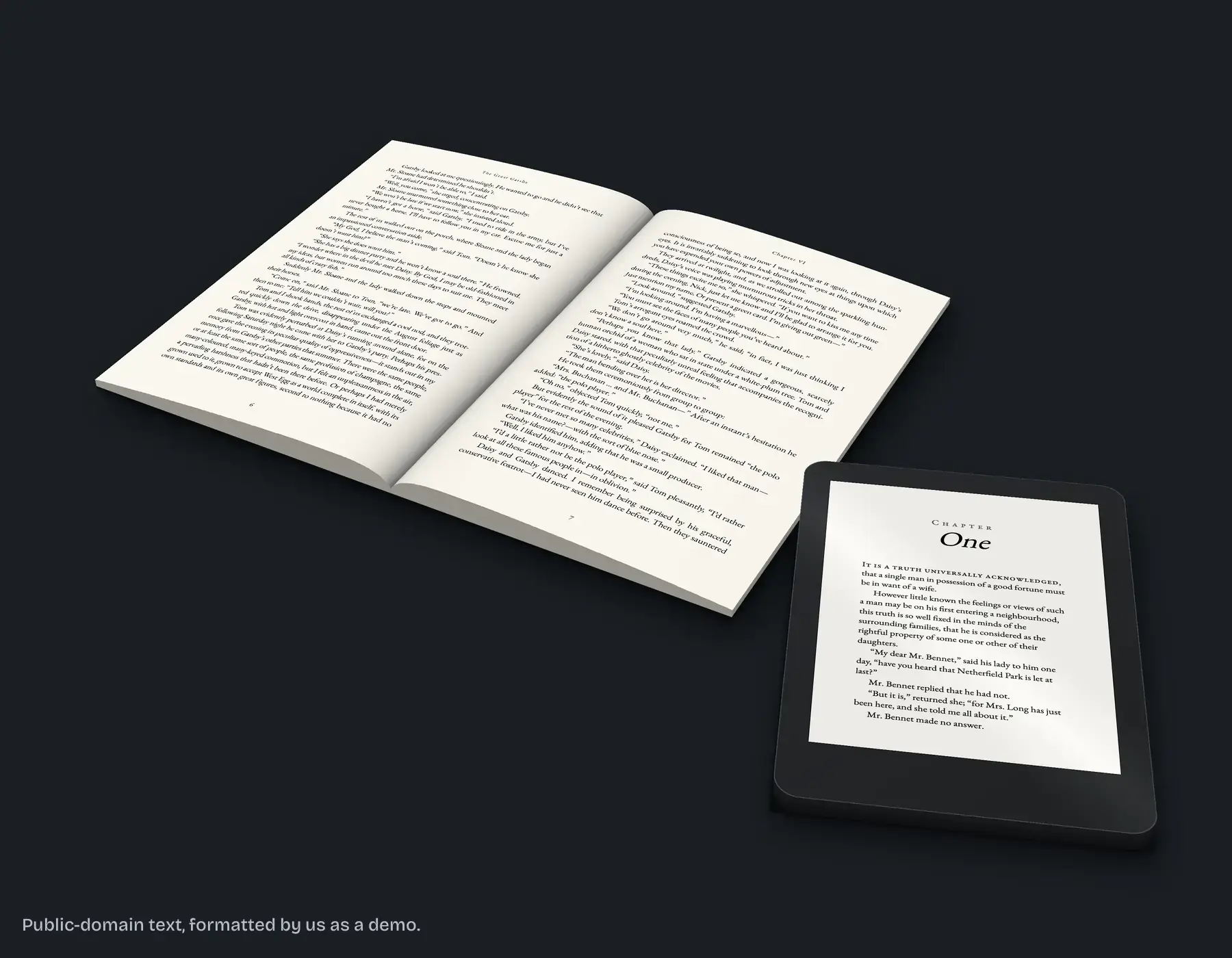
On October 10, 2026 we set a sample chapter from The Great Gatsby as a 6 x 9 inch paperback. The Word file was 12 pages. The finished paperback was 14, with a 0.75 inch inside margin, 0.6 inch outside, 34 lines a page, every font embedded, and the chapter opening dropped 1.2 inches down the page.
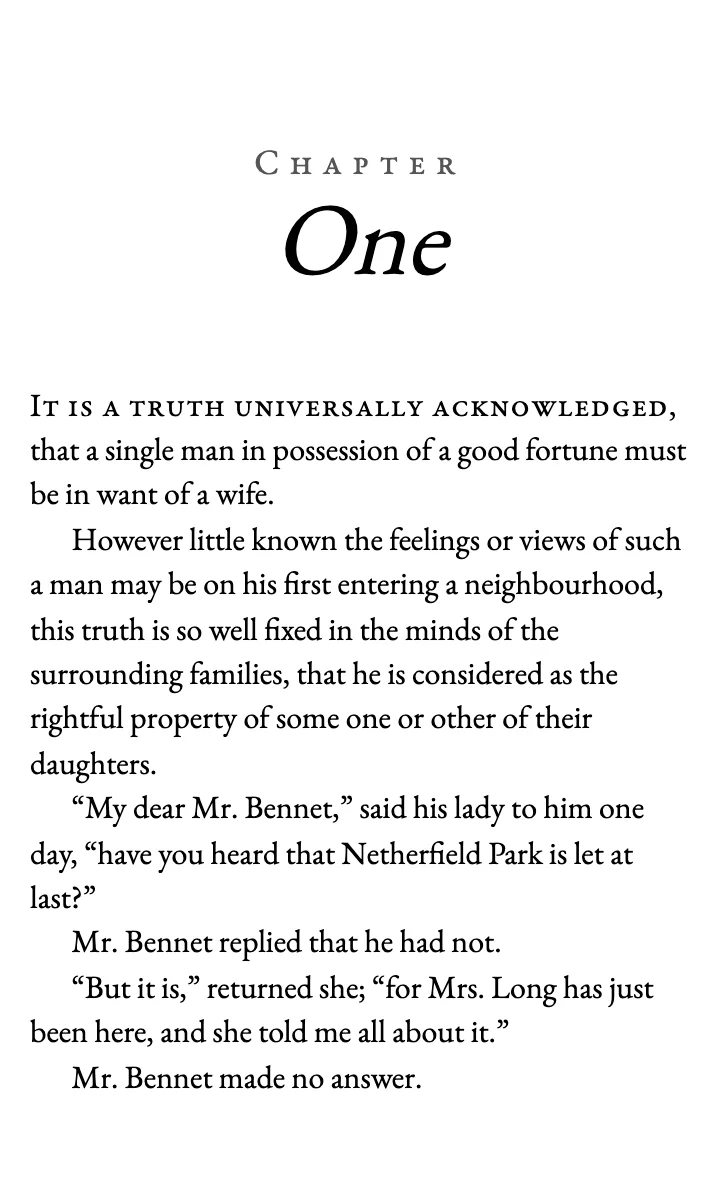
None of those numbers carries over to the ebook. There is no page 14, no gutter and no 34-line page, because the Kindle reflows the text to whatever size the reader picks. The work that does carry over is in the text itself: clean paragraph styles, real headings and no manual spacing.
This is the fix we do: one manuscript in, two files out, the EPUB checked in Kindle Previewer and the PDF checked against KDP's print specs, with the screenshots sent to you.
What else do authors ask?
You can upload a Word file to both, but it will not be right for both. The paperback needs fixed pages, margins and page numbers; the ebook needs those taken out.
For a paperback, a PDF at your trim size with fonts embedded. For an ebook, KDP accepts Word, KPF and EPUB among others; check any EPUB in Kindle Previewer before you upload.
No. KDP says page numbers and page count do not apply to reflowable ebooks.
Finish the text first. After that, the order matters less than not editing the text in one file and forgetting the other.
Yes. The ebook cover is the front only, ideally 2,560 x 1,600 pixels. The paperback cover is a full wrap PDF sized to your page count.
Want both files made from one manuscript?
We format ebook and paperback together for $249, up to 80,000 words, in 10 business days. The ebook alone is $99 and the paperback alone is $169. If KDP rejects our files for a formatting reason within 60 days of delivery, we fix them free until they're accepted. If you are still weighing the cost, our post on how much book formatting costs compares the options. Start with a free sample of up to 1,300 words of your book, one per author, back in 2 business days: ask for your free sample.
KDP facts were checked against KDP's help pages on 2026-10-12. KDP can change its rules, so check the linked pages before you rely on one.