Short answer. How to format an ebook for Kindle? Start with the file. KDP recommends three: Word for a mostly text book, a KPF from Amazon's free Kindle Create if you sell only on Kindle, or an EPUB if you sell elsewhere too. Style every chapter title as a heading, leave the cover out, and check the result in Kindle Previewer.
Key points
- KDP's recommended ebook formats are Word (DOC and DOCX), KPF, EPUB and MOBI.
- MOBI is no longer accepted for fixed-layout ebooks, effective March 2025.
- Most Word files convert well. Files with complex formatting may not.
- KPF is the file Kindle Create makes. KDP accepts it directly.
- An EPUB can come from any tool, and KDP recommends checking it in Kindle Previewer first.
- The cover is uploaded separately. It does not go inside the manuscript.
What ebook format does Kindle use?
Kindle takes several, and KDP names its recommended ones on its eBook manuscript formats page: Word (DOC or DOCX), Kindle Package Format (KPF), EPUB and MOBI. When we read that page on 13 October 2026 it also listed HTML, RTF, plain text and PDF as accepted, with PDF limited to a set of languages.
For most novels and nonfiction the real choice is between three: Word, KPF or EPUB. MOBI is the old Kindle format, and KDP says it stopped accepting MOBI for fixed-layout ebooks in March 2025.
You never pick the format a reader sees. KDP converts whatever you upload into its own delivery format. Your job is to hand it a file that converts cleanly.
Can I upload my Word file to KDP as it is?
Often, yes. KDP's own wording is that "most DOC/DOCX files convert well to eBooks", and that some files with complex formatting may not convert as well.
"Complex" in practice means things Word draws on top of the text: text boxes, shapes, columns, and spacing made with the space bar or the Tab key. KDP's guidance for Word manuscripts asks you to insert pictures as images rather than as shapes or text boxes.
The part people skip is styling. Kindle builds the table of contents from headings, so every chapter title needs Word's Heading 1 style, not bold Normal text at a bigger size.
If you are formatting in Word, our step by step guide to formatting a book for KDP in Word covers the paperback side, and most of the styling advice carries over to the ebook. When you want the file built for you instead, that is our ebook formatting service.
What is a KPF file, and when should I use Kindle Create?
KPF is the Kindle Package Format, and Kindle Create is the free Amazon app that makes it. KDP describes KPF files as letting your ebook "easily format and fit all Kindle devices".
Kindle Create reads your Word file, detects the chapter titles and offers them to you as a list. You accept the ones that are real chapters, and those become the Kindle table of contents.
The trade off is that a KPF is made for KDP. KDP's formats page does not say a KPF can be used at other stores, so if you also sell on other stores, check what file each one asks for before you commit to Kindle Create.
KDP also notes that Kindle Create does not support reflowable or print replica books in Japanese.
Already have a KPF and need a file for another store? Our post on what a KPF file is explains why you export an EPUB from Kindle Create instead of converting the KPF.
When is an EPUB the better file?
When you want one file that works at Amazon and elsewhere, or when the book needs layout control Word cannot give you.
KDP says an EPUB can be made with any third party tool, and that it should meet the Kindle Publishing Guidelines. Its advice is the same on every route: "We recommend validating the file with Kindle Previewer before you upload your book."
An EPUB is a zip folder of web pages with a style sheet. That makes it easy to inspect and easy to get wrong in ways a Word user never sees.
What does a badly converted ebook look like inside?
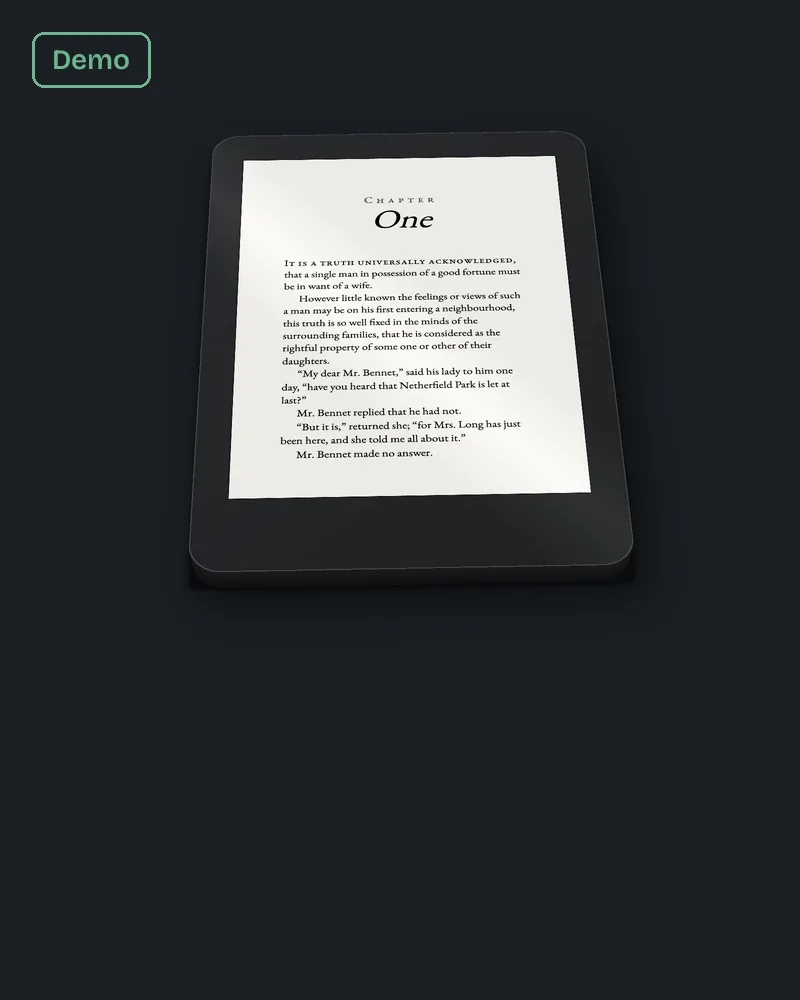
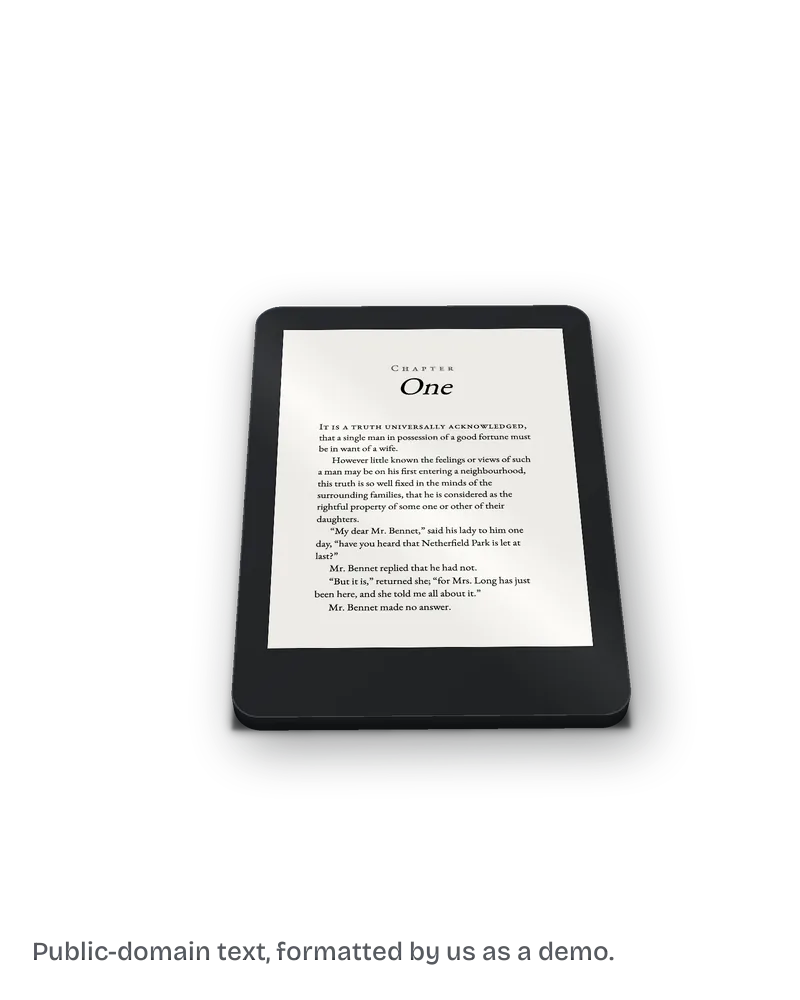
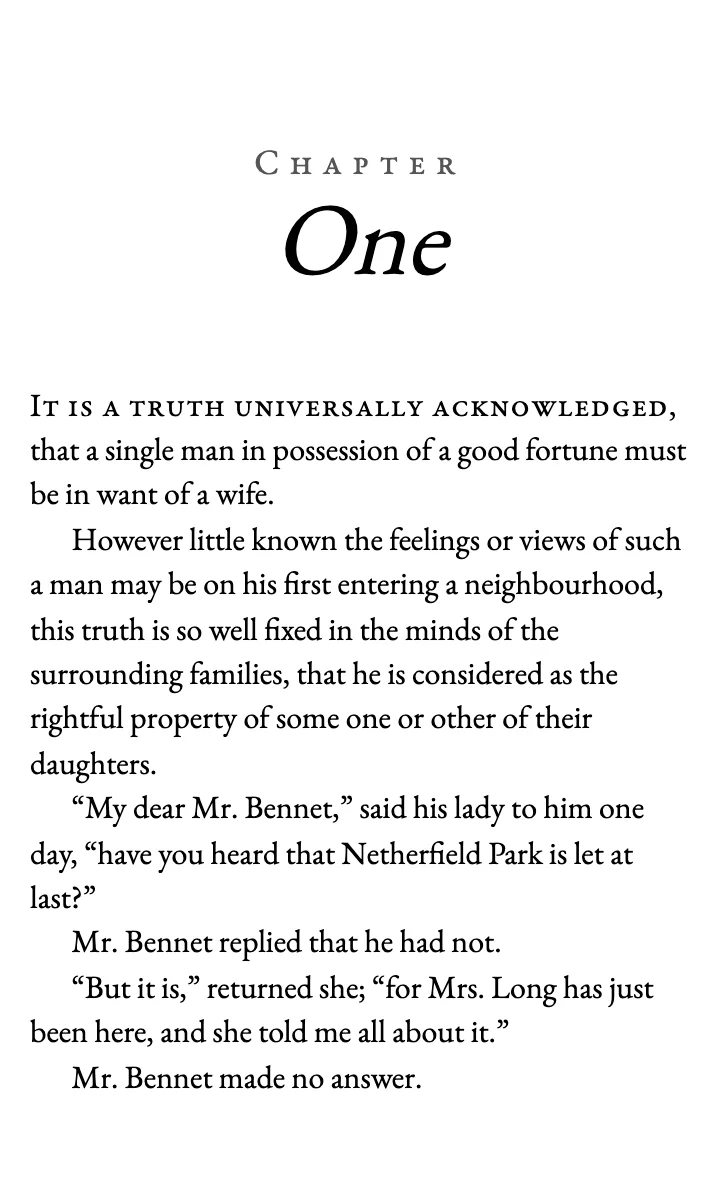
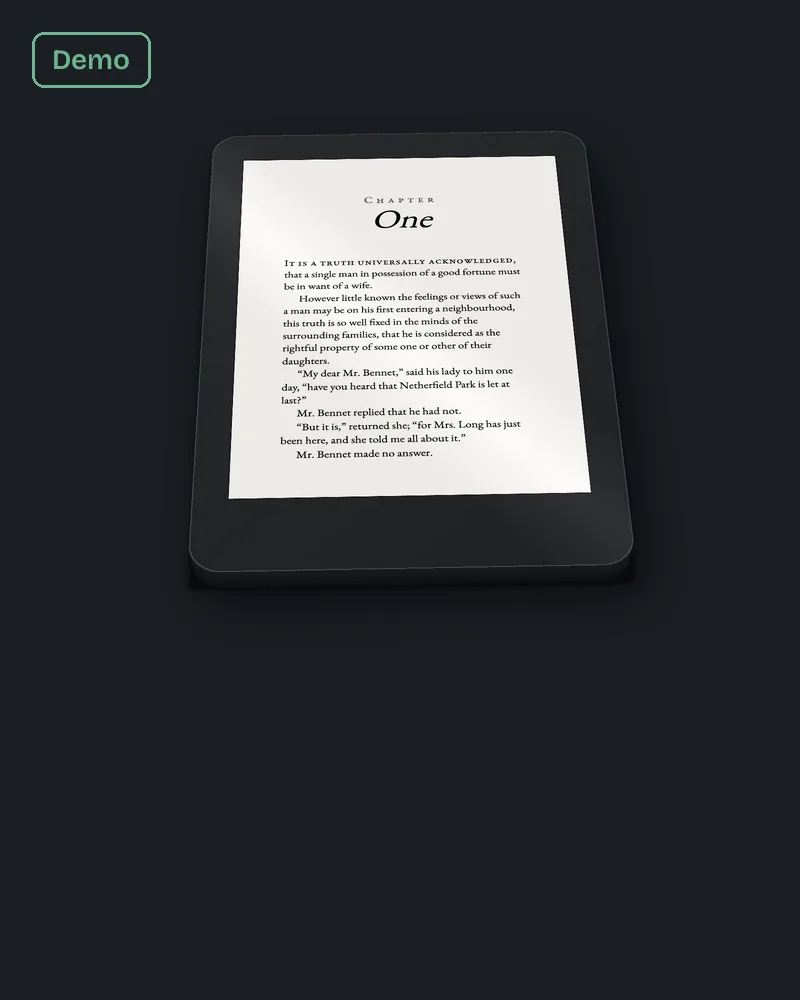
On 13 October 2026 we unzipped the two sample EPUBs we built for our ebook page, both from the first chapter of Pride and Prejudice. The "before" file was made the way many manuscripts reach us: text copied from a Word PDF export, with "Chapter 1" typed in bold and no styles at all.
That Word file had zero paragraph styles in it. We checked its document.xml and found no style tags on any paragraph. The chapter title was ordinary text with bold switched on.
The EPUB built from it showed the cost. Every paragraph locked the font to Times New Roman at 12 pt, the indent was eight typed spaces, and the table of contents had one entry whose link text was a single blank space. A reader opening the Kindle menu would see an empty line.
The "after" file puts the chapter title in a real heading with an anchor, sets no text size so the reader's own setting wins, and gives the contents link the label "Chapter One". Same words, same chapter, built from styles instead of typed formatting.
The fix we do for this: we turn your manuscript into a Kindle EPUB with a linked table of contents for $99, up to 80,000 words, in 7 business days, check it in Kindle Previewer and send you the screenshots. Ask about your ebook.
Should the cover go inside the ebook file?
No. KDP's Word formatting guidance says not to put the cover in the manuscript. You upload the cover in its own step on the content page, and Kindle places it for you.
A cover pasted into the manuscript usually shows twice: once as the cover, then again as the first page of the book.
Can I switch from a reflowable ebook to print replica later?
Not by editing the existing title. KDP says that to switch, you unpublish the earlier version and add the book again as a new title in the format you want.
Reflowable is the right choice for most text books, because the reader can change the font size and the text flows to fit. Print replica keeps a fixed page, which suits books where the layout carries the meaning.
After you format an ebook for Kindle, how do you check it?
Open it in Kindle Previewer, Amazon's free desktop app, and look at it as a phone, a tablet and an e-reader. Click every table of contents link and change the font size.
Our post on ebook vs paperback formatting for KDP lists what changes between the two files, so a clean paperback PDF does not lull you into skipping the ebook check.
What else do authors ask about formatting an ebook for Kindle?
KDP recommends Word (DOC or DOCX), KPF, EPUB and MOBI, and accepts a few more. MOBI is no longer accepted for fixed-layout ebooks.
Yes. It is Amazon's own app, and it saves a KPF file for KDP.
KDP accepts PDF in a limited set of languages. Text in a PDF does not reflow well, so Word, KPF or EPUB is the safer choice.
KDP's page does not say so. It describes KPF in terms of Kindle devices only.
Our ebook build is $99 up to 80,000 words. The full breakdown, with other ways to do it, is on our page about what book formatting costs.
What should you do next?
Open your manuscript and check whether the chapter titles use a heading style. If they are bold Normal text, fix that first. If you would rather hand the file over, the $99 build on our ebook formatting page comes back checked in Kindle Previewer.