Short answer. The KDP 7 keywords are seven boxes in your book details, and each can hold a keyword or a short phrase. Use them for what readers type and your title and categories do not already say: setting, character types, plot themes and tone. Leave out quotation marks, your own title, other authors' names and words like "bestselling" or "new".
Key points
- KDP says to use "up to seven keywords or short phrases" and to watch the character limit in each field.
- Write each phrase in the order a reader would type it.
- Do not repeat words from your title, author name or categories.
- No quotation marks: KDP says a quoted phrase only finds readers who type every word.
- KDP has zero tolerance for keywords that advertise, promote or mislead.
- Our Amazon book listing optimization writes all 7 for you, with the description, subtitle, categories and bio.
What are the 7 KDP keywords for?
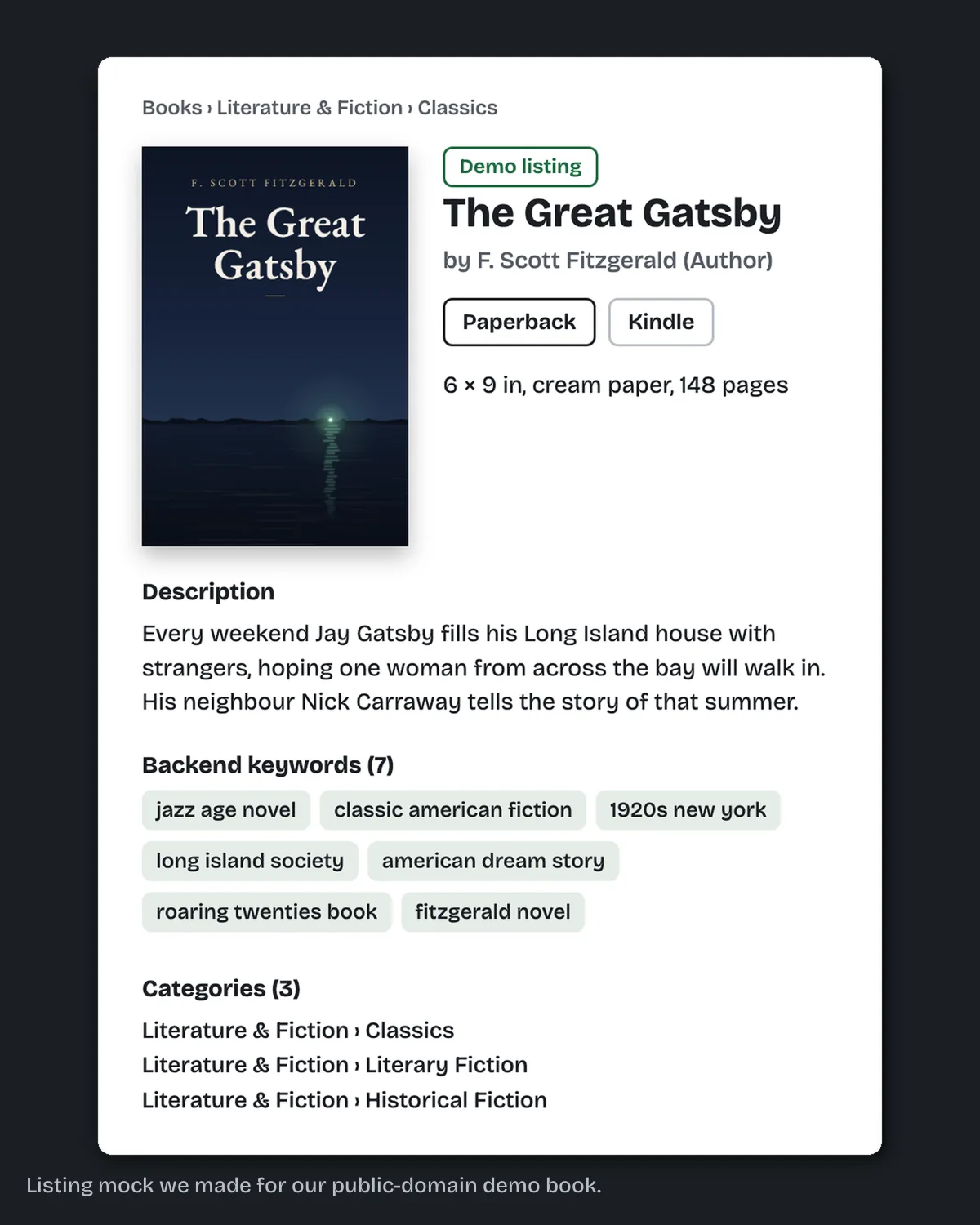
The 7 KDP keywords are seven boxes in your book details, each holding one keyword or a short phrase. They help Amazon match your book to what readers type. Fill them with what your title and categories do not already say. KDP says keywords "can capture useful, relevant information that won't fit in your title and description".
They also help with shelving. KDP's categories page says that if you cannot find a specific category, keywords help Amazon decide where to put the book. Our post on KDP categories covers the 3 categories you choose alongside them.
What should go in each of the KDP 7 keywords boxes?
What a reader would type. KDP suggests thinking like a customer and lists five useful types:
- Setting: for example, Colonial America.
- Character types: single dad, veteran.
- Character roles: strong female lead.
- Plot themes: coming of age, forgiveness.
- Story tone: dystopian, feel-good.
KDP also asks you to put words in a logical order. Its example: readers search for "military science fiction", not "fiction science military".
Should I use single words or phrases?
KDP leans to single words: "Single words work better than phrases, and specific words work better than general ones." It still allows short phrases, and one rule matters more than either choice: no quotation marks.
KDP's example is the phrase complex suspenseful whodunit. Typed with quotation marks, only people who search all of those words find the book. Typed without them, readers can search for any of the words and still find it. So write phrases plainly, and let each box carry a few related words.
Which keywords does KDP not allow?
KDP's keywords page and its Metadata Guidelines rule out:
- words already in your title, author name or other metadata;
- words already in your categories;
- claims about quality, such as "best novel ever";
- time-sensitive words, such as "new", "on sale" or "available now";
- words common to everything in the category, such as "book";
- spelling errors, and variants in spacing, punctuation, capitals or plurals;
- other authors' names, and books by other authors;
- sales rank claims, such as "bestselling";
- brands you do not own;
- Amazon program names, such as "Kindle Unlimited" or "KDP Select";
- HTML tags and quotation marks.
KDP's words: it has "a zero tolerance policy for metadata that is meant to advertise, promote, or mislead".
The fix we do for this: Amazon book listing optimization. We research and write your description, subtitle, 7 keywords, 3 categories and author bio as text ready to paste into KDP. It costs $149 and takes 5 business days, and we never log in to your account. Send us your book.
What do 7 filled boxes look like?
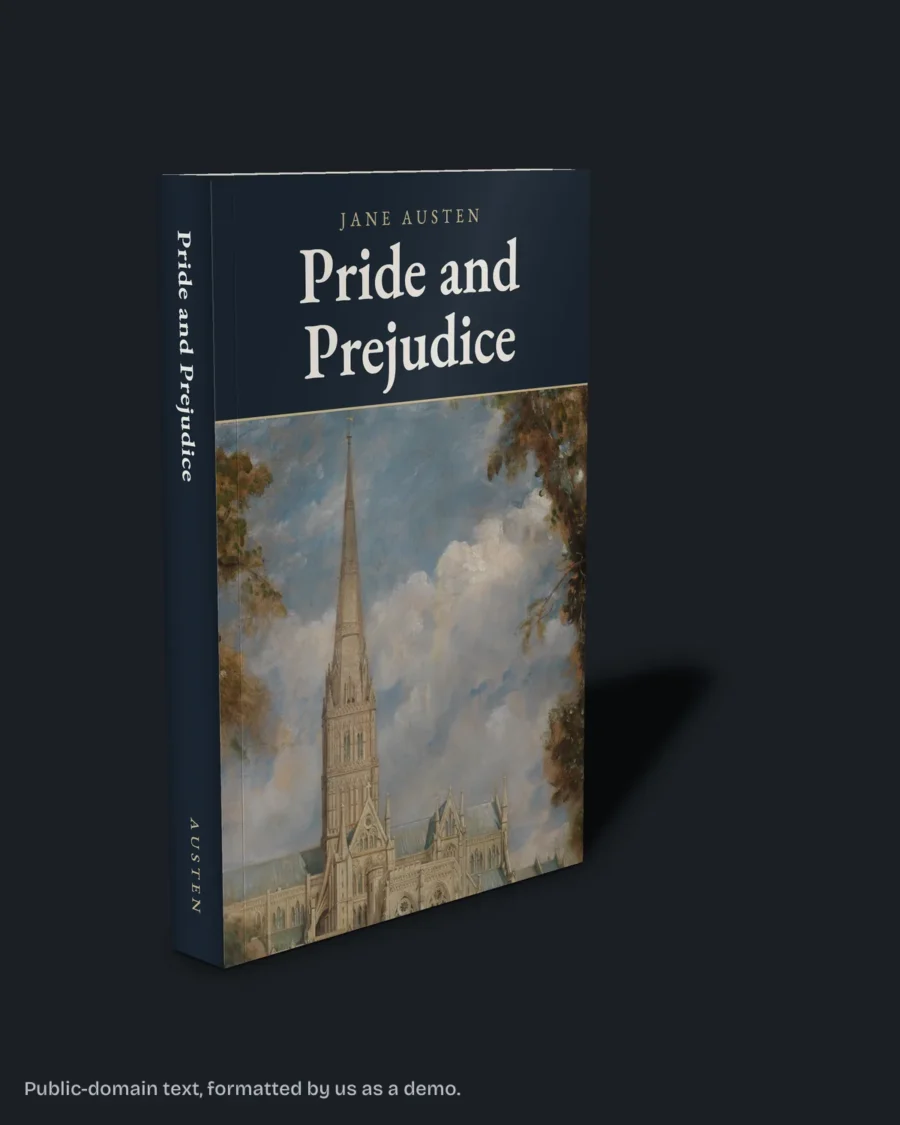
Here is a set we wrote on 13 October 2026 for our own sample book, chapter one of Pride and Prejudice. It assumes a public domain edition with original notes, since KDP only takes differentiated public domain books. Title and author words are left out, because KDP already has them.
- regency era courtship classic
- enemies to lovers historical romance
- witty heroine marriage plot
- english country house family drama
- elizabeth bennet darcy
- study guide with period notes
- reading group nineteenth century fiction
No word appears in two boxes, so each box reaches a different search.
Box 6 only belongs there if the edition really has study notes. We left out "annotated" because KDP's public domain rules already put it in the title, and title words do not go in the boxes. A keyword that promises something the book lacks is the kind KDP calls misleading. Before using any of them, KDP suggests typing each into Amazon search and checking that the results look like your book.
How do I check my keywords before publishing?
Search Amazon with each one. KDP says to look at the suggestions in the search drop-down and to change any keyword that brings back irrelevant results.
Then keep the set consistent. KDP asks you to use the same keywords and description across your formats, so the ebook and paperback should match.
Can I change my KDP keywords later?
Yes, once the book is Live. KDP lists keywords among the details you can update after publishing, and KDP may review the change. Change one or two at a time, so you can tell what made a difference.
What else do authors ask about the KDP 7 keywords?
Seven boxes. KDP says to use up to seven keywords or short phrases.
No need. KDP says to leave out words already in your title, contributors and other metadata.
No. KDP says a quoted phrase only finds readers who type every word in it.
No. KDP's Metadata Guidelines do not allow other authors or books by other authors.
KDP's update page gives no fixed time and points to its timelines page. Plan for a fresh review.
What should you do next?
Write your 7 boxes from the five types above, check each one in Amazon search, and drop anything KDP bans. If you would rather have the whole listing researched and written, start on our Amazon book listing optimization page.