Short answer. KDP categories are the shelves Amazon puts your book on, and KDP lets you choose 3 for each book. KDP's help page describes no way to add more. Pick categories that describe the book, check them on Amazon's own category lists, and use your 7 keywords for the shelves the 3 cannot reach.
Key points
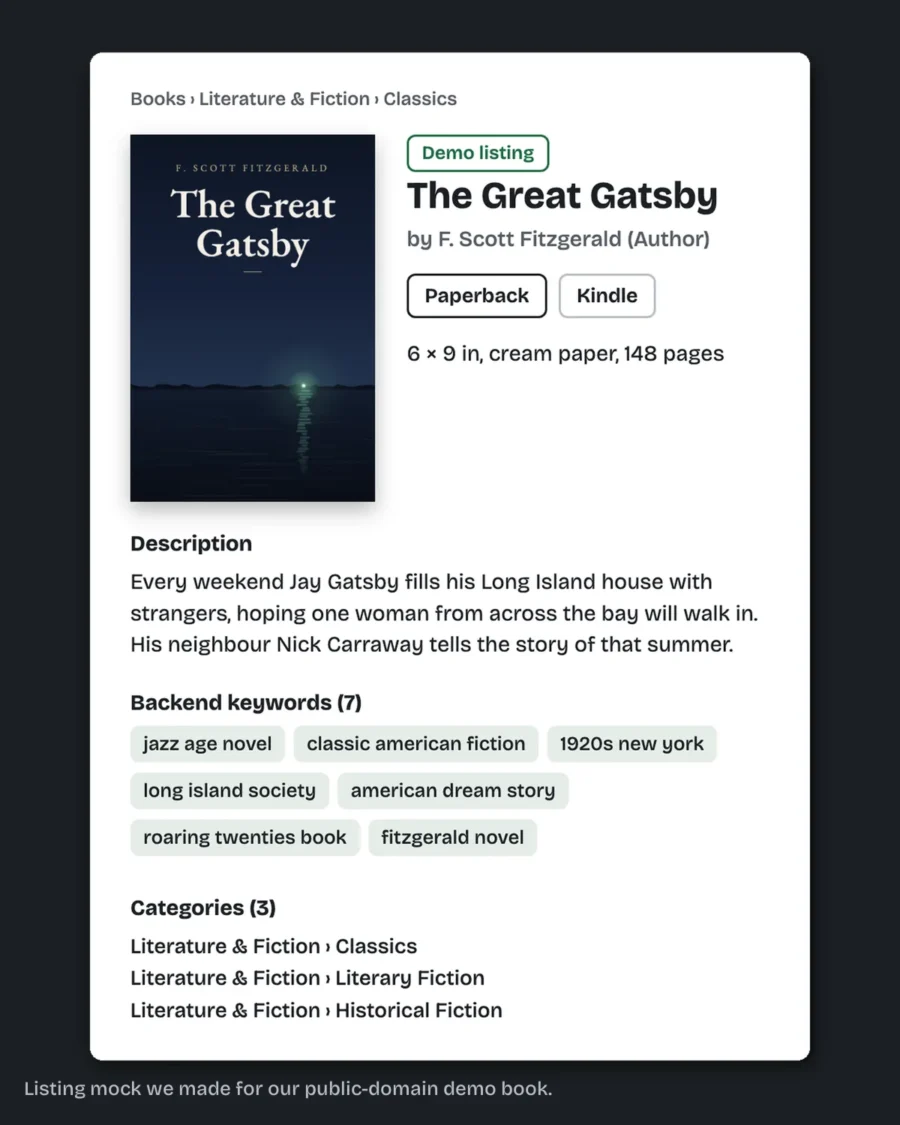
- You choose 3 categories when you set up a book in KDP.
- Categories differ between ebook and print, and between marketplaces.
- A change can take up to 72 hours to show.
- KDP can move a book out of a category that does not match its content.
- KDP support will not recommend categories for you.
- Our KDP upload and listing prep service picks your 3 categories and writes your keywords and description, ready to paste.
How many KDP categories can I choose?
Three. KDP's categories page says "you can select 3 categories when creating a book in KDP."
You may still read advice about asking KDP for 10. That page describes no such route today. It describes the 3, and keywords as the way to reach shelves the 3 do not cover.
How do I get my book into more categories?
Through keywords. KDP's page says that if you cannot find a specific category, keywords help Amazon decide how to "shelve" your book.
So the 3 categories carry the broad fit, and the 7 keywords carry the specific one. A historical romance might use its 3 categories for the genre and spend keywords on the era, the setting and the trope.
How do I choose the right KDP categories?
Start where readers already shop. KDP suggests looking up where similar books sit on Amazon and checking that your book fits there.
Three tests we use, all drawn from KDP's own tips:
- Accurate. It must describe the book. KDP says it does not tolerate categories that mislead readers.
- Not too broad. A shelf with every novel on it buries a new one.
- Not empty. A shelf nobody browses gains you nothing.
Look at the category on Amazon itself. KDP's page links to the Kindle Store and Books store category lists for each marketplace.
The fix we do for this: KDP listing prep picks 3 categories and writes your description, 7 keywords and title fields, all as text ready to paste, for $99 in 2 business days. If you want the keyword and category research behind them, our listing optimization does that for $149. Send us your book's details.
Why are ebook and paperback categories different?
Because Amazon runs separate category lists for its Kindle Store and its Books store. KDP says some categories are not available for every format, and they differ by marketplace too.
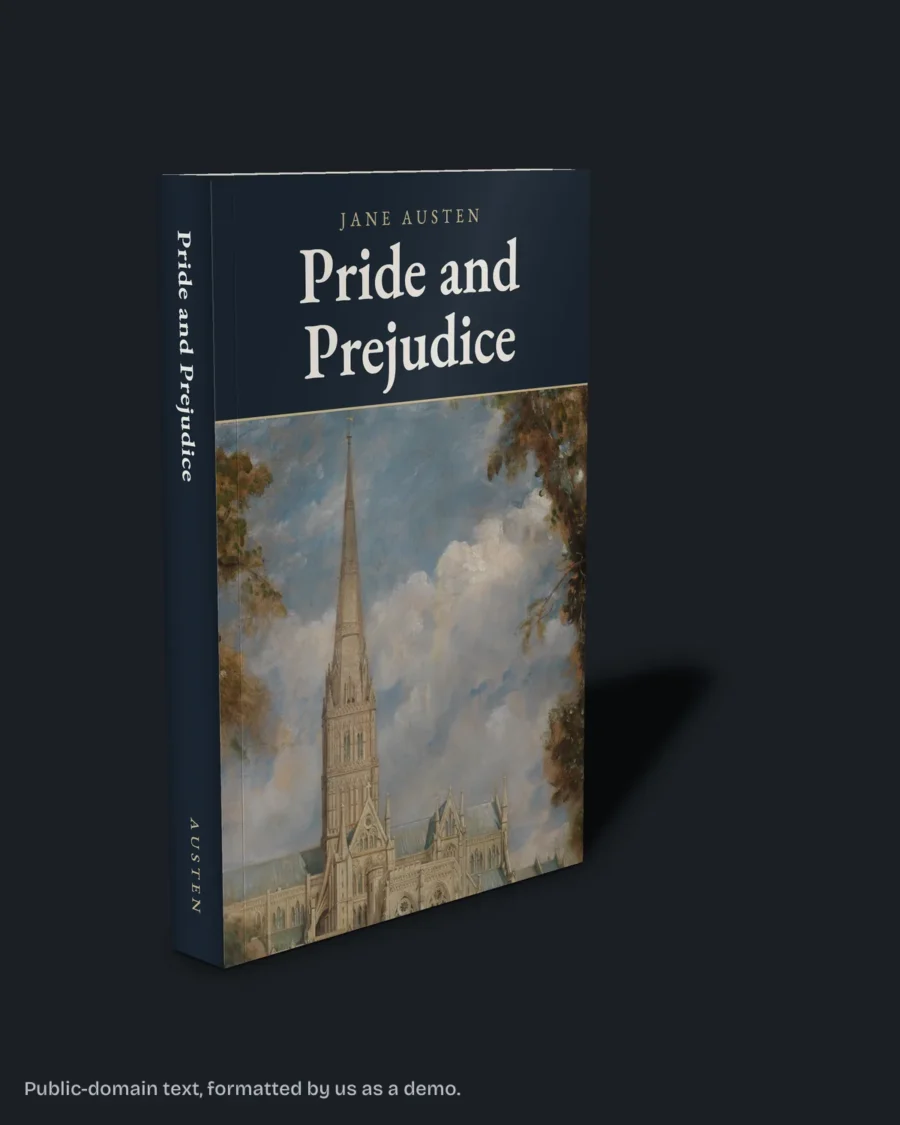
Take our Pride and Prejudice sample wrap, a 6 x 9 inch, 384 page paperback. On KDP the ebook and the paperback of one title are two books, and each picks its categories from its own list. We have not entered categories for this sample book on KDP, so that is KDP's rule, not our result. Check both, rather than assuming the ebook's three exist for print.
KDP suggests choosing for your primary marketplace first.
How do I change my categories on KDP?
From your Bookshelf. Click the three dots next to the book, choose Edit details, and on the Details tab go to Categories. Check Primary Audience and Primary Marketplace first, as KDP asks.
Remove a category before adding a new one if you already have three. Save and submit. KDP says the new categories can take up to 72 hours to show.
Categories, keywords and the description can be changed after publishing. Our post on Amazon book description length covers the description field.
Why is my book not showing in my category?
KDP's page lists the usual causes:
- Fewer than 72 hours have passed since the change.
- Amazon retired or changed the category.
- The book is marked sexually explicit, which removes it from children's and young adult categories.
- The category does not match the book, and KDP moved it.
Reading age matters for children's and teen shelves. KDP says children's categories need a reading age from 0 to 12, and teen and young adult ones need 13 to 17.
What else do authors ask about KDP categories?
Three per book.
KDP's current help page describes no way to do that.
Up to 72 hours, by KDP's page.
No. KDP says its support team cannot recommend categories.
Yes, from Edit details on your Bookshelf.
What should you do next?
Find three books like yours on Amazon, note the categories they sit in, and keep the three that describe your book most exactly. Put the rest into keywords. If you want it done for you, start on our KDP upload and listing prep page.