Short answer. The Amazon book description length limit in KDP is 4,000 characters, and every HTML tag counts toward it. KDP itself suggests aiming for a 150-word paragraph that is easy to scan. Only the opening lines show before "Read more", so the first sentence has to do the selling.
Key points
- Amazon book description length: 4,000 characters maximum, entered in KDP.
- HTML tags count. Bold one word and you spend 7 extra characters.
- KDP recommends about 150 words. That is roughly a fifth of the limit.
- Amazon does not publish where "Read more" cuts in. Write the hook as if readers see one or two lines.
- No reviews, quotes, links, prices or dates in the description. KDP does not accept them.
What is the Amazon book description length limit?
The Amazon book description length limit is 4,000 characters. KDP states the limit on its Write a Book Description help page, under the steps for editing the Description field. The count includes HTML, whether you type in the text editor or in the Source view.
KDP's own example: the word "test" counts as 4 characters, and the same word in bold counts as 11, because the opening and closing bold tags are 7 characters between them.
So a description full of bold phrases and line breaks reaches the limit sooner than the word count suggests.
How long should a book description be?
A book description should be shorter than the 4,000-character limit. KDP's advice is to keep it simple and aim for a 150-word paragraph with sentences that are easy to scan. That limit is rarely the problem. A description that reaches 4,000 characters is usually 600 words of plot summary, too long for a reader deciding in a few seconds.
We tested what that means in characters on 13 October 2026. We wrote a 157-word description for a sample novel, a mystery set on an island lighthouse. It came to 856 characters. With a bold first line, three paragraph breaks and an italic closing line, it came to 891. That is 22% of the 4,000 limit.
Cutting a long description down to the part that sells is most of our Amazon listing optimization work.
For non-fiction, a little longer can work, because readers want to know what they will be able to do after the book. A short opening paragraph plus a short bulleted list of what the book covers fits well inside the limit.
What shows before "Read more"?
Only the first few lines of a description show before "Read more". How many exactly depends on the page, and Amazon does not publish a character count for the cutoff. We found no number for it on KDP's help pages. That is why the first sentence matters more than the rest.
KDP's help page says the first sentence may be a reader's first impression and should draw them in. Our sample opened with one line of 123 characters: a letter that names a man the whole island swore was drowned. Someone who reads only that knows the genre, the hook and the stakes.
Write your opening as if it is the only thing a reader sees. Everything after "Read more" is for the readers who are already interested.
What HTML can I use in the description?
KDP supports a short list of HTML tags in the description: line breaks, paragraphs, bold, italic, underline, h4 to h6 headings, and numbered and bulleted lists. Every tag you add costs characters from the 4,000-character limit, because the count includes HTML. These are the tags as KDP writes them:
<br>for a line break, and<br><br>for an empty line between paragraphs<p></p>for a paragraph<b></b>for bold,<i></i>and<em></em>for italic,<u></u>for underline<h4></h4>to<h6></h6>for headings.<h1>to<h3>are not supported.<ol>,<ul>and<li>for numbered and bulleted lists
Use bold for the hook line, not for whole paragraphs. Too much bold stops reading as emphasis. Our post on KDP description HTML has the character cost of each tag and a template you can paste.
What can't go in an Amazon book description?
An Amazon book description can't hold reviews, quotes, links, prices or dates, because KDP does not accept them. The ban on reviews surprises people. A line of praise from another author belongs in your A+ Content or on your website, not in the description. These are the items on KDP's list that authors trip on most:
- Reviews, quotes or testimonials
- Requests for customer reviews
- Phone numbers, email addresses, mailing addresses or website URLs
- Time-sensitive information, such as dates of a launch tour
- Price, availability or links to order elsewhere
- Unicode emojis
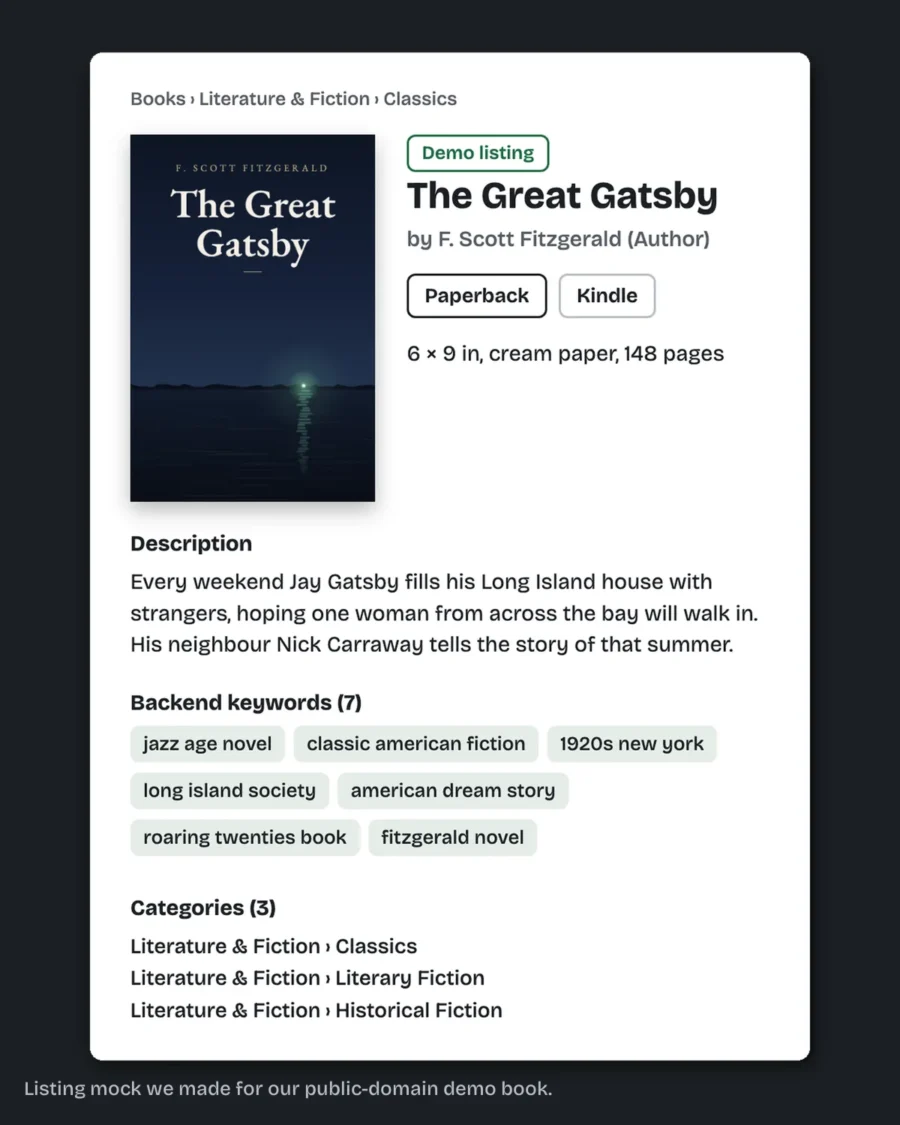
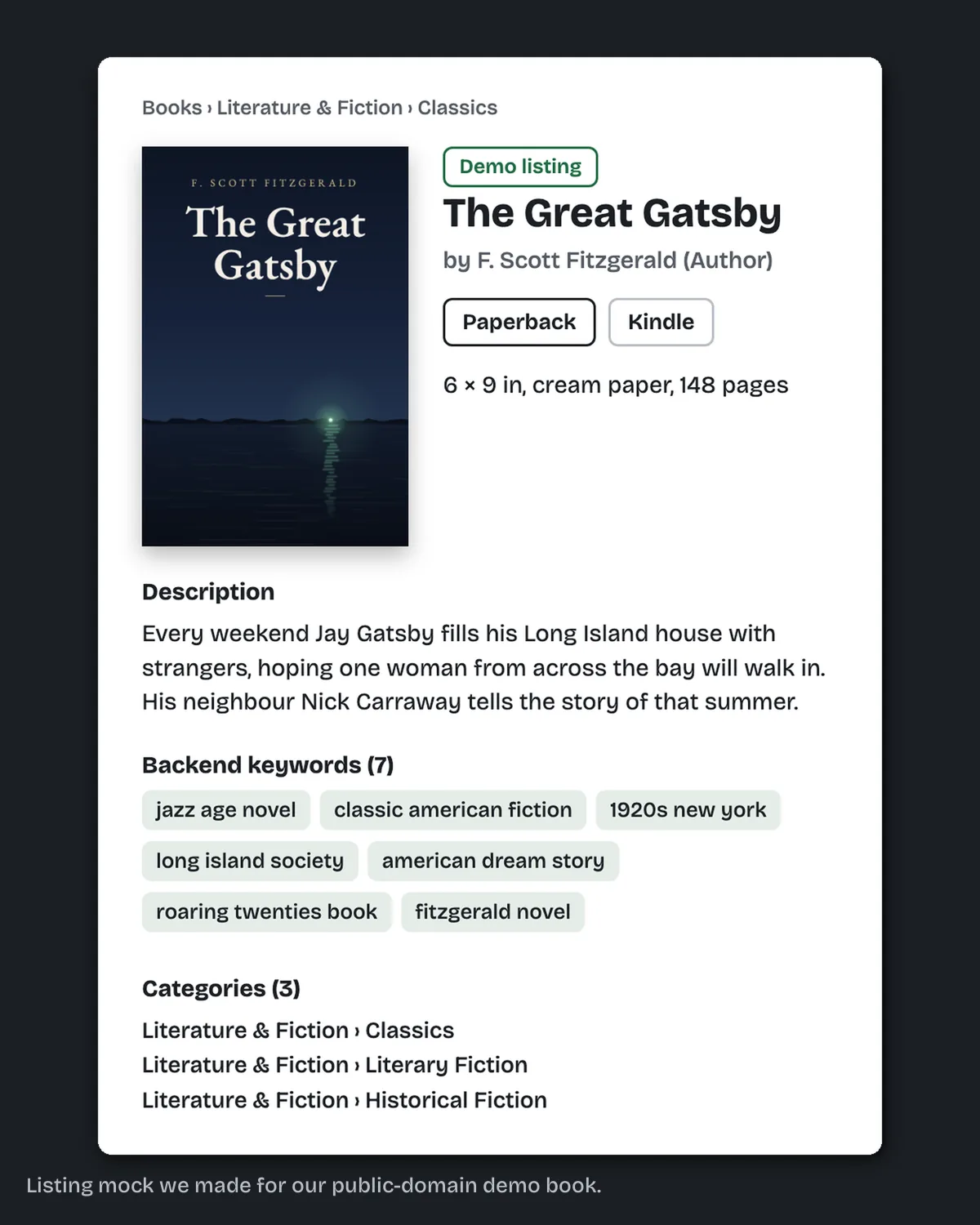
The fix we do for this: we write the description with the hook in the lines that show before "Read more", plus the subtitle, 7 keywords and 3 categories, as text ready to paste into KDP. Tell us about your book and we reply with the price and dates.
Why does KDP say my description has invisible characters?
The invisible characters warning usually means the description was pasted from a document. KDP's help page says errors such as "Description may not contain invisible characters" or "Please fix the highlighted issue" mean there are hidden or unsupported characters in the HTML source, and that this often happens when text is copied straight from a document into KDP.
The fix: click Source in the Description field and look for tags that are not on the supported list, or for empty brackets. KDP's other suggestion is to type the description in by hand.
The same cause explains a description that shows up all in bold. Check the source for a heading tag or a bold tag that was never closed.
Can I change the description after the book is live?
You can change the description after the book is live. Go to your Bookshelf, click the three dots next to the book, choose Edit details, change the Description and publish again. A paperback's title and subtitle lock 72 hours after it is first published; the description stays editable.
That makes the description the cheapest part of a listing to test. If a book is not converting, rewriting the first two lines is a small change you can make today.
How is the description different from the rest of the listing?
The description persuades a reader who has already found the book. The 7 keyword boxes and the categories decide where the book shows up. Both matter, and they do different jobs. Do not pad the description with your keyword phrases: a list of search terms reads badly to the person deciding whether to buy. Our post on KDP categories explains how to pick the 3 and why a book can drop out of one.
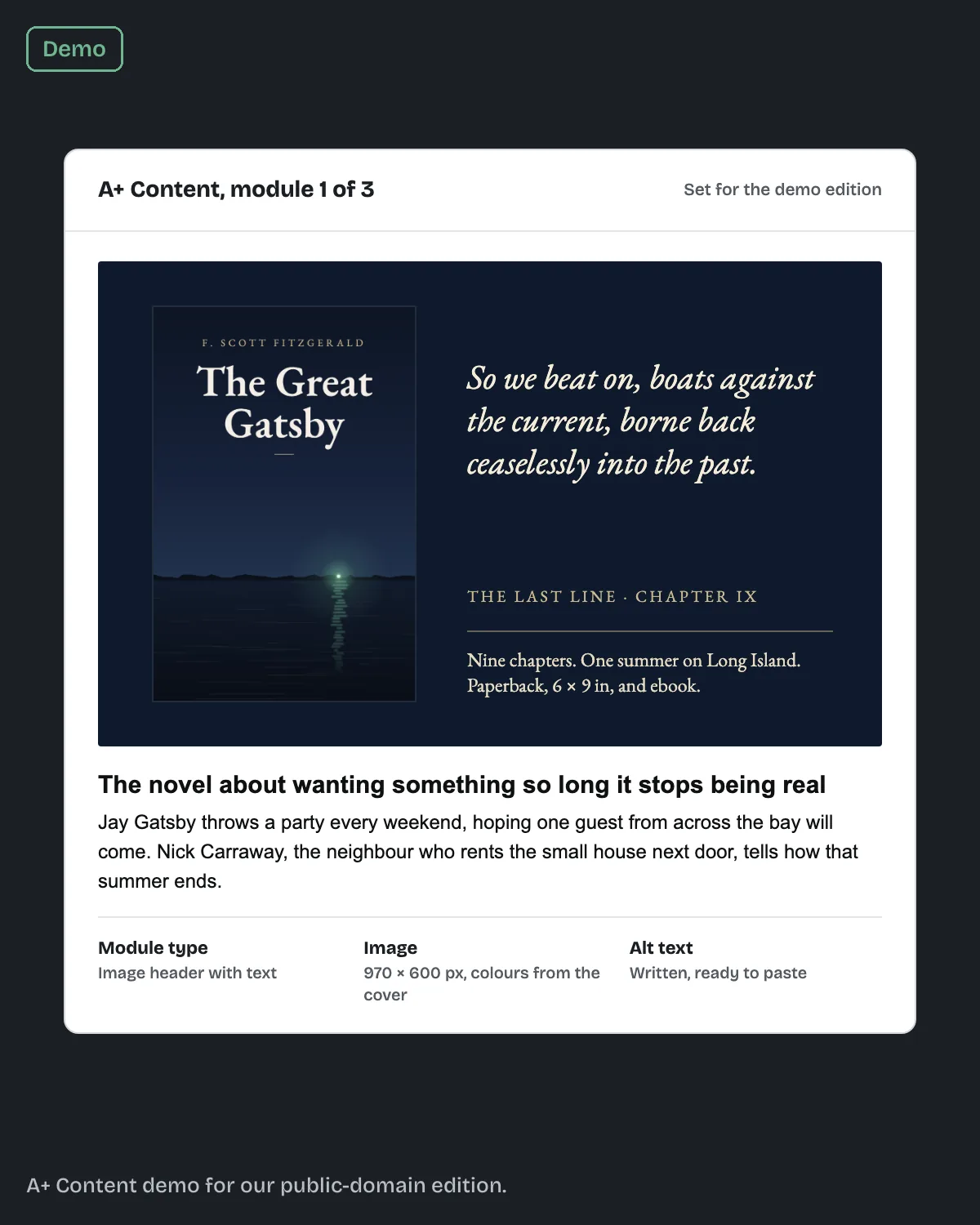
Amazon book listing optimization is the work of getting all of those to fit the same reader. Ours is $149 for the description, subtitle, 7 keywords, 3 categories and author bio, in 5 business days, as text you paste in yourself. With a 3-module A+ Content set it is $219 in 7 business days. The full list of what we write is on our Amazon listing optimization page. We do not promise sales or rankings; nobody outside Amazon can.
If your listing is ready but the interior file keeps bouncing back, start with the ten formatting fixes behind most KDP rejections.
What else do authors ask about Amazon book description length?
Roughly 700 words of plain text, fewer with HTML. Our 157-word sample used 856 characters.
KDP counts every character in the field, including HTML tags. Plan for spaces to count.
The same field and limit apply. KDP's advice of about 150 words works for ebooks too.
No. KDP does not accept reviews, quotes or testimonials there.
Only <h4> to <h6>. Larger heading tags are not supported.
What should you do next?
The next step is to send us the book's title, and its Amazon link if it is live. We reply with what we would change in the listing and the price. Our listing work covers the description, subtitle, 7 keywords, 3 categories and author bio: ask about your listing.
Sources, read 13 October 2026: KDP Help, Write a Book Description; KDP Help, Fixing errors or formatting with book descriptions; KDP Help, Update your book details.