Short answer. A KDP cover error almost always comes down to one of six things: a PDF the wrong size for your page count, a background short of the 0.125 inch bleed, spine text on a book under 79 pages, text outside the safe zone, more than one page, or a title and author that differ from your book details.
Key points
- A KDP cover error is usually a size, bleed, spine, safe-zone or book-details problem.
- Your cover size depends on your page count and paper, so it changes when your interior changes.
- Spine text needs at least 79 pages. Under that, take it off.
- Everything readable must sit inside the safe zone, 0.125 inch inside the trim.
- Fix the file in its original program, export a new PDF, upload again. Do not resubmit the same file.
Where does KDP show the cover error?
KDP shows a cover error in two places. Print Previewer flags problems when you upload, and it can point you to the exact spot. If the file passes that check, a person at KDP reviews it after you submit, and any problem arrives by email with links to the error in Print Previewer.
Keep that email. It names the problem, and the wording maps to one of the causes below. If you would rather not decode it yourself, our KDP rejected file page explains the free diagnosis.
Why does KDP say my cover is the wrong size?
KDP says your cover is the wrong size when the PDF does not match what it expects. That size depends on your trim size, page count and paper. KDP's help page says that if the file is sized to other dimensions, Print Previewer will note it and prevent approval.
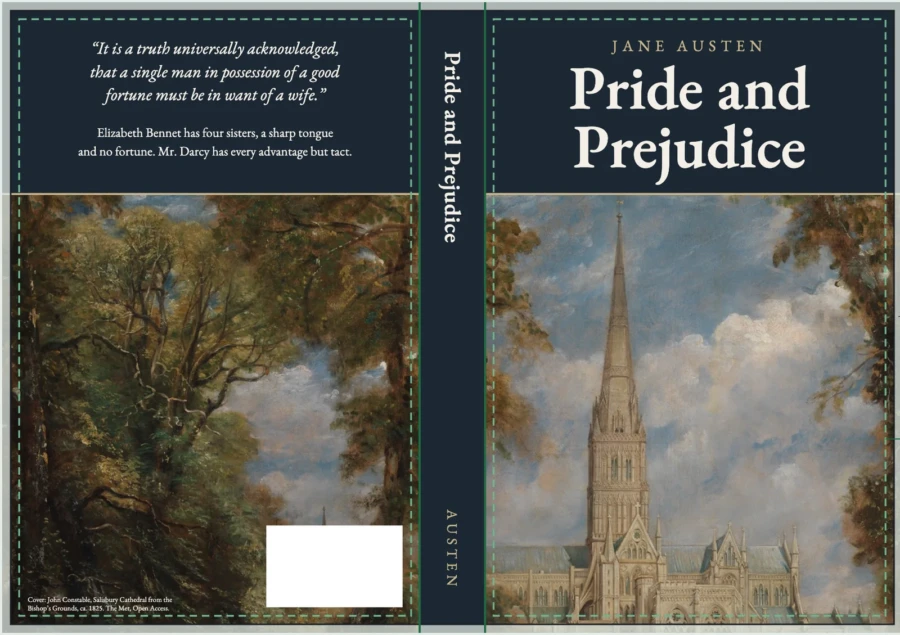
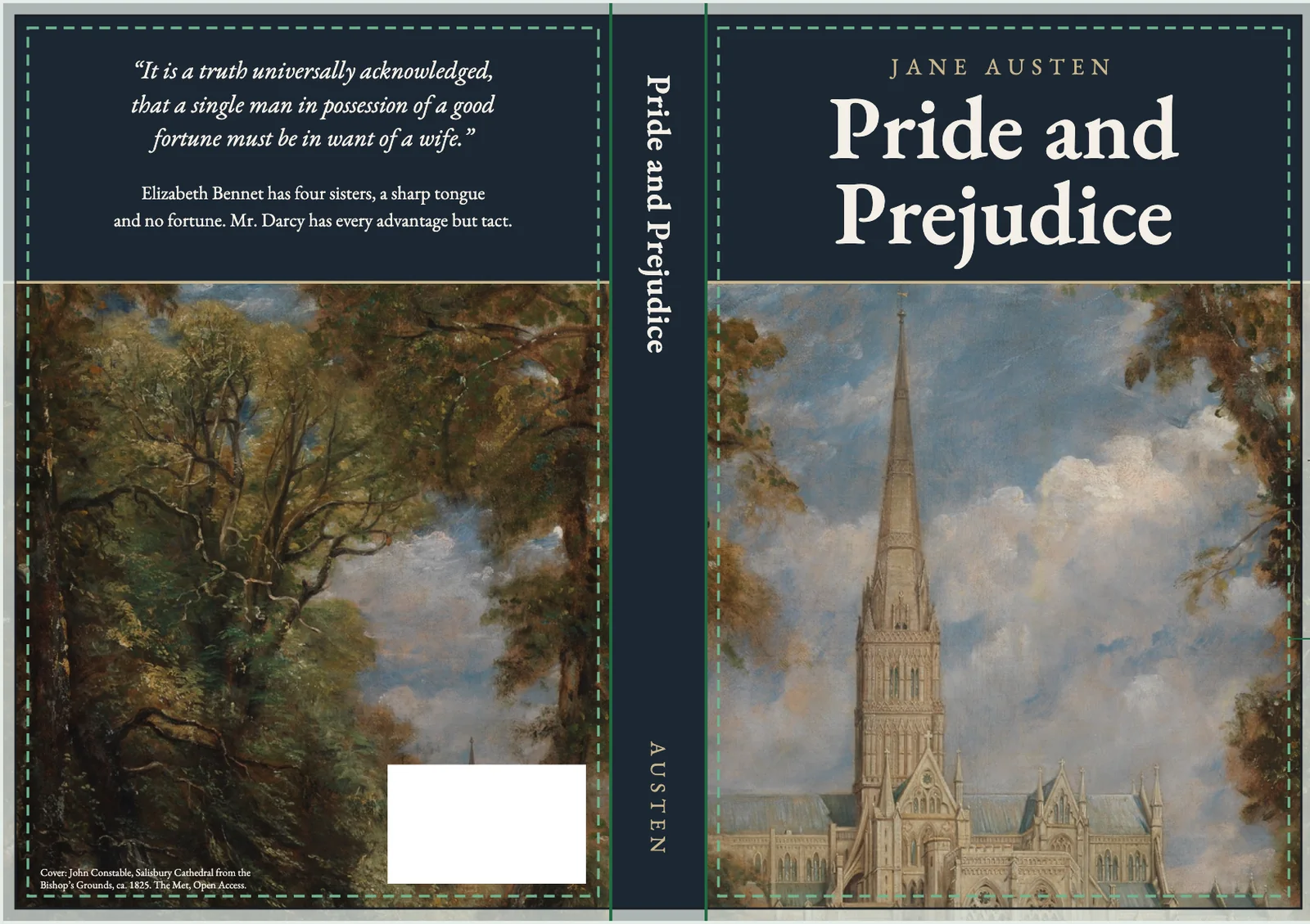
The size is set by a formula: bleed, plus back cover, plus spine, plus front cover, plus bleed. The bleed is 0.125 inch on each outside edge. The spine width comes from your page count:
- White paper: page count x 0.002252 inch
- Cream paper: page count x 0.0025 inch
- Premium color: page count x 0.002347 inch
A 200-page 6 x 9 book on cream paper has a 0.5 inch spine. The full cover is 0.125 + 6 + 0.5 + 6 + 0.125 = 12.75 inches wide, and 9 + 0.25 = 9.25 inches tall.
The trap is that the cover goes stale when the interior changes. Add a chapter, change the font size, or switch from white to cream paper, and the page count or spine changes with it. The old cover is now the wrong width. Our post on KDP paperback cover size and spine width by page count has the full table.
The fix: enter your final page count and paper in KDP's cover calculator and template generator, resize the file to the full cover size it gives you, and export again.
What does a bleed error on the cover mean?
A bleed error on the cover means your background or image stops at the trim line instead of running past it. All KDP paperback covers have bleed. Anything meant to reach the edge has to extend 0.125 inch beyond the trim line on every outside edge.
If it does not, the cutting blade can leave a thin white strip, and KDP rejects it. White space around the edge of the file fails for the same reason.
The fix: stretch the background past the trim line by 0.125 inch on the top, bottom and both outside edges, and remove any white margin around the artwork.
Why was my spine text rejected?
KDP rejects spine text when the book is too short to carry it. KDP needs at least 79 pages for spine text. If you used Cover Creator, the minimum is 80. On longer books, spine text also needs at least 0.0625 inch of space between the text and each edge of the spine.
When we read KDP's Create a Paperback Cover page on 13 October 2026, it said "at least 79 pages" in one section and "more than 79 pages" in another. We treat 80 as the safe line for any cover we make, so the wording cannot catch an author out.
KDP allows 0.0625 inch of shift either side of the fold lines when it binds, so text that runs to the edge can wrap onto the front cover.
The fix: under 79 pages, remove the spine text. Over it, shrink the spine text until it clears the spine edges by 0.0625 inch.
What does "outside the safe zone" mean?
"Outside the safe zone" means some text or a logo is too close to the edge. Front and back cover text must sit at least 0.125 inch inside the trim lines, and no front or back text can run into the spine. In Print Previewer, the safe zone shows as dashed red lines.
The fix: move every word and logo inside the dashed lines. Background art can still run to the bleed.
What if the cover file has more than one page?
A cover file with more than one page is rejected, whether it is two pages or three. KDP wants a single PDF page that holds the back cover, spine and front cover as one image. The fix is to put all three panels on one canvas at the full cover size and export that one page.
Why does KDP say the cover does not match my book details?
KDP flags a book-details mismatch when the title, subtitle or author name on the cover differs from what you typed in the book details. KDP asks for an exact match, and its help page gives an example as small as "John T. Smith" in the details and "J.T. Smith" on the title page.
The fix: change whichever side is wrong so both say the same thing, letter for letter. Check the interior title page and copyright page too.
What else can trigger a KDP cover error?
A KDP cover error can also come from the barcode or from the PDF file itself. If you supply your own barcode, it has to be 300 DPI and 2 x 1.2 inches. If you leave the barcode to KDP, it places one on your back cover for you, so keep the barcode area on the template clear. If you supply your own, our post on KDP barcode placement gives the size, the distances from the spine and trim, and what to do when it covers your art.
KDP's pre-publication checklist names a few more file problems:
- Transparencies not flattened, which can print with missing or distorted content.
- Fonts not embedded.
- Crop marks, color bars or template text left in the file.
- Images under 300 DPI.
- A locked or encrypted PDF.
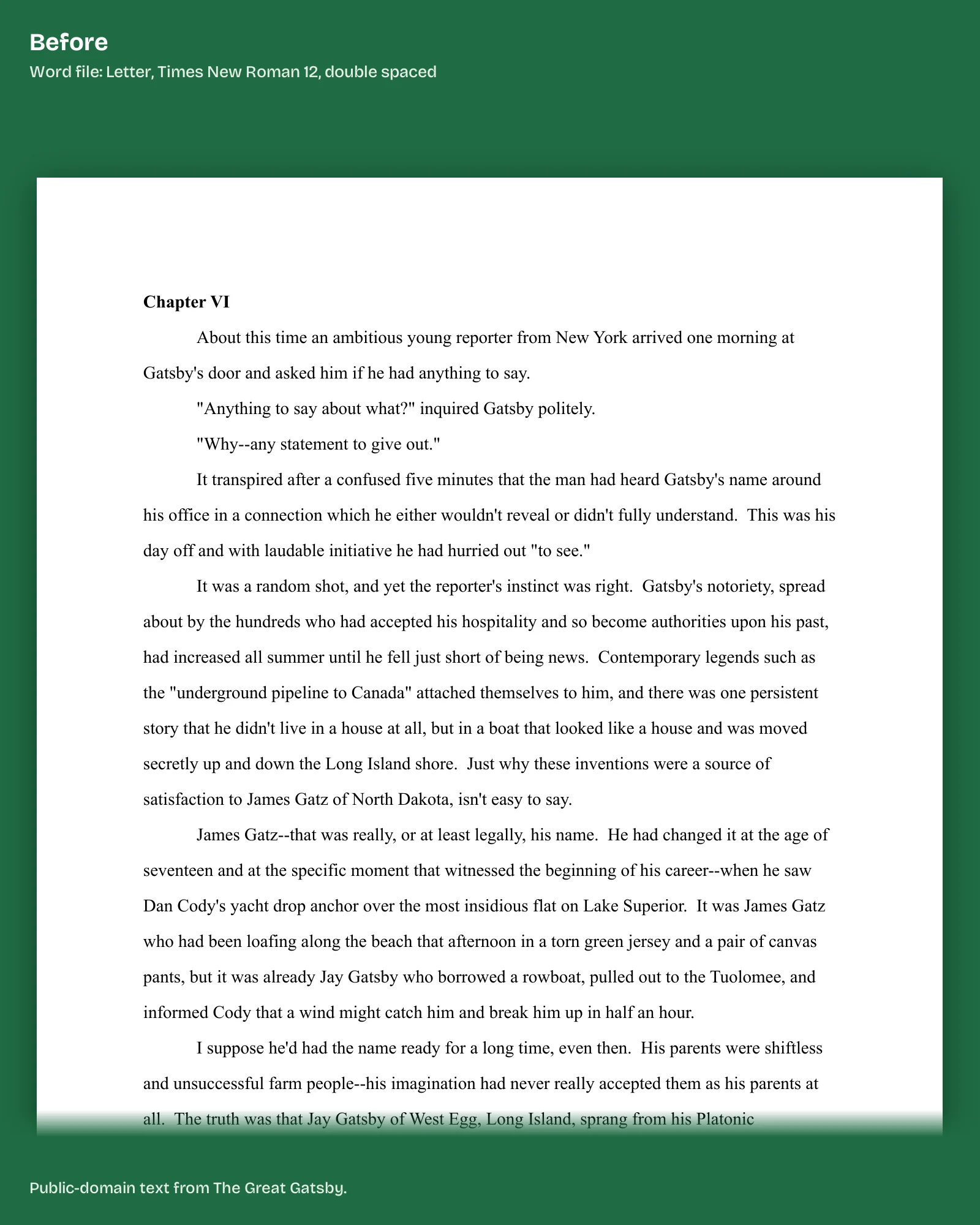
The fix we do for this: we read KDP's rejection message and your file and tell you by email, within 1 business day of having the file, what failed. Converting your ebook cover to a full wrap sized to your final page count is $99 in 5 business days, from source files you supply. Tell us what KDP said.
Is a hardcover cover error different?
A hardcover is different, because its cover wraps around a board. KDP's hardcover numbers are not the paperback ones. The artwork extends 0.51 inch past the front cover edge to wrap the board. Text and images sit 0.635 inch from the edge of the book.
There is a 0.4 inch hinge between the spine and the safe area on each side, where no text or barcode can go.
That is why a paperback cover file cannot simply be reused on a hardcover. Download a hardcover template from the same calculator.
What about an ebook cover?
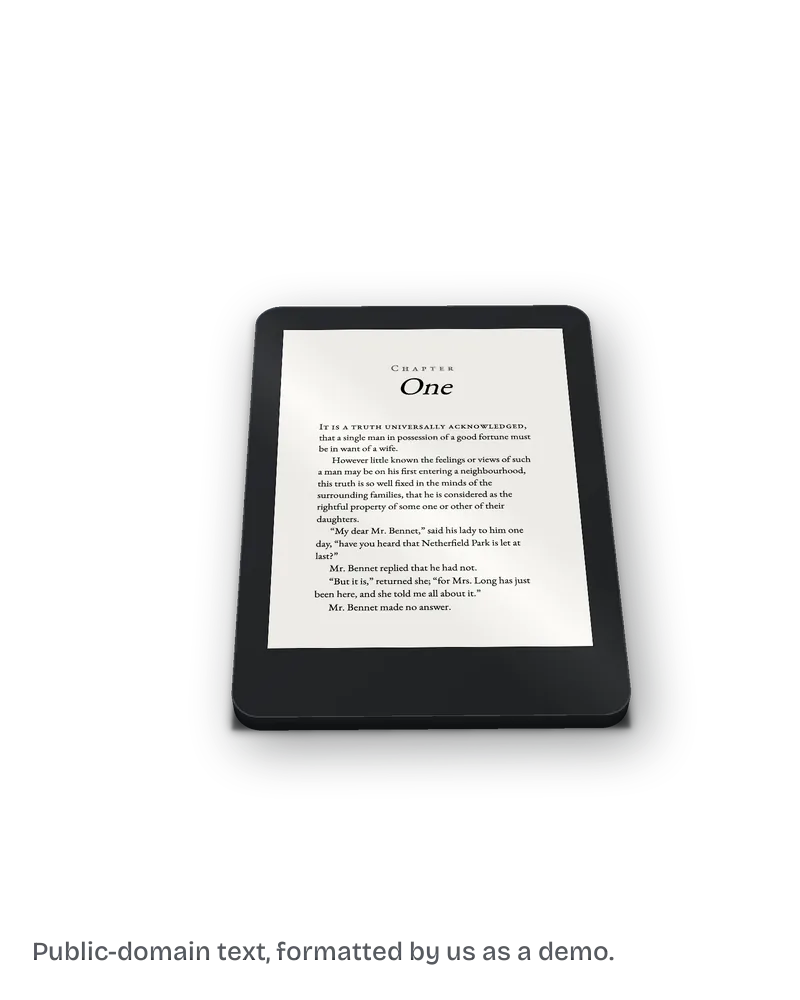
The ebook cover is a separate upload with its own guidelines. KDP recommends 2,560 pixels tall by 1,600 wide, in a file of 5 MB or less. Covers under 500 pixels on the shortest side are not displayed on the website.
What else do authors ask about KDP cover errors?
Both come from the same formula. A cover built for an old page count is the wrong width, and refitting the artwork to the new width without the 0.125 inch bleed trades one error for the other.
Often, yes. Spine text, safe zone and book-details errors are small edits. A wrong-size cover needs the source file, because the artwork has to be refit to the new width.
Usually. The spine width is tied to page count, so the full cover width changes too.
Print Previewer may scale some interior issues, but cover problems come back to you to fix in the original program.
What should you do next?
Your next step is to copy KDP's rejection email. Paste it into the free diagnosis form on our KDP rejected file page. The email already names the problem, so you do not have to work out the cause first. Nothing to sign, no card, and we never log in to your KDP account.
Sources, read 13 October 2026: KDP Help, Create a Paperback Cover; KDP Help, Fix Paperback and Hardcover Formatting Issues; KDP Help, Create a Hardcover Cover; KDP Help, Cover Image Guidelines for Kindle eBooks.