Short answer. An Amazon KDP manuscript upload error on a paperback or hardcover means the file breaks one of KDP's print rules. The five causes we check first are the wrong file type, a file too big to process, fonts not embedded, a page size that does not match your trim, and text or images outside the margins.
Key points
- With bleed, KDP takes a PDF only. Without bleed, it also takes DOC, DOCX, RTF, HTML and TXT.
- Keep the file under 650 MB, and images under 600 DPI, or processing can time out.
- Embed every font and flatten layers when you export the PDF.
- Page size must equal the trim, or the trim plus 0.125 inch wide and 0.25 inch tall with bleed.
- Our KDP rejected file fix starts with a free diagnosis of the file and KDP's message.
What causes an Amazon KDP manuscript upload error?
The file breaks a print rule KDP checks before it builds the preview. The upload screen tells you something failed. The fix depends on which rule. Here are the five we check first, in order.
1. Is the file type right?
If your interior has bleed, KDP's paperback submission guidelines say you must upload a PDF. Without bleed, KDP also accepts DOC, DOCX, RTF, HTML and TXT.
A Word file with images running to the page edge will not work. Export a print PDF at the bleed page size instead. Our post on KDP bleed vs no bleed explains which setting your book needs.
Locked or encrypted files also fail. Remove any password before you upload.
2. Is the file too big?
KDP's limit is 650 MB. A file under the limit can still time out if the images are very large. KDP asks for at least 300 DPI and recommends no more than 600 DPI.
The fix is to place images at the size they print, at 300 DPI. A photo saved at 2,400 DPI adds megabytes and no sharpness. If you place photos yourself, our post on KDP image resolution shows how to check the DPI and why pictures get flagged as low resolution.
3. Are all fonts embedded?
KDP asks you to embed all fonts and images before you submit. A PDF exported from Word or a design tool can leave a font out.
To check, open the PDF's document properties, or run pdffonts on it. On 13 October 2026 we ran it on our 6 x 9 Gatsby sample chapter: all four EB Garamond fonts showed "yes" in the embedded column. Any "no" in that column needs fixing before upload. Some fonts do not allow commercial embedding. Swap those for a font that does.
4. Does the page size match your trim?
KDP's fix page says to set the page size to the trim size. With bleed, add 0.125 inch to the width and 0.25 inch to the height, so 6 x 9 becomes 6.125 x 9.25.
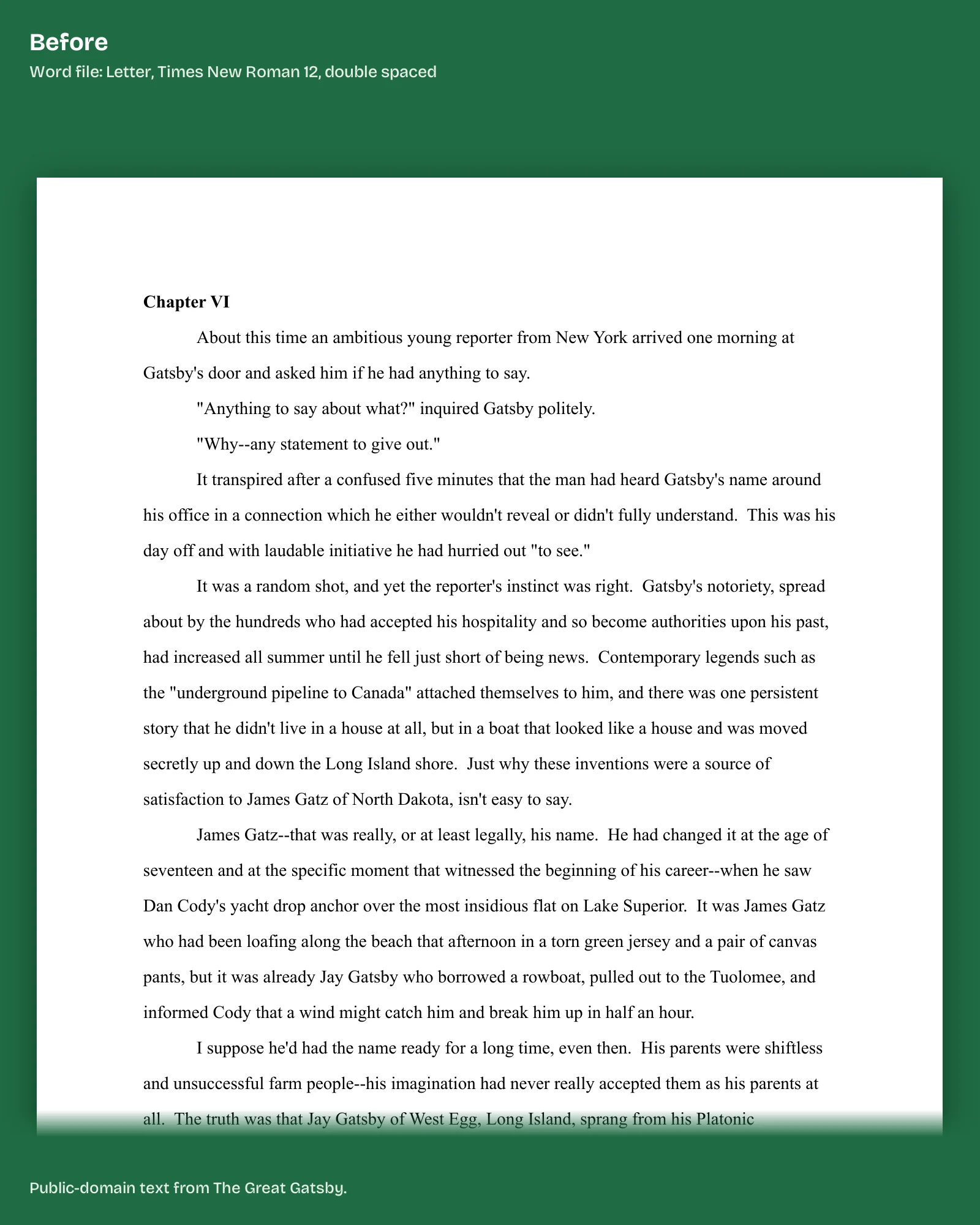
Our sample chapter reads 432 x 648 points in pdfinfo, which is exactly 6 x 9 inches at 72 points an inch. A Letter page from a word processor fails this check for every trim except 8.5 x 11, and an A4 page for every trim except 8.27 x 11.69.
Upload single pages, not two-page spreads. Remove crop marks, trim marks, bookmarks and comments.
5. Is anything outside the margins?
KDP's minimum gutter grows with page count, from 0.375 inch up to 150 pages, and outside margins are at least 0.25 inch, or 0.375 inch with bleed.
Text boxes, stray spaces and italic letters can poke past the line even when the body text sits inside. KDP suggests margins a little bigger than the minimum for that reason. Our post on why KDP keeps rejecting your book has the other interior errors, from blank pages to template text left in.
The fix we do for this: we read KDP's message and your file and tell you by email, within 1 business day of having the file, what failed and what the fix costs. Tell us what KDP said.
What else does KDP flag after the upload?
Once the file goes through, the previewer can still flag it. KDP's fix list includes:
- Title, author, ISBN or imprint in the file not matching your book details.
- More than 4 blank pages in a row at the start or middle, or more than 10 at the end.
- Text under 7 points.
- Placeholder text left from a template.
- Layers and transparencies not flattened.
Does the same apply to hardcover files?
Mostly. KDP's fix page covers page size, margins, fonts and blank pages for paperback and hardcover together. The file type and size rules above come from KDP's paperback submission guidelines, so for a hardcover, upload a PDF. A hardcover adds its own limits: 75 to 550 pages and five trim sizes. Our post on KDP hardcover requirements has them.
What else do authors ask about KDP manuscript upload errors?
PDF, DOC, DOCX, RTF, HTML or TXT without bleed. PDF only with bleed.
650 MB.
At least 300 DPI. KDP recommends no more than 600.
7 points.
No. KDP wants single pages.
What should you do next?
Check the five causes in order: file type, size, fonts, page size, margins. If the upload still fails, send us the file and KDP's message through our KDP rejected file fix page.