Short answer. KDP bleed vs no bleed: pick bleed only if an image, a background color or a graphic has to reach the edge of the page. A text-only novel is no bleed. A bleed file is 0.125 inch wider and 0.25 inch taller than the trim size, must be a PDF, and costs the same to print.
Key points
- No bleed: page size equals trim size. Text-only books belong here.
- Bleed: page size is trim plus 0.125 inch wide and 0.25 inch tall. A 6 x 9 book becomes 6.125 x 9.25.
- If one page needs bleed, the whole file is set up with bleed.
- Outside margins grow from 0.25 inch to 0.375 inch with bleed.
- Bleed does not change KDP's printing cost.
What is bleed in a KDP paperback?
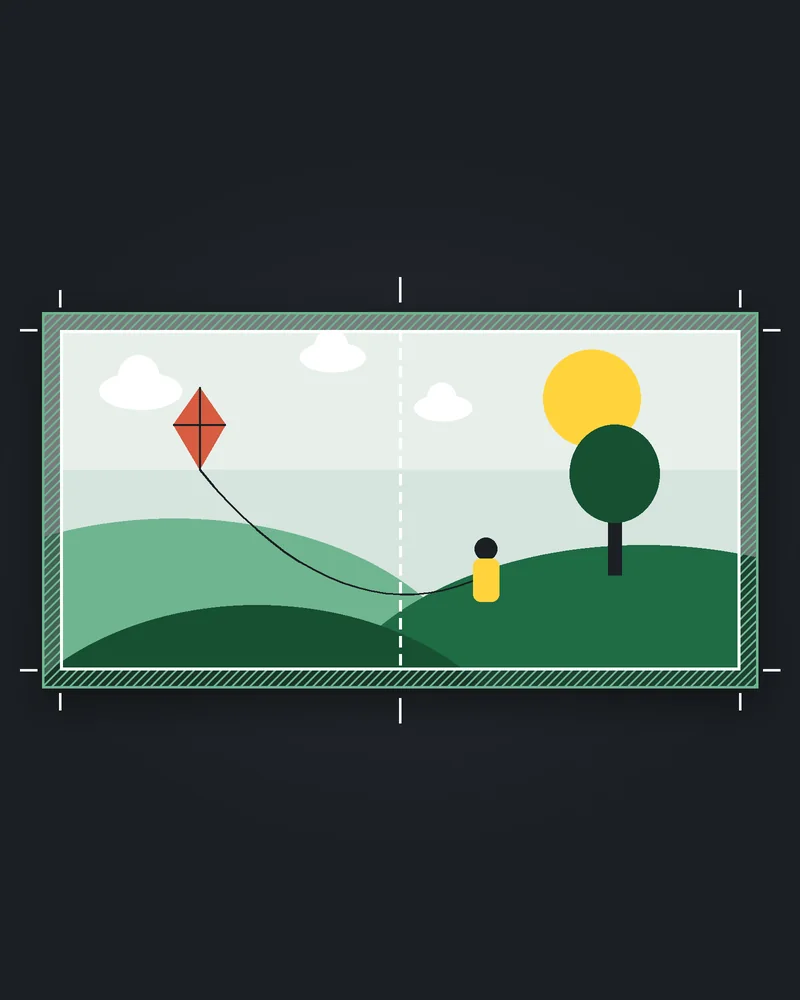
Bleed is the extra strip of image that runs past the trim line so the color reaches the edge after the page is cut. KDP trims every printed page by cutting 0.125 inch from the top, bottom and outside edge. Anything meant to touch the edge has to extend past that cut, or a thin white border shows.
All KDP covers have bleed, and it is part of the full cover wrap we build. The interior is your choice.
KDP bleed vs no bleed: when does my interior need bleed?
When anything printed has to reach the edge of the page. KDP names images, backgrounds and illustrations. Typical bleed books are photo books, children's picture books, cookbooks with full-page photos and workbooks with colored page bands.
KDP adds one rule that catches people: if even one page needs bleed, the entire file has to be set up with bleed. A novel with a single full-page map at the front is a bleed book.
When should I choose no bleed?
When every page has white space between the content and the edge. That covers most novels, memoirs and non-fiction with text, small images inside the margins, and page numbers.
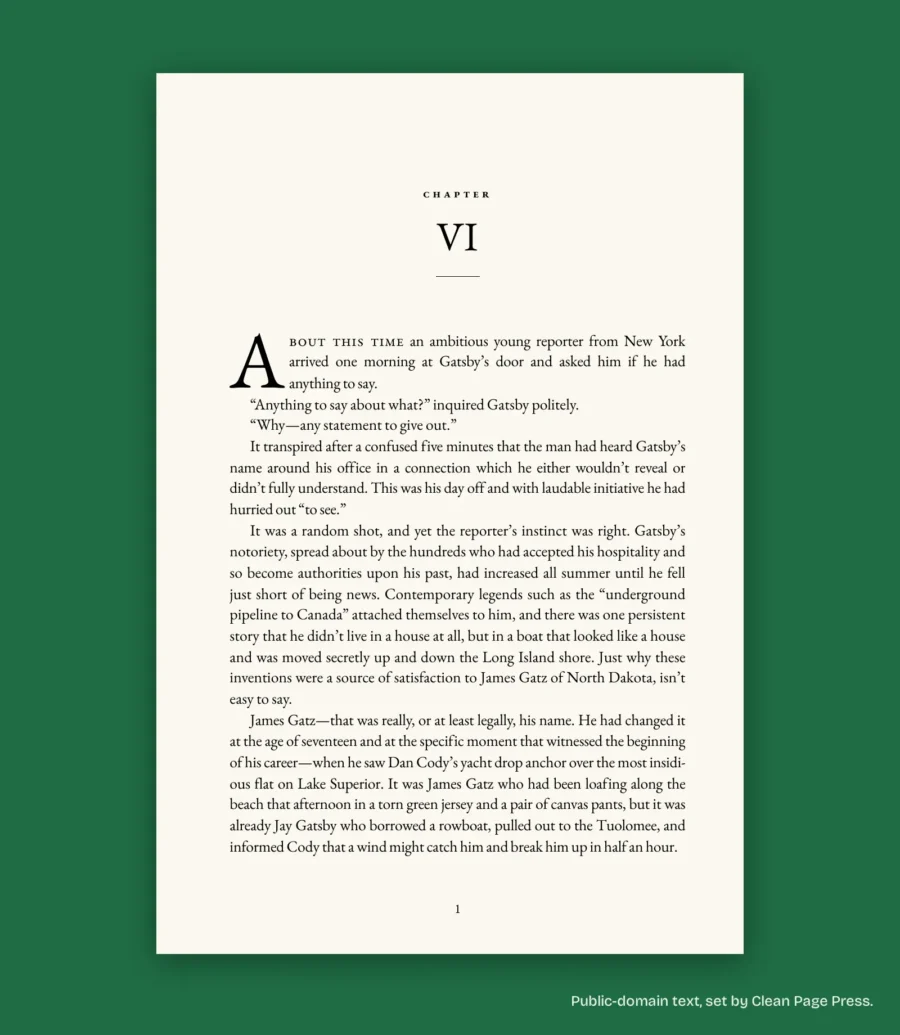
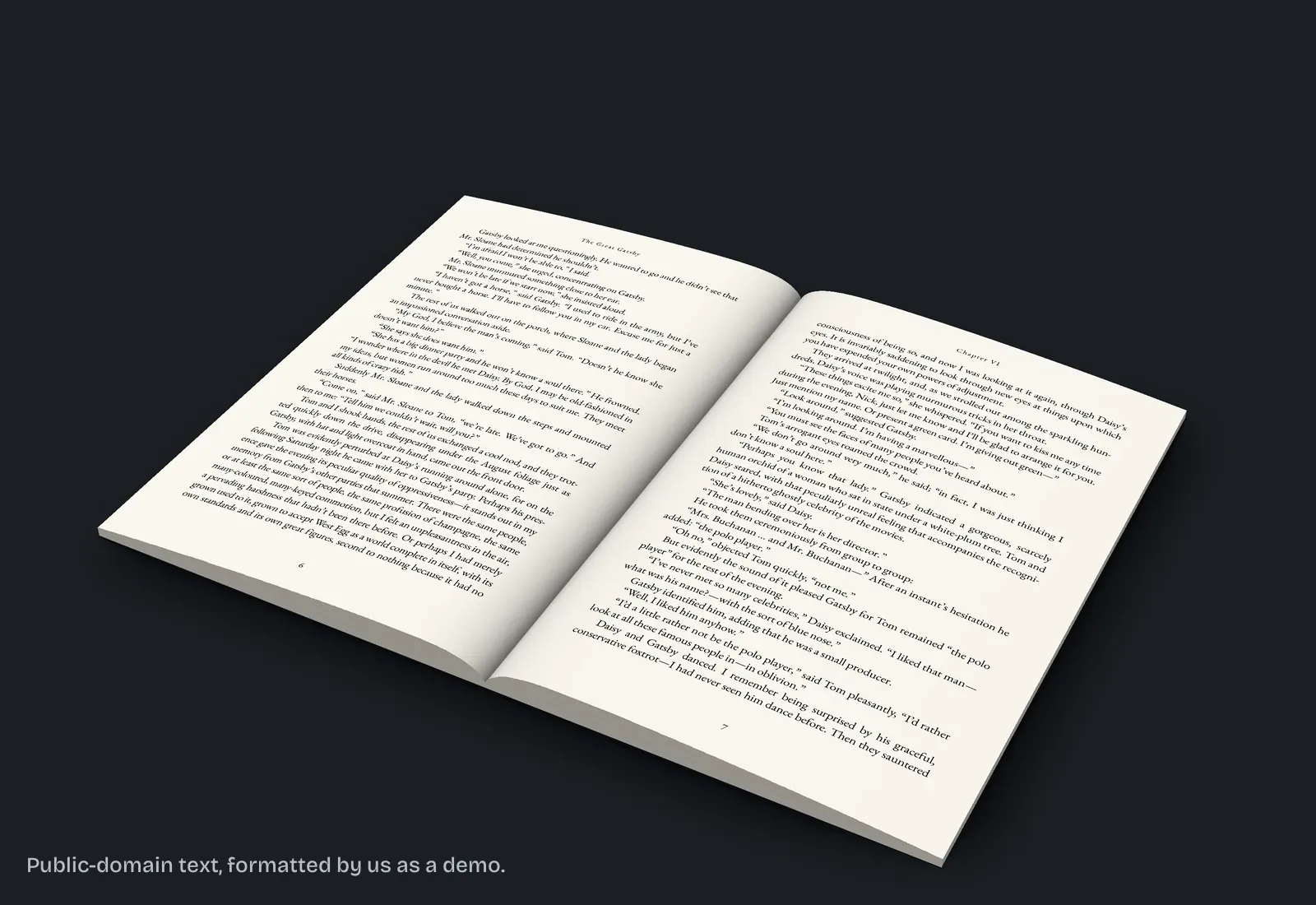
Our own 14-page sample book is a no-bleed file. We checked it with pdfinfo on 13 October 2026: every page is 432 x 648 points, which is exactly 6 x 9 inches, and the text sits inside a 0.75 inch gutter and 0.6 inch outside margin. Nothing touches the edge, so there is nothing to bleed. Setting it to bleed would have changed the page size and the margins for no gain.
What page size does a bleed file need?
Trim width plus 0.125 inch, and trim height plus 0.25 inch. The width gets one strip (the outside edge only, since the inside edge is bound). The height gets two, top and bottom.
| Trim size (inches) | No bleed page size | Bleed page size |
|---|---|---|
| 5 x 8 | 5 x 8 | 5.125 x 8.25 |
| 5.5 x 8.5 | 5.5 x 8.5 | 5.625 x 8.75 |
| 6 x 9 | 6 x 9 | 6.125 x 9.25 |
| 7 x 10 | 7 x 10 | 7.125 x 10.25 |
| 8.5 x 11 | 8.5 x 11 | 8.625 x 11.25 |
One note from reading KDP's table on 13 October 2026: it lists the bleed size for 5.5 x 8.5 as 5.626 x 8.75 inches. KDP's own formula gives 5.625. We set 5.625, the formula's number. If you copy sizes from a table, check them against the formula.
Do the margins change with bleed?
Yes. The top, bottom and outside margins must be at least 0.25 inch without bleed and at least 0.375 inch with bleed. The inside margin, or gutter, does not change with bleed. It grows with page count, from 0.375 inch for 24 to 150 pages up to 0.875 inch for 701 to 828.
Text never bleeds. KDP does not allow text to run off the page, so every word sits inside the margins even in a bleed file. Our post on KDP margins by page count for 6x9, 5x8 and 5.5x8.5 has the full table.
When we set a paperback interior, bleed is a step of its own: we add it only when an image or background reaches the page edge.
The fix we do for this: we set your paperback interior as a print-ready PDF at your trim size, with or without bleed, for $169, up to 80,000 words, in 6 business days, checked against KDP's print specs and fixed free if KDP rejects it for a formatting reason. Ask for a free sample of your own pages.
Which file types work with bleed?
PDF only. KDP says bleed is supported for fixed-format files like print-ready PDFs. A no-bleed book can be uploaded as PDF, DOC, DOCX, RTF, HTML or TXT, and KDP converts it to PDF before printing.
If your book needs bleed and you work in Word, export a PDF at the bleed page size and upload that.
Does bleed cost more to print?
No. KDP's printing cost page says bleed settings and cover finish do not affect printing cost. The cost depends on trim size, page count, ink and paper, and the marketplace where the book is sold. Our post on KDP paperback print cost by page count works it out for 150 to 400 pages.
What happens if the bleed setting is wrong?
Print Previewer flags a mismatch between your PDF page size and the trim or bleed setting, and the book cannot be submitted until it matches. The two common cases:
- The file is 6.125 x 9.25 but you picked no bleed. Change the setting to bleed.
- An image was meant to reach the edge but stops at the trim line, so a white strip appears. Extend the image 0.125 inch past the trim on the top, bottom and outside edges.
If your pages have a background color and Print Previewer shows a margin error, KDP's first suggestion is to switch the bleed setting to bleed.
What else do authors ask about KDP bleed vs no bleed?
Almost never. Text-only interiors are no bleed.
6.125 x 9.25 inches.
No. Bleed needs a PDF.
Yes. Every KDP cover has 0.125 inch bleed on the outside edges, whatever you choose for the interior.
No. If one page needs bleed, KDP wants the whole file set up with bleed.
What should you do next?
Look for any page where color or an image touches the edge. If there is none, choose no bleed. Found one full-page map or photo? The $169 PDF on our paperback interior page is set with bleed when the pages need it and without when they do not.