Short answer. To set the LibreOffice Writer KDP page size, open Format, Page Style, Page tab. Type a width of 6 in and a height of 9 in, or 6.125 by 9.25 if your book has bleed. Choose Mirrored, set the inside margin from KDP's page count table, then export a single page PDF and confirm every font is embedded.
Key points
- The page size lives in Format, Page Style, on the Page tab. Width and Height take a custom size.
- KDP's paperback guidelines say to set the page size to your trim size, width by height.
- With bleed, a 6 x 9 page becomes 6.125 x 9.25 inches.
- Choose Mirrored under Page layout, so the inside margin sits at the spine on both left and right pages.
- KDP's inside margin grows with page count: 0.375 in for 24 to 150 pages, up to 0.875 in for 701 to 828.
- KDP asks for single page files, not spreads, and every font in the PDF must show Embedded or Embedded Subset.
Where is the page size setting in LibreOffice Writer?
It sits in the page style, not in a print dialog. LibreOffice's help gives the path as Format, Page Style, then the Page tab. Everything in this post happens on that one tab, except the PDF export at the end.
The tab has three blocks. Paper format holds Format, Width, Height and Orientation. Margins holds Left / Inner, Right / Outer, Gutter, Top and Bottom. Layout settings holds Page layout.
Change it on the page style your body text uses, usually Default Page Style. If your title page or chapter openers use a different page style, repeat the size on each one. A book with two page sizes inside it will not match KDP's trim.
If you would rather not set it by hand, our paperback interior formatting service does the page size, margins and page numbers for your page count and checks the PDF against KDP's print specs before you see it.
How do I enter the LibreOffice Writer KDP page size for 6 x 9?
Type it into Width and Height. The Format list holds standard paper sizes, and LibreOffice's help says you can create a custom format there by entering your own dimensions.
- Open Format, Page Style, Page tab.
- In Width, type 6".
- In Height, type 9".
- Leave Orientation on Portrait.
- Click OK.
If the fields show centimeters, you can switch the unit. LibreOffice's help puts that setting in Tools, Options, LibreOffice Writer, General, under Measurement unit (on a Mac, LibreOffice, Preferences). We set it to inches before we start, so the numbers match KDP's tables without converting.
KDP's trim and margins page calls 6 x 9 inches (152.4 x 228.6 mm) the most common paperback trim size in the US. The same steps work for 5 x 8, 5.5 x 8.5 or any other size on KDP's list, and only the two numbers change. Our post on KDP paperback trim sizes compares them.
What page size do I use if my book has bleed?
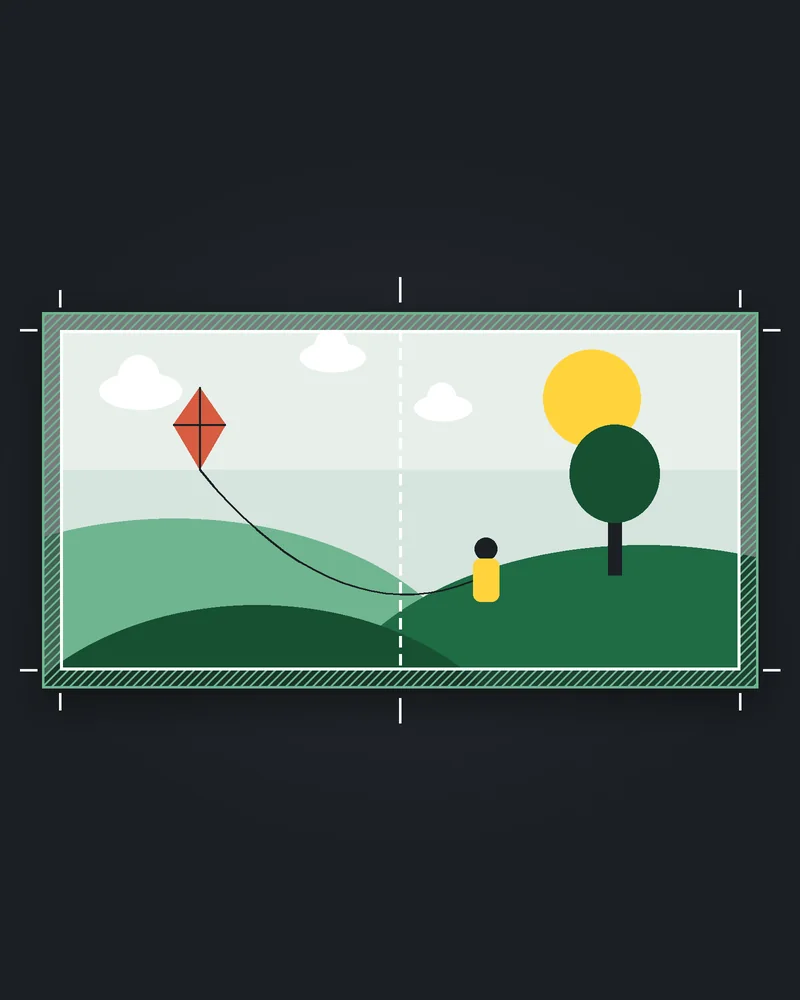
Add bleed to the trim. KDP's trim and margins page gives the sums: page height with bleed is trim height plus 0.125 in times two, and page width with bleed is trim width plus 0.125 in once.
For 6 x 9 that comes out at 6.125 in wide by 9.25 in high. Width gets one 0.125 because the spine edge never bleeds. Height gets two, one at the top and one at the bottom.
Bleed matters only if an image or a colored block runs off the edge of the page. A novel with text on white pages does not need it. Our post on KDP bleed versus no bleed helps you decide which your book is.
One file rule follows from that choice. KDP's submission guidelines say a book with bleed must be uploaded as a PDF. Without bleed, KDP also takes DOC, DOCX, RTF, HTML or TXT, but this guide ends with a PDF either way, because that is the file you can check before you upload.
Should I choose Mirrored for a KDP paperback?
Yes. Under Layout settings, LibreOffice's Page layout list offers Right and left, Mirrored, Only right and Only left. Mirrored is the one that flips the margins on facing pages.
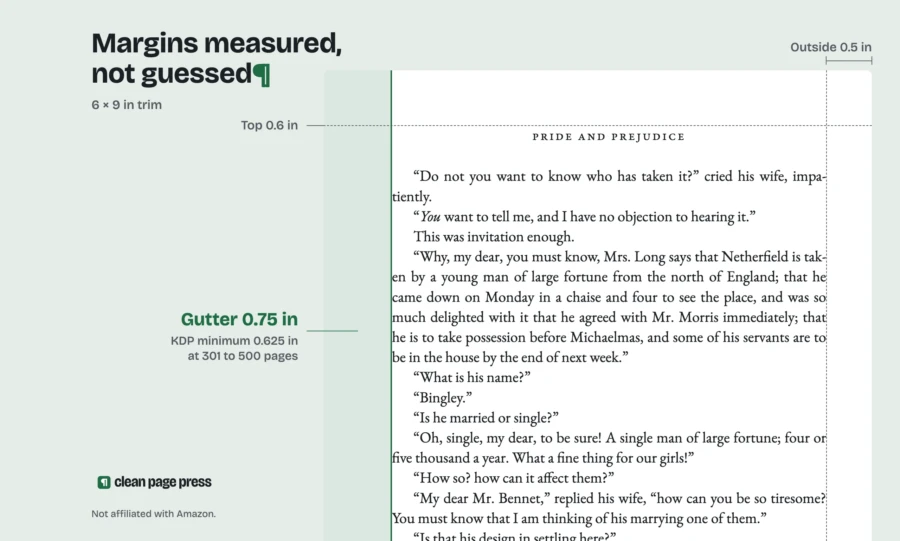
Once Mirrored is on, the help page names the margin fields Left / Inner and Right / Outer. Inner is the edge at the spine. On a right hand page that is the left edge, and on a left hand page it is the right edge. That is how a printed book needs it.
Without Mirrored, every page keeps the wide margin on the same side. Half your pages would then have their wide margin at the outside edge and the narrow one swallowed by the spine.
What margins does KDP want in LibreOffice Writer?
The inside margin depends on page count. This is KDP's table, read again on 16 October 2026:
| Page count | Inside (gutter) margin | Outside, no bleed | Outside, with bleed |
|---|---|---|---|
| 24 to 150 | 0.375 in (9.6 mm) | at least 0.25 in | at least 0.375 in |
| 151 to 300 | 0.5 in (12.7 mm) | at least 0.25 in | at least 0.375 in |
| 301 to 500 | 0.625 in (15.9 mm) | at least 0.25 in | at least 0.375 in |
| 501 to 700 | 0.75 in (19.1 mm) | at least 0.25 in | at least 0.375 in |
| 701 to 828 | 0.875 in (22.3 mm) | at least 0.25 in | at least 0.375 in |
When we read that page again on 16 October 2026, the inside figure was the only one that climbs. The outside minimum stays at 0.25 in from 24 pages to 828.
In LibreOffice, put KDP's inside figure in Left / Inner. Put your outside figure in Right / Outer, Top and Bottom. Our habit is to leave the separate Gutter field at 0, so the number in Inner is the same number as in KDP's table and nothing gets added twice.
KDP's figures are minimums. We usually set the outside, top and bottom wider than 0.25 in so the text block does not crowd the trim. Our post on KDP margins for 6x9 by page count shows what each band looks like on a real page.
The fix we do for this: our paperback interior formatting sets the trim, mirrored margins for your final page count and page numbers, then checks the PDF against KDP's print specs, for $169 in 6 business days. Get a free sample chapter first.
Why can the page count change after I set the size?
Because the page size and margins decide how many words fit on a page. Set them before you judge your page count, not after.
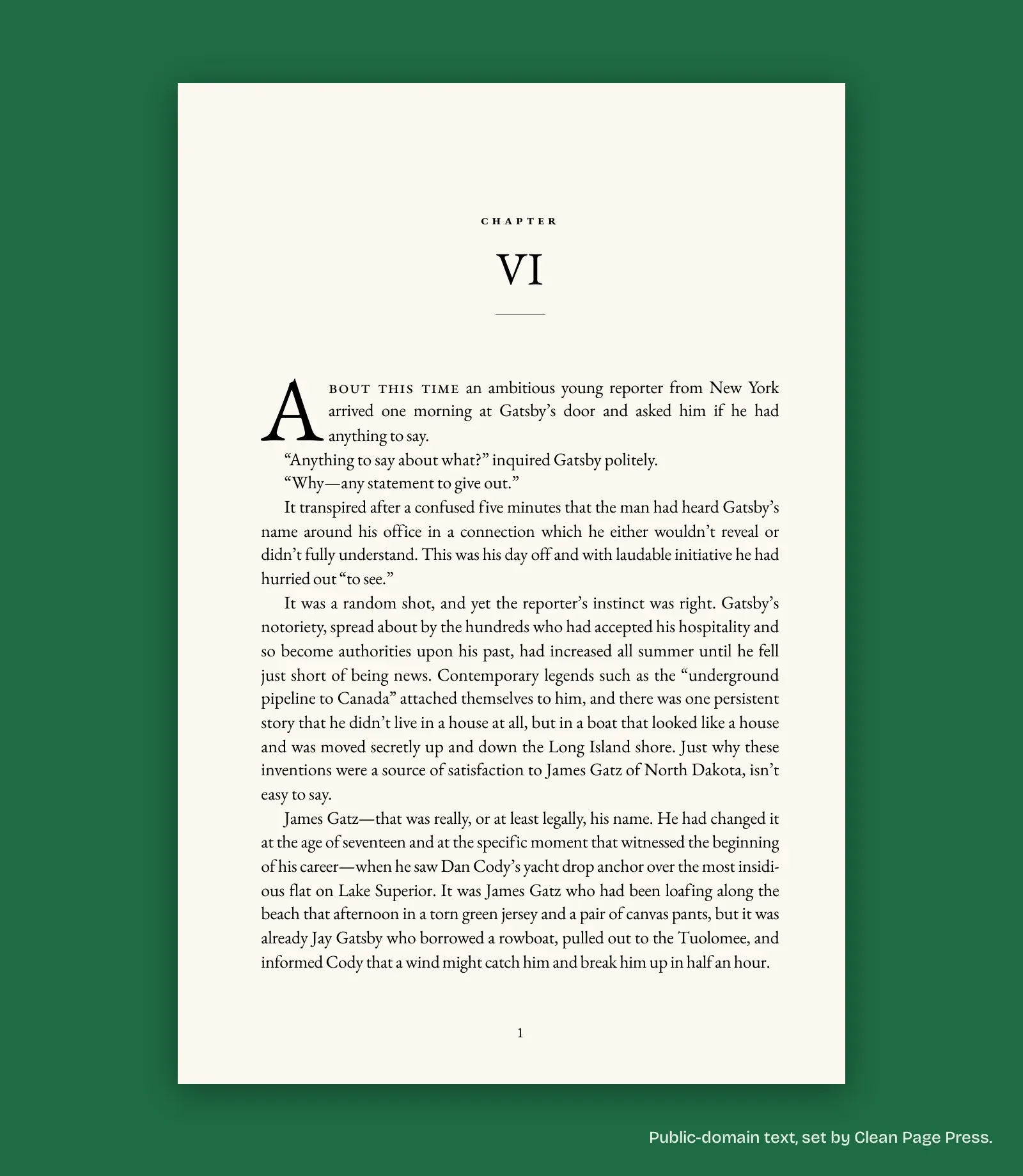
When we set a 6 x 9 sample chapter from The Great Gatsby on 10 October 2026, 12 pages in Word became 14 pages in the finished layout. A count that sits near 150 or 300 in a letter size draft can cross into the next margin band once it is 6 x 9.
So set the size first, let the book reflow, read the new count from the status bar, then pick the inside margin. If the new margin pushes the count over a band edge again, use the larger inside margin. KDP's table gives a minimum, so a wider inside margin is always allowed.
How do I export a KDP PDF from LibreOffice Writer?
Use Export as PDF, not Print. LibreOffice's help gives the path as File, Export As, Export as PDF, which opens the options dialog on its General tab.
On the General tab, our settings for a text novel are:
- Images: Lossless compression, so photos and ornaments stay sharp. The JPEG option asks for a Quality level instead.
- Leave Change image resolution off unless the file is too large to upload. LibreOffice's help says it resamples images down to fewer pixels per inch.
- Hybrid PDF off. LibreOffice's help says it puts both a PDF and an ODF file inside the one .pdf.
- Comments off. LibreOffice can export Writer comments as PDF annotations, and they have no place in a print file.
The page layout stays single. KDP's submission guidelines say it requires single page files, as opposed to spreads or 2 up files. Mirrored margins in Writer still export as one page per PDF page, which is what KDP wants.
How do I make sure the fonts are embedded?
Check the PDF itself. KDP's submission guidelines say all fonts in the interior file should be embedded, and its Paperback Fonts page says every font in the list needs to show "Embedded" or "Embedded Subset" for your file to work.
KDP's help names the place to look: open the file in Adobe Acrobat and check under File, Properties, on the Fonts tab. Read down the list once. A font with neither word next to it is the problem.
LibreOffice's PDF export help does not mention a font embedding switch. There is a separate box in File, Properties, Font tab, "Embed fonts in the document". LibreOffice's help says it embeds the fonts into the document file for portability between computers. It does not say anything about PDF, so treat it as a way to carry fonts with your .odt, and still check the PDF.
If a font will not embed, KDP's advice is plain: try a different font. While you are in the text styles, KDP also sets a minimum font size of 7 points.
What else does KDP check on the interior PDF?
Three more rules from KDP's submission guidelines catch LibreOffice files:
- Page numbers run in order, with even numbers on left pages and odd numbers on the right.
- Excessive blank pages are a common reason a file fails.
- The page size must be your trim size, width by height, which is the step you did first.
Odd numbers on the right is the same logic as Mirrored: the right hand page has its inside margin on the left. If you have formatted in Word before, our guide to formatting a book for KDP in Word walks through the same checks with Word's menu names. If you started from a template, our post on the KDP paperback formatting template explains what a template sets and what it leaves to you.
Questions authors ask
Does KDP accept a LibreOffice .odt file? KDP's submission guidelines list PDF, DOC, DOCX, RTF, HTML and TXT for books without bleed. ODT is not on that list. Export a PDF.
Do I set the page size for every page style? Yes, for every page style the book uses. Each style in Writer keeps its own size and margins.
What is the page size for a 6 x 9 book with bleed? 6.125 in wide by 9.25 in high, from KDP's bleed sums.
Do I need the Gutter field in LibreOffice? Not if you put KDP's full inside margin in Left / Inner. Using both adds them together.
What is the smallest font size KDP allows? 7 points, per KDP's Paperback Fonts page and its submission guidelines.
Your next step
Open Format, Page Style, Page tab, and set the size before you touch anything else. Let the book reflow, read the page count, then set Mirrored and the inside margin from KDP's table. Export the PDF and check the Fonts tab once.
If you would rather hand that over, send one chapter through our paperback interior formatting page. We set the trim, the mirrored margins for your page count and the page numbers, and check the PDF against KDP's print specs, for $169 in 6 business days. The free sample covers up to 1,300 words, one per author.