Short answer. The KDP paperback formatting template is a free Word file with the page size and margins set for your trim size. Download the blank version or the one with sample chapters, paste your book in, and export a PDF. It suits a plain novel. Stop once your book has images, bleed or a design Word cannot do.
Key points
- KDP offers blank templates and templates with sample content, by trim size.
- Leftover sample text can get your file rejected, KDP warns.
- Pasting from another document carries its formatting in with it.
- Our paperback interior formatting picks up where a template stops.
What is the KDP paperback formatting template?
It is a set of Microsoft Word files from KDP, one per trim size, in a ZIP folder. The blank templates have the page size and margins set. The templates with sample content add a formatted title page, contents page and chapters with placeholder text. KDP also offers versions set in Amazon Endure, a font it designed to cut page count.
Pick the trim size before you download. Our post on KDP paperback trim sizes helps with that choice.
How do you use the template?
- Download the ZIP and open the file for your language and trim size.
- Fill in the front matter: title page, copyright page, contents.
- Paste each chapter into a chapter page, then clear any formatting that came with it.
- Delete every scrap of sample text you did not use.
- Add page numbers to the contents last, because they shift as you paste.
- Save as PDF and check it in KDP's previewer.
For the Word side of steps 3 to 6, our guide on how to format a book for KDP in Word walks through styles, page numbers and export.
What goes wrong with templates?
Three things. KDP's help names the first two. The first is pasted formatting: KDP's own help warns that formatting from another document comes in with the text and needs fixing. The second is leftover placeholder text, which KDP says can cause an upload error or a rejection. The third is the stuff a template cannot see, like a widow line at the top of a page or a name split across two lines.
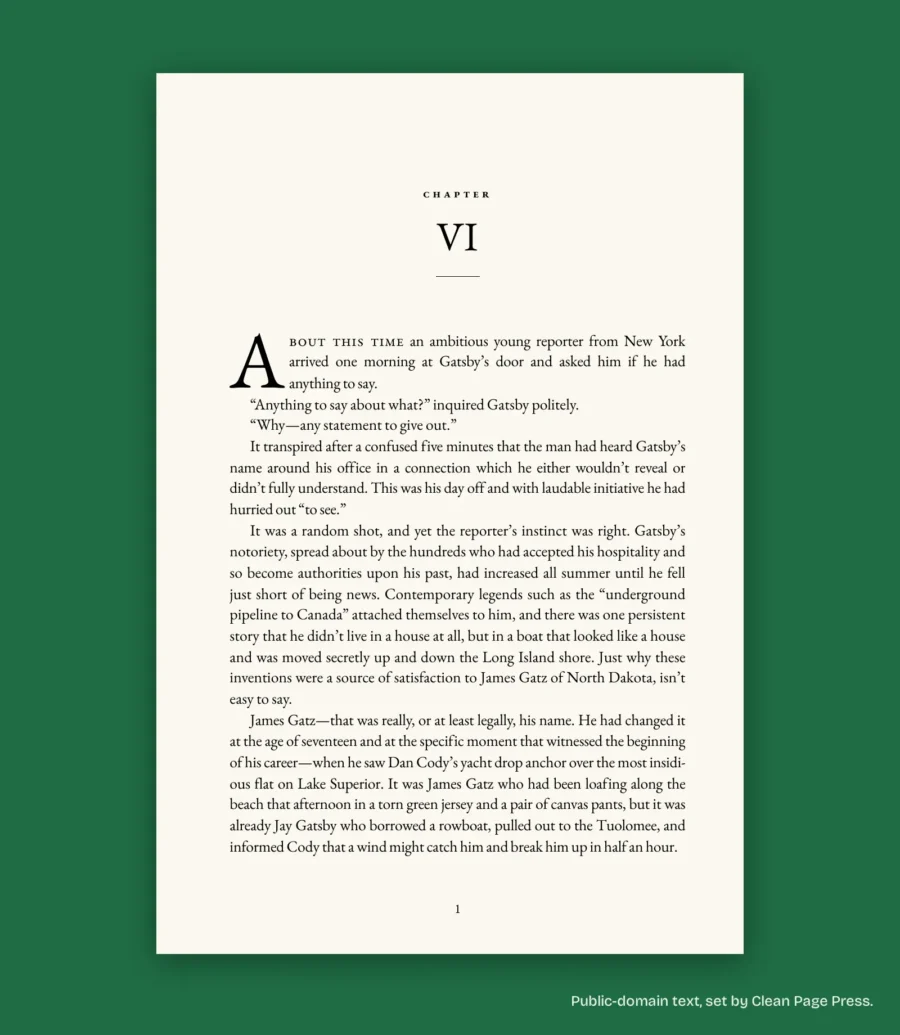
That last one takes a person reading every page. When we set our sample manuscript as a 14-page sample book, we found 15 hyphenated line ends, kept them to two in a row at most, and tightened 4 paragraphs by hand. No template does that for you.
When should you stop using the template?
Stop when the book asks for more than Word handles well:
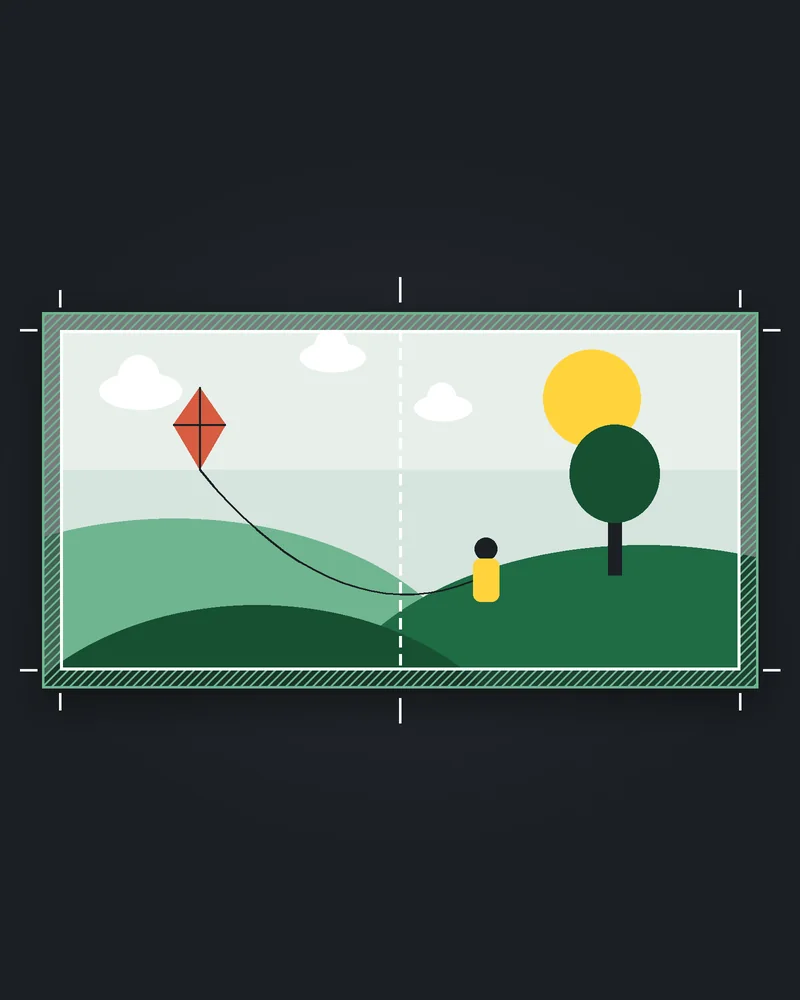
- Images or backgrounds that reach the page edge. That needs bleed, and KDP says a book with bleed should be uploaded as a PDF at a larger page size.
- Chapter openings with drop caps, ornaments or a set design you keep fighting.
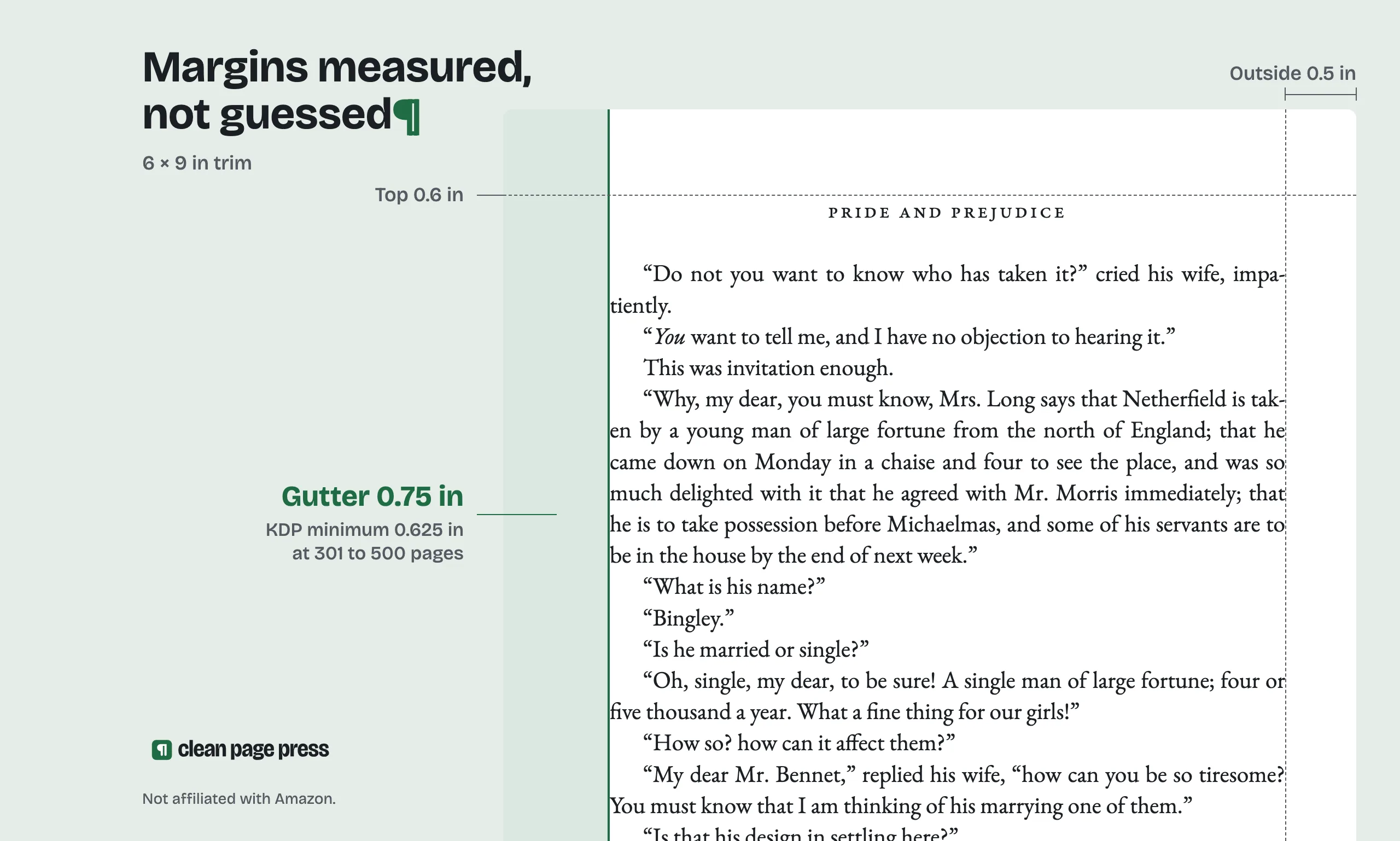
- A long book where the gutter has to grow. KDP's inside margin goes from 0.375 inch up to 150 pages to 0.875 inch above 700.
Where we come in: we set your paperback from your manuscript, at your trim size, with every page checked and fonts embedded, and fix it free until KDP accepts it. Send us a chapter and see a free sample first.
Is the template enough for a novel?
Often, yes. A text-only novel at 6 x 9 or 5.5 x 8.5 is what the templates are built for. If you have the time and the patience to check every page, it will pass KDP. Our post on what book formatting costs helps if you are weighing your hours against a fee.
What else do authors ask about the KDP paperback formatting template?
Yes. It is a free download from KDP's help pages.
KDP provides it as a Word file. Opening it elsewhere can shift the margins, so check the page size after you open it.
No. It is optional, offered to lower page count.
It can, once the sample text is gone and the pages are checked.
KDP's template page covers paperback and hardcover trim sizes. Download the file for the format and size you are publishing.
What should you do next?
Download the blank template for your trim size and paste in one chapter. If that chapter looks right in the previewer, carry on. If it already fights you, start on our paperback interior formatting page.