Short answer. KDP image resolution for print should be at least 300 DPI, and KDP treats anything under 200 DPI as low resolution. Check it by dividing an image's pixels by its printed size in inches. Most flags come from three things: images enlarged after insertion, Word compressing pictures, and scans made at low settings.
Key points
- Print images: 300 DPI minimum, for the cover and the interior.
- Under 200 DPI is what KDP calls low resolution.
- No set maximum, but KDP suggests 600 DPI at most so the file stays under 650MB.
- DPI = pixels divided by printed inches. A 1200 x 1800 pixel image at 4 x 6 in is 300 DPI.
- Ebook covers: ideal 2,560 x 1,600 pixels, RGB.
- If KDP has flagged your images, our KDP rejected file fix starts with a free diagnosis.
What KDP image resolution do print books need?
For paperbacks and hardcovers, 300 DPI. KDP's Paperback Submission Guidelines say "All images (both cover and manuscript) should be at least 300 DPI."
KDP's image page draws the lower line: low resolution is "Any image containing less than 200 DPI." Between 200 and 300 an image may pass, but 300 is what KDP says gives the best print quality.
How do I check an image's DPI?
Divide the pixels by the size it prints at. KDP's own example: an image 1,200 x 1,800 pixels, printed at 4 x 6 inches, is 300 DPI.
On Windows, the pixel size is in the file's Properties, on the Details tab. On a Mac, open the image in Preview and choose Tools, Show Inspector. Then measure how big the image sits on your page.
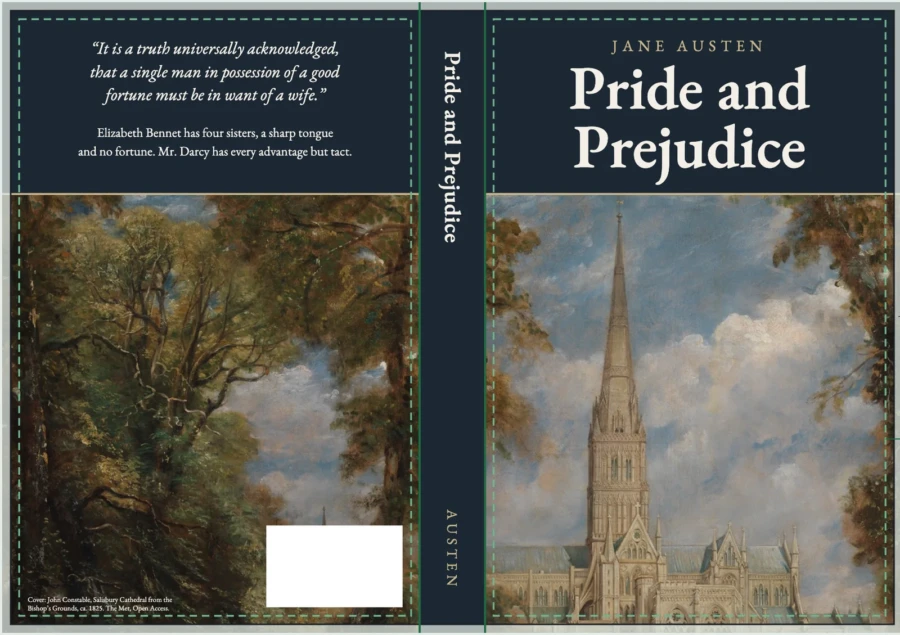
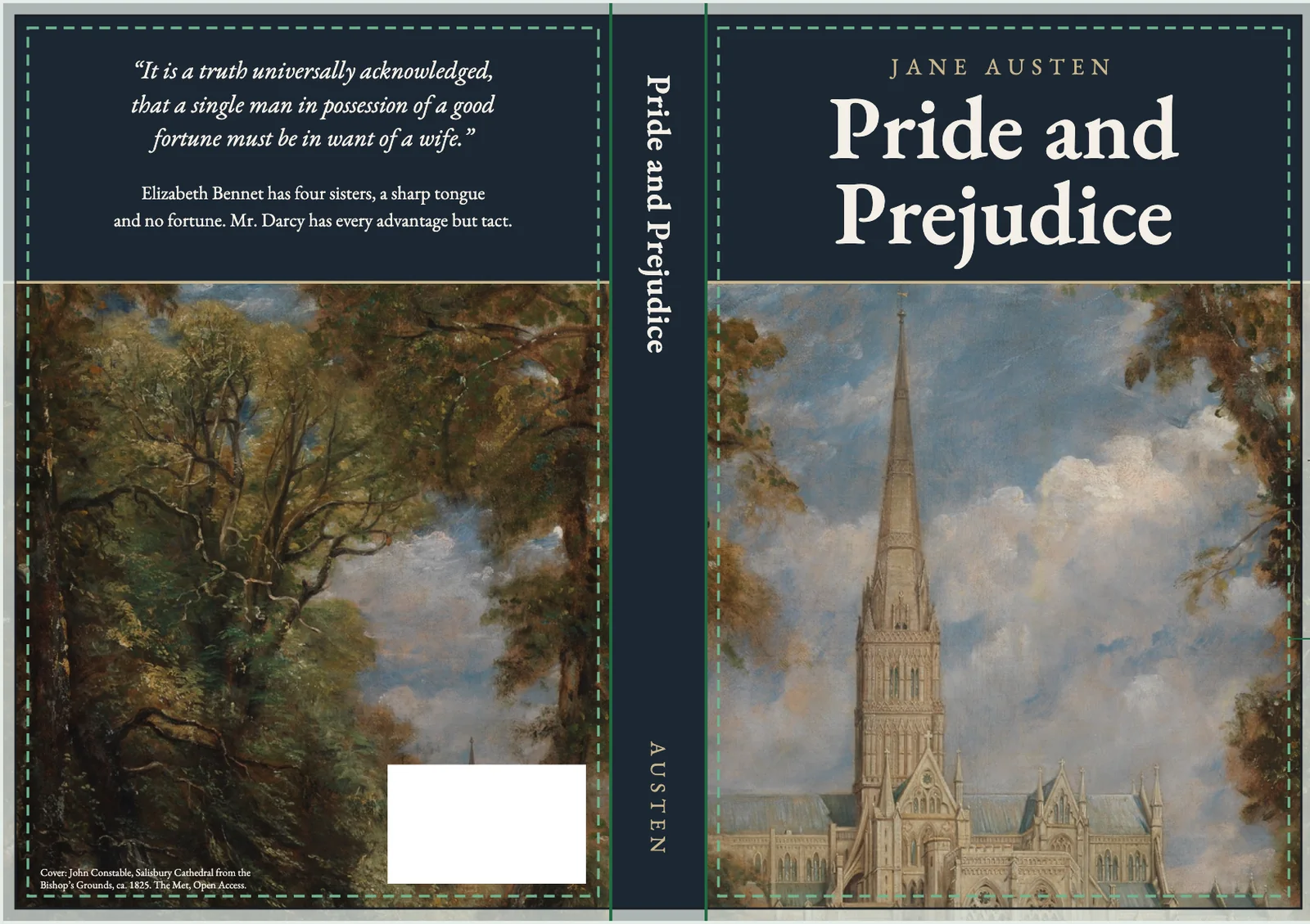
We ran this check on our own sample cover on 13 October 2026. The painting file is 1,955 pixels wide, and we print it about 15.4 inches wide so it covers the 13.2 inch wrap, with the edges cropped off. That works out to about 127 DPI. It is fine for the screen samples we show, and well under KDP's 200 DPI line for print, so a printed copy would need a larger scan. The math takes a minute and catches it before KDP does.
Why do my images look blurry after upload?
KDP's formatting help names three causes.
- Enlarged after inserting. KDP says don't enlarge images once they are in the file, "because this will decrease the resolution". Insert the image at the size you need.
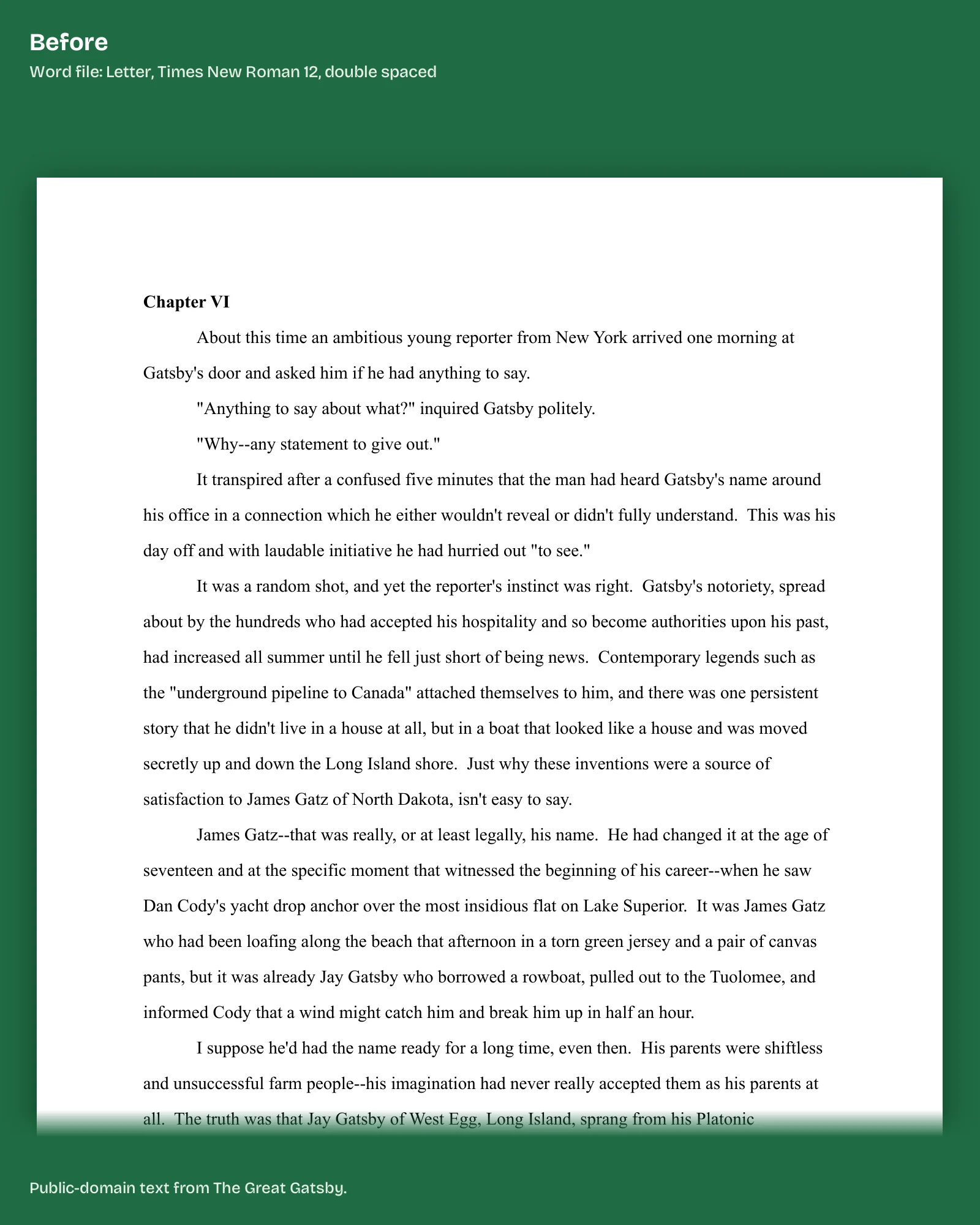
- Word compression. Word compresses images by default to save space. Turn it off: File, Options, Advanced, then under Image Size and Quality tick "Do not compress images in file".
- Low settings on the source. KDP says to set cameras and scanners to high resolution before you use them.
Changing the DPI number in an image editor does not help on its own. KDP says it "may display a higher DPI reading but will not actually increase the quality of the image." The pixels are what count.
The fix we do for this: send us the rejection email and your file. We tell you by email, within 1 business day of having the file, which images fail and what the fix costs. Tell us what KDP said.
Can an image be too high resolution?
In a way. KDP sets no maximum DPI, but it warns that very high resolutions can make files time out during processing or cause manufacturing delays. It recommends 600 DPI at most, to keep the file under 650MB, which is the upload limit.
What about images that bleed to the edge?
They need a PDF and extra size. KDP says images that bleed must extend 0.125 in beyond the trim on the top, bottom and outside edge. Our post on KDP bleed vs no bleed covers when you need it.
Do color photos print in color?
Only if you chose color ink. KDP says color photos print in color only with a color ink option, and black-and-white photos print in black and white either way. For gray backgrounds printed in black ink, KDP recommends a fill of at least 10%.
What resolution does a Kindle ebook cover need?
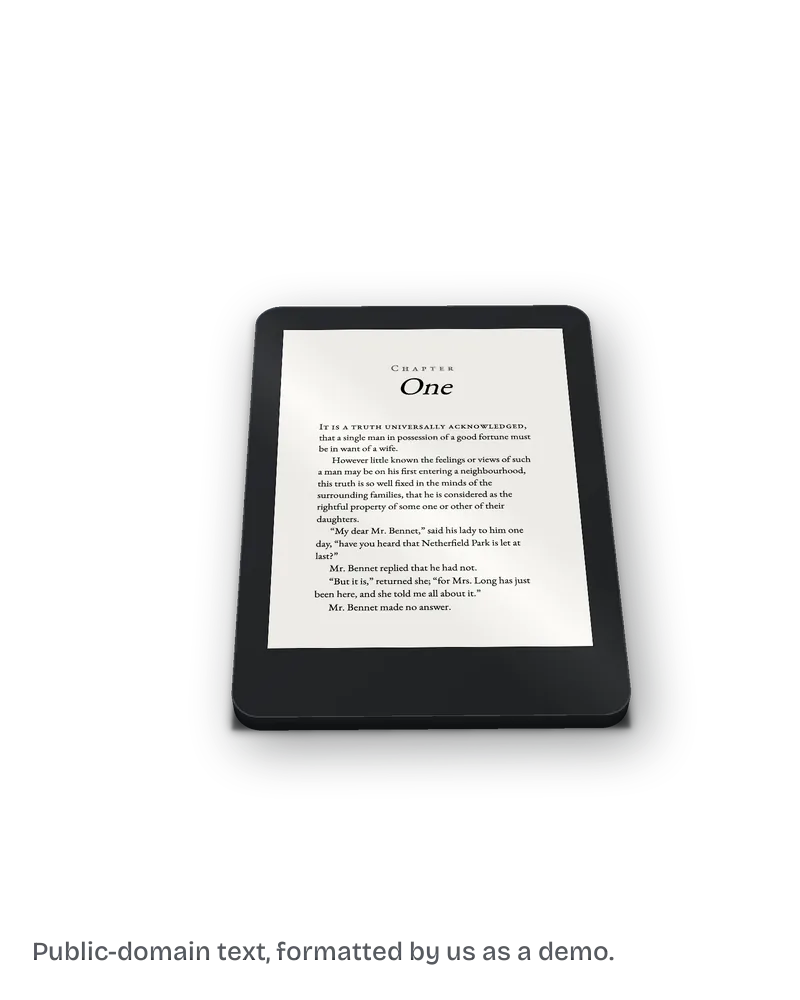
KDP's ebook cover page gives an ideal size of 2,560 pixels high by 1,600 wide, a minimum of 300 DPI, and RGB color, since Kindle does not support CMYK. JPEG is the preferred format. If your cover is smaller, KDP says to make a new image rather than stretch it.
Our post on the KDP cover error covers the other cover messages.
What else do authors ask about KDP image resolution?
At least 300 DPI for cover and interior images. Under 200 DPI is low resolution.
Divide the pixel width by the printed width in inches. 1,200 pixels across 4 inches is 300 DPI.
Word compresses images by default. Tick "Do not compress images in file" under File, Options, Advanced.
No set maximum. KDP suggests 600 DPI so the file stays under 650MB.
Ideally 2,560 x 1,600 pixels, RGB, at 300 DPI or more.
What should you do next?
List every image in your book with its pixel size and printed size, and do the division. Anything under 300 needs a bigger source file. If KDP has already flagged the book, send us the email and the file, and the KDP rejected file fix starts with a free diagnosis.