Short answer. KDP spine text is allowed only when your paperback has at least 79 pages, and KDP's Cover Creator asks for 80. Keep at least 0.0625 inch between the text and each edge of the spine. KDP's own pages say both "at least 79" and "more than 79", so we add spine text only from 80 pages.
Key points
- Under 79 pages, any text on the spine gets the cover rejected.
- Cover Creator's minimum for spine text is 80 pages.
- Leave 0.0625 inch (1.6 mm) between the text and each spine edge.
- KDP also allows 0.0625 inch of drift either side of each fold, so the clear space is not decoration.
- At 80 pages on cream paper, the room left for text is 0.075 inch. That is smaller than a 7 point line.
- Our cover wrap and spine service sizes the spine from your final page count before any type goes on it.
What is the minimum page count for KDP spine text?
KDP's "Create a Paperback Cover" help page spells out what happens below the minimum. A manuscript with spine text "will be rejected and require adjustment before your book can go live." So a 78 page book with a title on its spine cannot go live as uploaded: the cover comes back for adjustment, and the book waits until you change it.
The same page also says KDP only prints spine text "on books with more than 79 pages." That reads as 80. KDP rounds every page count up to an even number, so a 79 page book is billed and printed as 80 anyway. We treat 80 as the floor and stop worrying about the wording.
If your count sits near the line, check it in the formatted PDF, not in Word. Our post on the KDP paperback minimum page count explains how KDP counts pages.
How much space does the spine text get?
The spine width minus 0.125 inch. KDP wants 0.0625 inch clear on each side, so two of those come off the spine.
The spine itself is your page count times the thickness of one page. That is 0.0025 inch a page on cream paper and 0.002252 inch on white.
| Pages | Spine, cream | Spine, white | Room for text, cream |
|---|---|---|---|
| 80 | 0.200 in | 0.180 in | 0.075 in |
| 100 | 0.250 in | 0.225 in | 0.125 in |
| 150 | 0.375 in | 0.338 in | 0.250 in |
| 200 | 0.500 in | 0.450 in | 0.375 in |
The per page figures are KDP's. The rest is our arithmetic. Our post on KDP paperback cover size and spine width has the full cover sizes.
Can a thin spine carry readable text?
Barely, and it pays to do the sum before you design. KDP's cover page asks for text of at least 7 points. A 7 point line is about 0.097 inch tall measured the way design software sizes type.
At 80 pages on cream, you have 0.075 inch. A 7 point title does not fit. By our arithmetic, a 7 point line first fits at 90 pages on cream, 96 on premium color and 100 on white.
On a book under that, leave the spine as plain color. A blank spine is allowed. Text too small to read, or touching the fold, is what actually goes wrong.
The fix we do for this: we take your final page count and paper, work out the spine, and only then decide whether a title fits and at what size. Turning an ebook cover into a full wrap costs $99 in 5 business days. Send us your page count.
Where exactly should the text sit?
Centered across the spine, inside the spine safe area KDP's template draws. KDP's help names three spine zones:
- Spine. The full width between the two folds.
- Spine safe area. All spine text and images go here, so they do not shift onto the front or back.
- Spine margin. Nothing important goes here, for the same reason.
KDP also says to allow 0.0625 inch of variance on either side of each fold line. A spine is cut and folded by machine, and a book can bind a little off. That is why a title touching the fold can end up partly on the front cover.
KDP advises against hard color edges on the spine for the same reason. A sharp line where a dark spine meets a light front will show any drift.
What did we use on our own sample wrap?
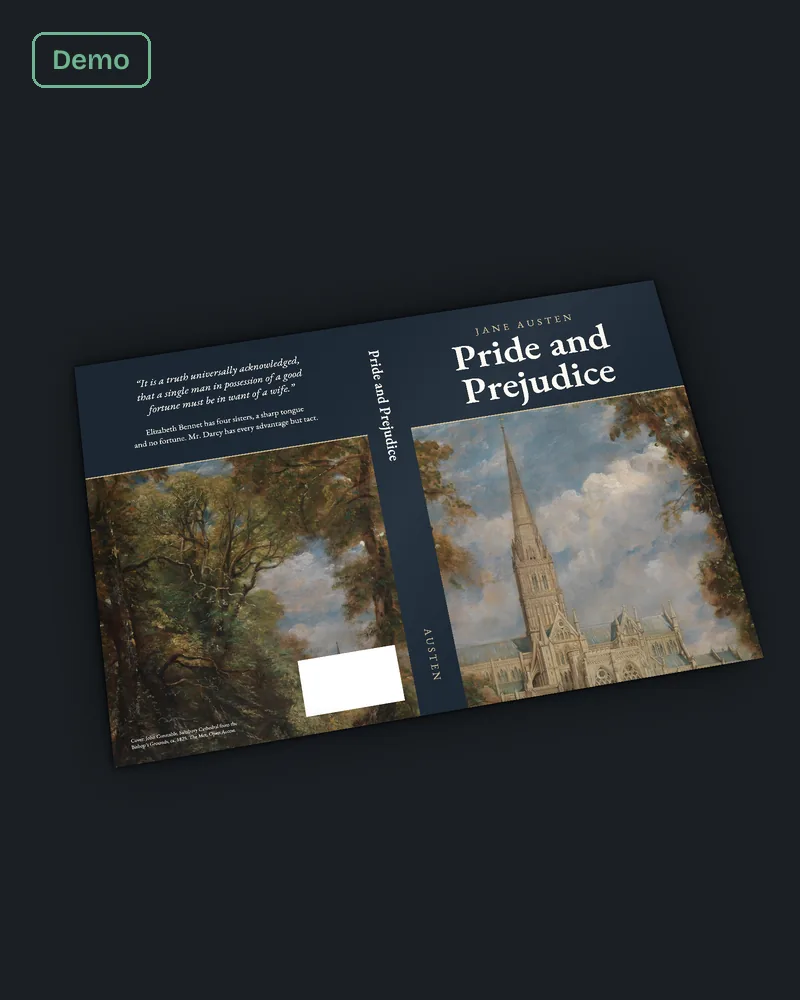
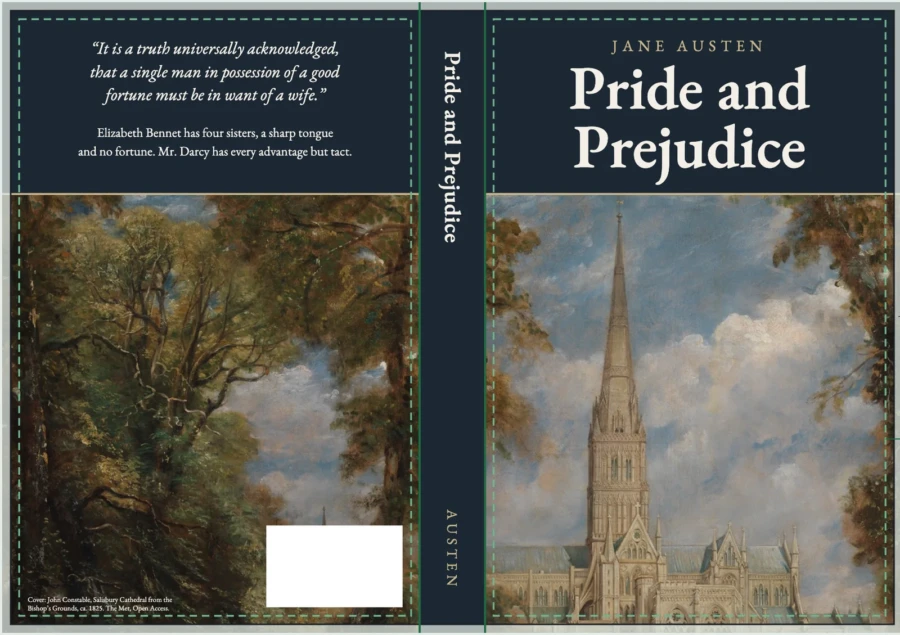
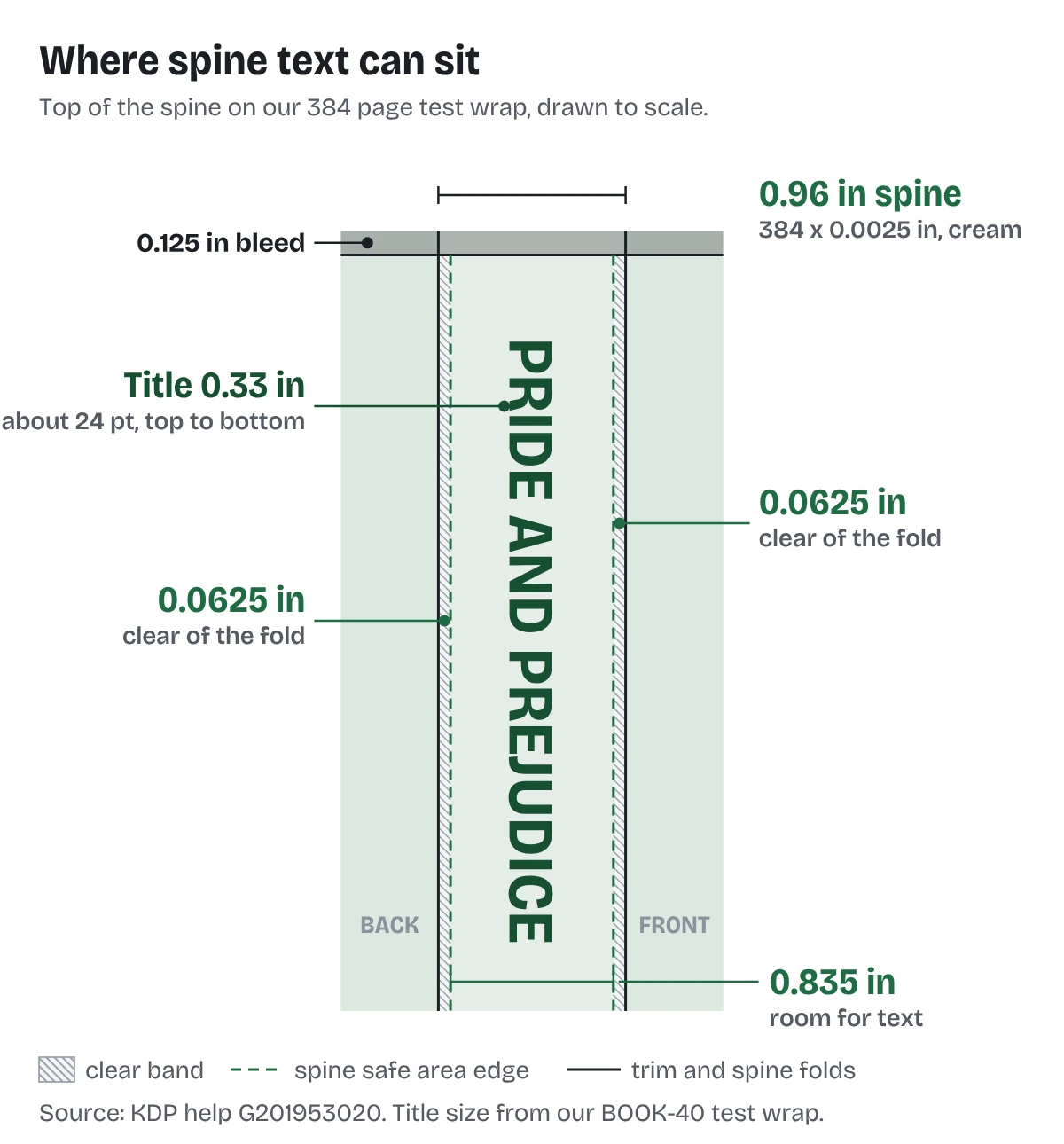
Our sample wrap is a 6 x 9 inch, 384 page book on cream paper. The spine is 384 x 0.0025 = 0.96 inch, so the room for text is 0.835 inch.
We set the title, Pride and Prejudice, at 0.33 inch type, about 24 points, reading from top to bottom. The author name sits lower on the spine in smaller capitals. That left more than 0.25 inch of clear space on each side, well past KDP's 0.0625 inch.
What gets a spine text cover rejected?
KDP's fix page lists "Book has fewer than 79 pages and can't have text on the spine." The fix it gives is short: open the file, remove the spine text, upload again.
The other spine problems we check for:
- Text placed from a template made for a different page count.
- Text inside the 0.0625 inch clear band.
- Front or back cover text running into the spine area, which KDP's cover page forbids.
- Text under 7 points.
If KDP has flagged the cover already, our post on KDP cover error messages covers each message.
What else do authors ask about KDP spine text?
At least 79 by KDP's cover rule, 80 in Cover Creator. We work to 80.
At least 0.0625 inch (1.6 mm) from each spine edge.
Only if the book meets the page minimum. Under 79 pages, no spine text at all.
No. Page count and paper set the spine.
Our sample wrap reads from top to bottom, so the title is the right way up when the book lies face up.
What should you do next?
Take the page count from your formatted PDF, multiply by your paper's thickness, and subtract 0.125 inch. If what is left is under 0.1 inch, plan a plain spine. If you want it worked out and built for you, send your page count through our cover wrap and spine page.