Short answer. Kindle table of contents not working? One of two separate TOCs is broken: the contents page inside the book, or the Kindle menu that lists chapters. Both come from your chapter headings. Give every chapter title the Heading 1 style, rebuild the contents, and check both in Kindle Previewer before you upload.
Key points
- A Kindle ebook has two tables of contents, and each one can fail on its own.
- The contents page is a page of links. The Kindle menu is built from the book's navigation file.
- Both depend on chapter titles being real headings, not bold text.
- In Word, insert the contents from the References tab, one level, with page numbers off.
- In Kindle Create, the chapters you accept become the Kindle menu.
- Kindle Previewer lets you click each link before readers do.
Why is my Kindle table of contents not working?
Because Kindle cannot find your chapters. KDP's guidance on ebook tables of contents builds everything from headings, so a chapter title typed in bold at a larger size is invisible to it, however much it looks like a heading on screen.
The second common cause is a contents page that was typed by hand. The words are there, but nothing links them to the chapters.
What are the two tables of contents in a Kindle ebook?
KDP describes two. The first is the HTML table of contents: a page near the front of the book with a link for each chapter. The second is the Kindle interactive table of contents, which readers open from the Kindle menu. KDP also calls it the NCX, after the navigation file behind it.
They fail separately. You can have a contents page whose links all work and an empty menu, or a full menu and a dead contents page.
So when a reader writes that "the contents doesn't work", ask which one. Their answer tells you which file to look at.
How do I fix the table of contents in Word?
Start with the chapter titles. KDP's steps for Word are:
- Click in each chapter title and apply the Heading 1 style from the Home tab.
- Put your cursor where the contents page should go.
- On the References tab, insert a custom table of contents. Turn page numbers off and set the levels to 1.
- Bookmark the "Contents" heading with the name toc, so Kindle knows where the contents page is.
- Add a page break after the contents.
Page numbers come off because ebooks have no fixed pages. The reader's font size moves the text around, so a page number in the contents would be wrong on most screens.
If the rest of your Word file needs work too, our guide to formatting a book for KDP in Word walks through the styles from the start. If you want someone else to build the file, a linked contents page is part of our ebook formatting service.
How do I fix it in Kindle Create?
Re-check the chapter list. KDP says Kindle Create detects chapter titles when it imports your file and shows you the ones it found. You tick the real chapters and click Accept Selected, and those become the entries in the Kindle table of contents.
A chapter that was not accepted at import will not be in the menu. So if the menu skips a chapter, the usual reason is that its title was missed or left unticked.
What does a broken table of contents look like inside the file?
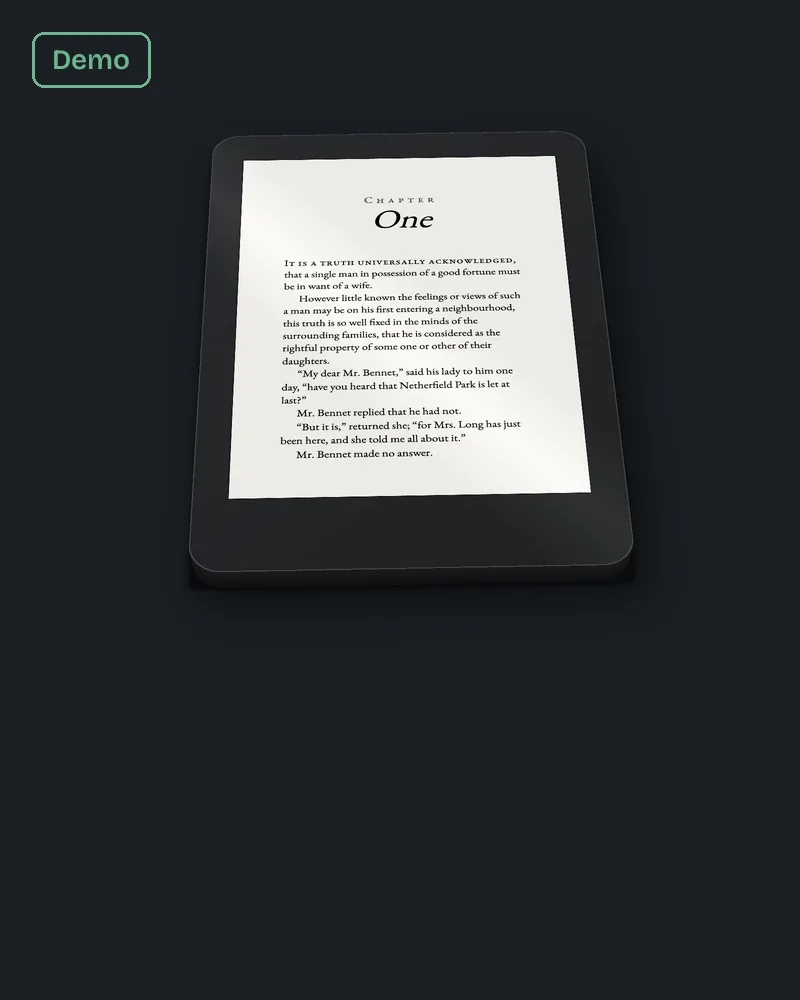
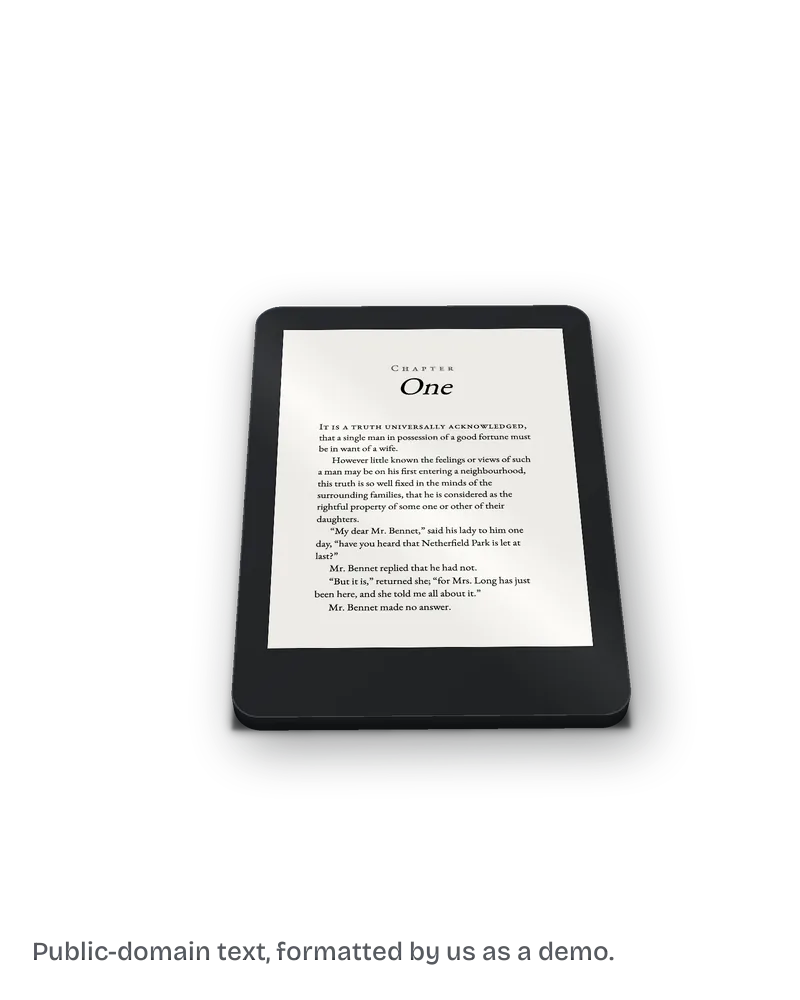
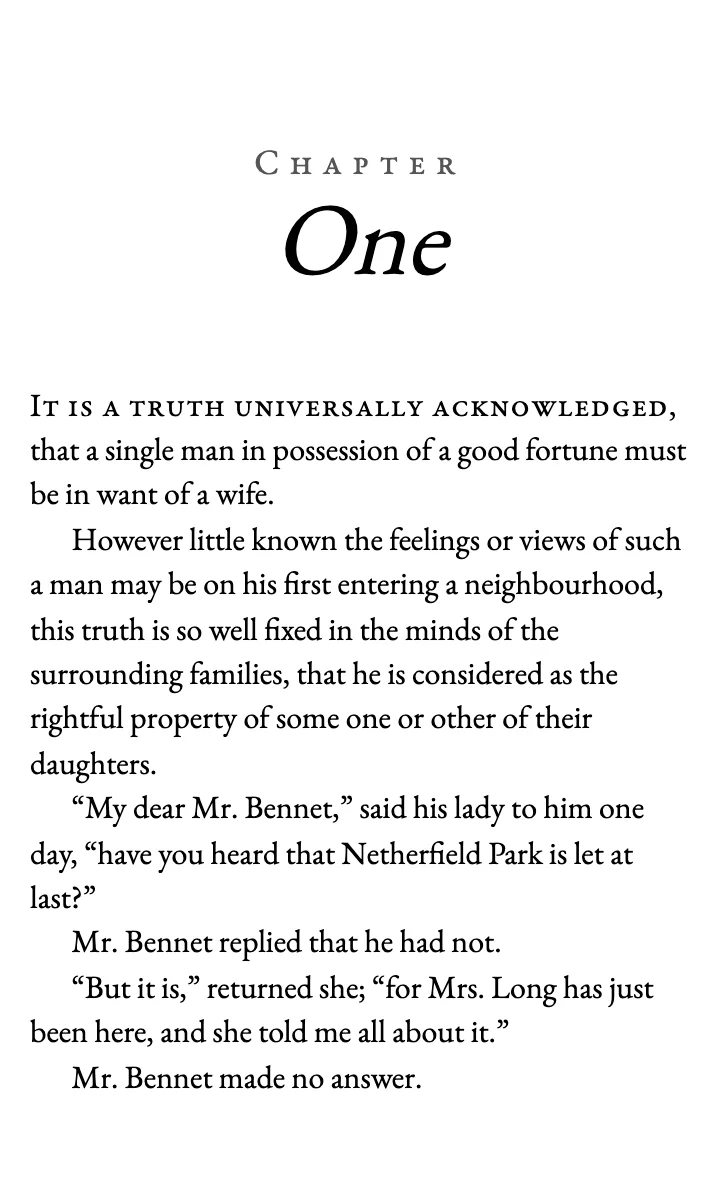
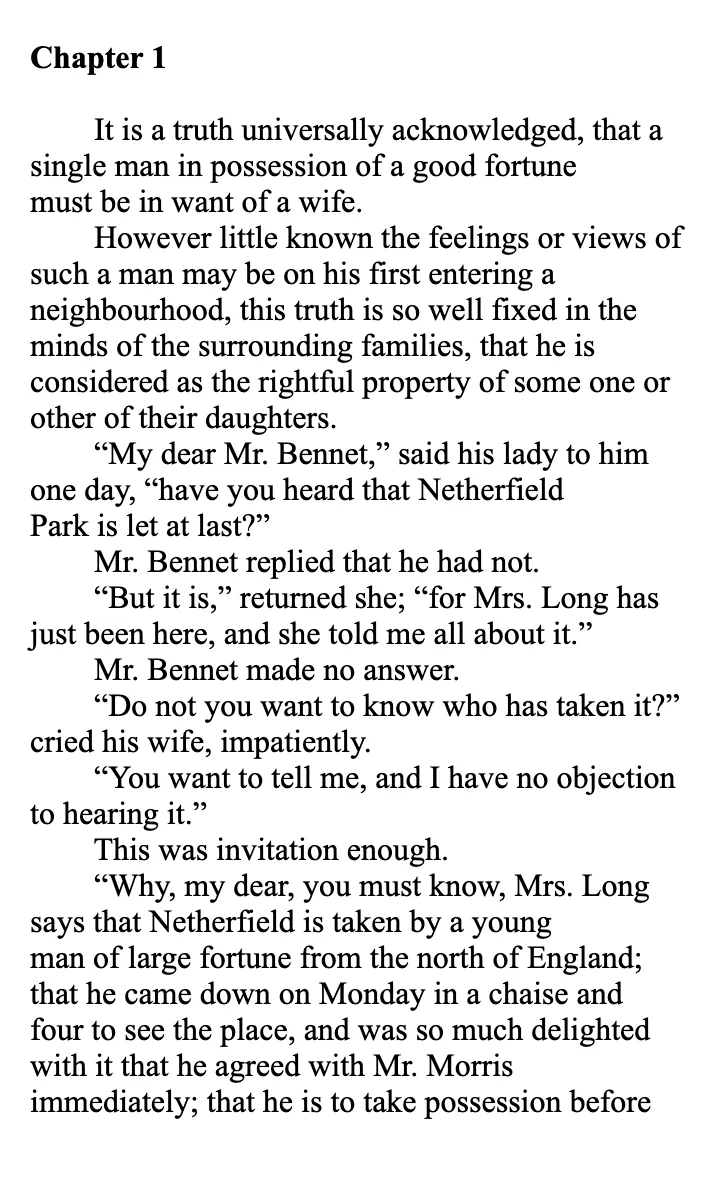
We built two sample EPUBs of the first chapter of Pride and Prejudice for our ebook page, and on 13 October 2026 we opened the navigation file in each one.
The "before" file, made from text copied out of a Word PDF export, had one entry in its table of contents. The link pointed at the chapter file as a whole, with no anchor to a heading, and its visible text was a single blank space. A reader opening that menu would see one empty line.
The cause was upstream. In the Word file it came from, "Chapter 1" was ordinary text with bold switched on, and the file had no paragraph styles at all. There was no heading for any tool to find.
The "after" file has a Contents heading, and its one link reads "Chapter One" and points at the anchor on the chapter's heading. Same text, same chapter. The difference is that the title is a real heading.
The fix we do for this: we build your EPUB with a linked table of contents for $99, up to 80,000 words, in 7 business days, and check every link in Kindle Previewer before you get the file. Ask about your ebook.
How do I test the table of contents before I upload?
Open the file in Kindle Previewer, Amazon's free desktop app. Click every link on the contents page and confirm it lands on the right chapter. Then open the navigation menu and check that each chapter is listed.
Do both in phone, tablet and e-reader views. We do not describe here what the Previewer shows for a missing TOC, because KDP's help pages do not say. Test your own file rather than relying on a warning.
Will KDP reject a book with a broken table of contents?
It can flag it. KDP's quality guide lists a table of contents link that does not work as a quality issue, and issues found after publishing show up in your account's Quality Notifications Dashboard.
Our post on why KDP keeps rejecting a book covers the other formatting reasons books bounce.
What else do authors ask about the Kindle table of contents?
The Kindle menu is built from your chapter headings. If the chapter titles are not styled as headings, or were not accepted in Kindle Create, the menu has nothing to list.
No. KDP's Word steps turn page numbers off, because ebook text reflows and page numbers would not match.
KDP's Word steps set it to one level, the chapter titles.
KDP describes both, and readers use both. Build the two from the same headings and they stay in step.
A full ebook build with a linked contents page is $99 up to 80,000 words. Our page on what book formatting costs compares the options.
What should you do next?
Open your manuscript and click into the first chapter title. If the style box says Normal, that is your fix: Heading 1 on every chapter, then rebuild the contents. If you would rather send it to us, the $99 build on our ebook formatting page comes with the Previewer screenshots.