Short answer. You can change a KDP book after publishing, but not all of it. Description, keywords, categories, price and interior stay editable. A paperback locks trim size, ISBN, edition number, imprint and language, and title, subtitle and author name change only in the first 72 hours. On a Kindle eBook those three lock at publication. Anything locked needs a new edition.
Key points
- Edit from your Bookshelf: the three dots, then Edit details or Edit content.
- A book that is In Review or Publishing cannot be edited until it shows Live.
- Every update goes back through KDP's review.
- On a paperback, title, subtitle and primary author lock 72 hours after the first publication date. On a Kindle eBook they lock at publication.
- An interior change that moves the page count by more than 10% needs a new edition.
- A new edition is a new book with its own ISBN, ASIN and product page. It starts with no sales rank, and Kindlepreneur says its reviews come over only if KDP support links them.
What can I change on a KDP book after publishing?
More than most authors expect. KDP's Update your book details page lists these as editable on a paperback or hardcover after it goes live:
- Contributors
- Description
- Publishing rights
- Keywords and categories
- Reading age
- Territories
- Pricing and expanded distribution
- Ink and paper type, for some paper switches on black and white titles only
So the whole sales side of the listing stays open. If the description is not selling, rewrite it. If a category is wrong, swap it. That field work is what our KDP upload and listing prep service writes for you, one labelled field at a time.
What does KDP lock after a paperback is published?
The same page lists the locked fields for print:
- Language
- Edition number
- Publication date
- The low-content checkbox
- ISBN choice
- Imprint
- Trim size
- Royalty rate
Trim size is the one that hurts. A book set at 6 x 9 stays 6 x 9. If you want 5.5 x 8.5 instead, that is a new edition with its own setup.
ISBN choice is locked too. KDP's Change or view your ISBN page says an ISBN cannot be changed once the book is published. If you are still deciding between a free KDP ISBN and your own, our post on KDP ISBN versus your own ISBN walks through what each one gets you. Decide before you click Publish.
Can I change the title or author name after publishing?
On a paperback or hardcover, only inside a short window. KDP's details page says title, subtitle and primary author name can be edited within 72 hours of the first publication date, once the book is no longer In Review.
An edit in that window sends the book back to In Review. After 72 hours, all three are locked. KDP's ISBN page says a new title or author name after that point means unpublishing the book and publishing a new edition.
That is why we treat the title and subtitle as the field to get right first. Description and keywords can be fixed next week. The title cannot.
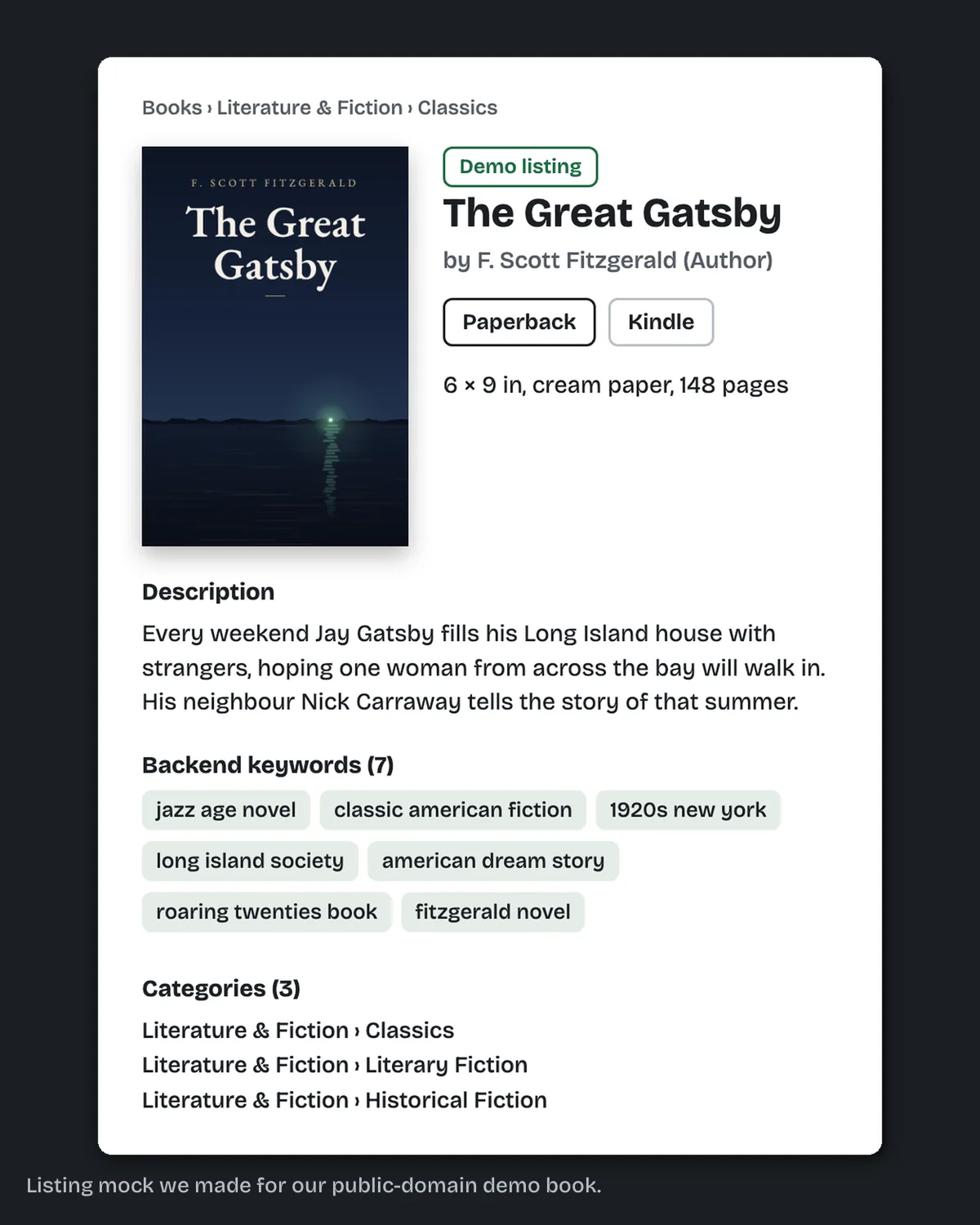
The fix we do for this: KDP listing prep writes your title and subtitle fields, the description, 7 keywords and 3 categories as one document, each part labelled with its KDP field, for $99 in 2 business days. You upload; we never log in. Send us your book's details.
What about the Kindle eBook?
The eBook is stricter about names. KDP's details page marks title, subtitle, primary author, edition number and language as locked on a Kindle eBook, and the 72-hour window is written for paperback and hardcover only.
The sales side stays open, from description and keywords to categories and price. Royalty rate stays editable too, though print locks it.
One trap sits in setup. An ISBN and imprint are optional on an eBook, but KDP says that if you add them, you won't be able to complete updates after publishing. Our advice: leave both blank unless you need them.
Can I upload a corrected interior file?
Yes. KDP's Update Your Manuscript page says you can replace the interior while the book is in Draft or Live status. The steps:
- On your Bookshelf, click the three dots next to the book and choose Edit content.
- In the Manuscript section, click Upload Manuscript.
- Wait for "Manuscript uploaded successfully". Conversion can take several minutes.
- Click Launch Previewer and check the pages.
- Click Save and Continue, then Publish at the bottom of the Pricing page.
Typos, a fixed chapter heading or a new back page are all normal updates. Our step by step guide to uploading a paperback to KDP covers the same screens for a first upload.
When does a fix count as a new edition?
KDP's manuscript page draws two lines. A change of more than 10% in page count needs a new edition. A substantial revision counts as a new edition too, published as a new book.
That new book starts from zero. KDP's Books Titles & Editions page says a book with a changed title goes up as a new title, with "Previously published as [book title] by [author name]" at the top of its description. Kindlepreneur's guide to republishing (updated 14 May 2026) spells out the cost. You get a new ISBN, a new ASIN and a new product page.
Reviews do not move over by themselves. The guide's advice is to "be prepared to lose all the reviews" and then ask KDP support to link them, which it says works only when title, subtitle and author name match exactly. A retitled book loses them. The new page has no sales rank until it sells. KDP's Timelines page says rank may take 24 to 48 hours to appear after the first completed sale. An update in place keeps the same page, reviews and rank.
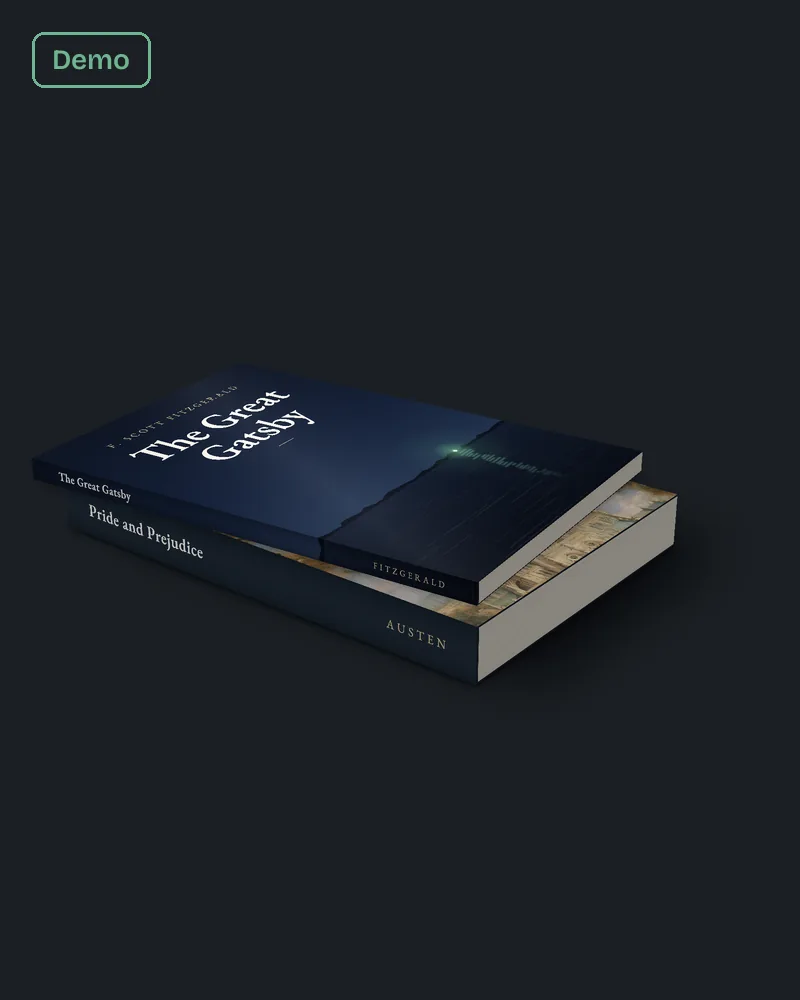
The 10% rule is easier to cross than it sounds. When we set a 6 x 9 sample chapter from The Great Gatsby on 10 October 2026, 12 pages in Word became 14 pages in the finished layout. That is a 17% jump from layout alone. On a 200 page book, 10% is 20 pages, so a new font size or a margin change can do it. Our post on KDP margins for 6x9 by page count shows how the gutter moves with the count as well.
Our judgement: if the update changes the trim, the font size or the margins, check the new page count against the old one before you upload.
How long does an update take to show?
Up to 72 hours for most changes. On a published paperback or hardcover, KDP's Timelines page says a new manuscript or cover shows within 72 hours. A price change takes 72 hours to 5 business days, and the Look Inside sample updates in 9 to 10 business days.
The eBook is quicker on price. Description, keyword, cover and manuscript changes take 72 hours, a new list price takes 24 hours, and Look Inside catches up in 7 to 8 business days. The details page adds that every updated book is reviewed again against the content guidelines.
Two rules from the same page matter for timing. A book that is In Review or Publishing cannot be updated until it is Live. A pre-order can be updated up to its submission deadline. Our post on the KDP review process explains what happens during that review.
If you use your own ISBN and change the book details, KDP's ISBN page says to wait 5 business days before updating the book on KDP. That is how long KDP takes to register the change with the ISBN agency.
One more catch from KDP's proof and author copy page: if your status reads "Live with unpublished changes", an author copy ordered then prints the previous version.
Questions authors ask
Can I change the trim size of a published KDP paperback? No. Trim size is locked for paperback and hardcover. Publish a new edition.
Can I change my KDP book's price after publishing? Yes. Pricing is editable at any time the book is Live.
Can I change the cover after publishing? Yes. KDP's Update Your Cover page says you can upload a new cover file, or rebuild it in Cover Creator, from Edit content on your Bookshelf. On a published book the new cover must still show the current title and author name. Check the spine width if the page count moved.
Can I fix the subtitle a week later? No. On a paperback, title, subtitle and primary author lock 72 hours after the first publication date. On a Kindle eBook they are locked from publication. Either way, a new subtitle means a new edition.
Does an update go through review again? Yes. KDP reviews every updated book against its content guidelines.
Your next step
Before you click Publish, read the locked list once more: title, subtitle, author name, trim size, ISBN, edition number and imprint. If the title, subtitle or description still needs writing, send them through our KDP listing prep page and you get every field written, ready to paste, for $99 in 2 business days.
Already live? The description, keywords and categories of a published book can be rewritten today, on paperback and eBook alike. Our Amazon book listing optimization is built for that book: we research the searches and categories first, then write those fields ready to paste, for $149 in 5 business days.