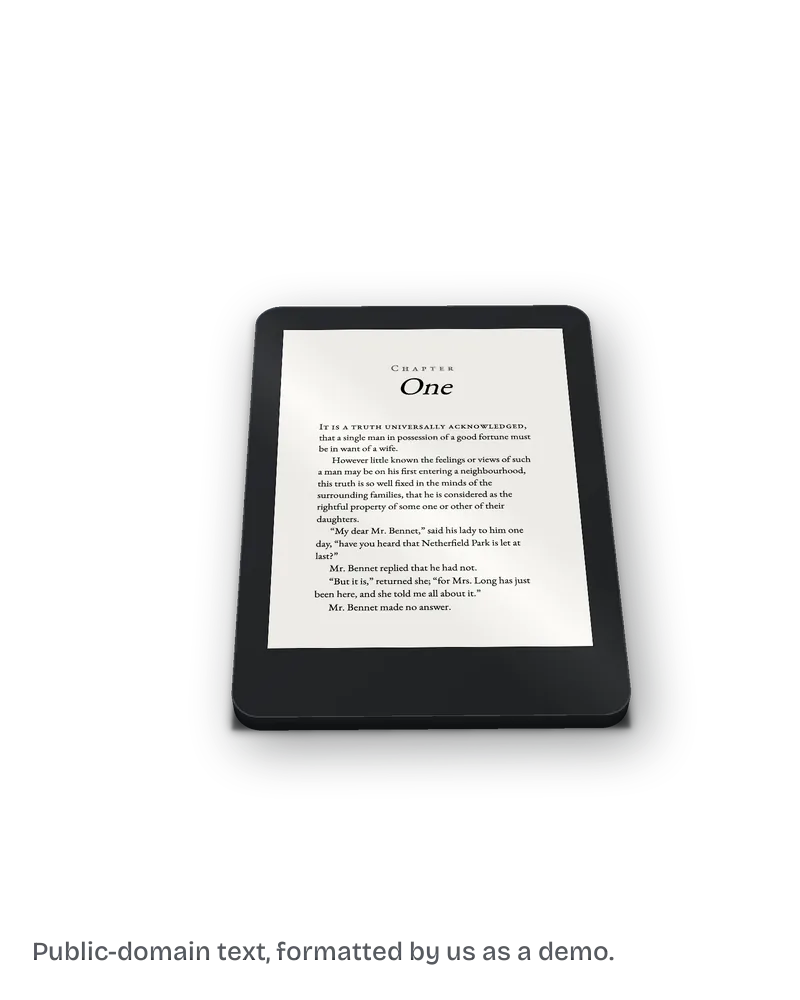
Ebook formatting
What is a KPF file, and how do you get an EPUB from it?
A KPF is the Kindle Package Format file that Kindle Create exports for KDP. KDP says it "is only used for publishing", so you do not convert it.

Ebook formatting
A KPF is the Kindle Package Format file that Kindle Create exports for KDP. KDP says it "is only used for publishing", so you do not convert it.
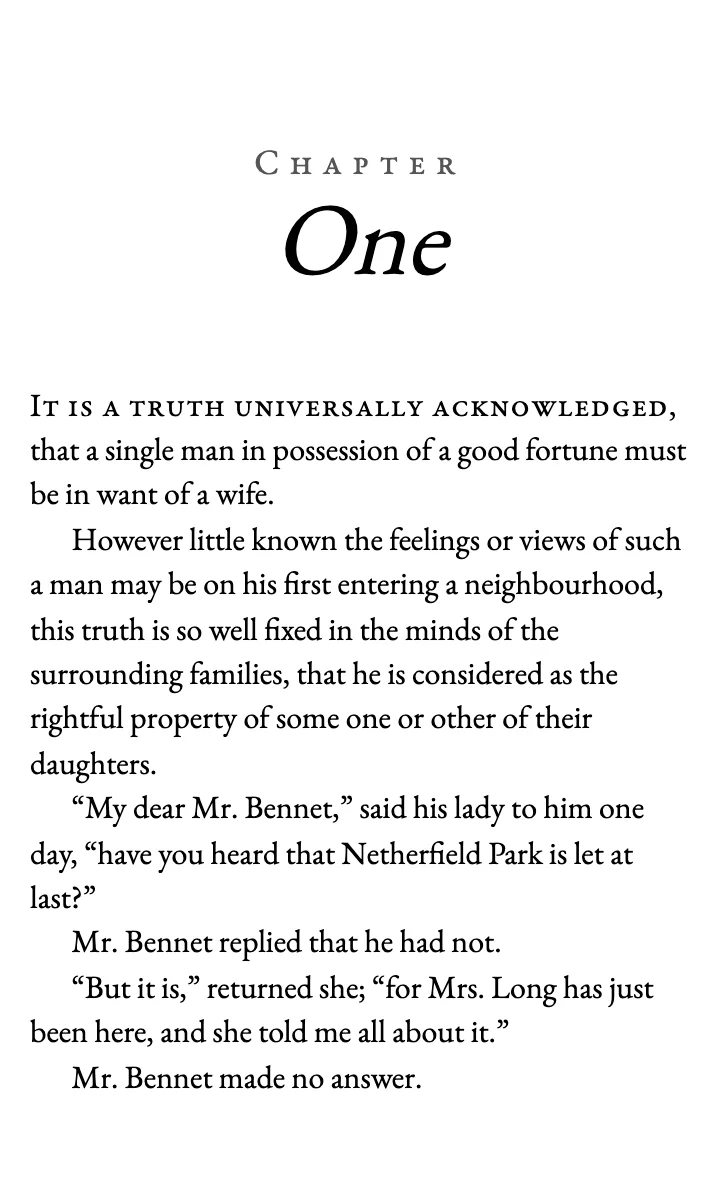
Ebook formatting
Eight checks before you upload, from Heading 1 chapter titles and working contents links to keeping the cover out of the file and the images real.
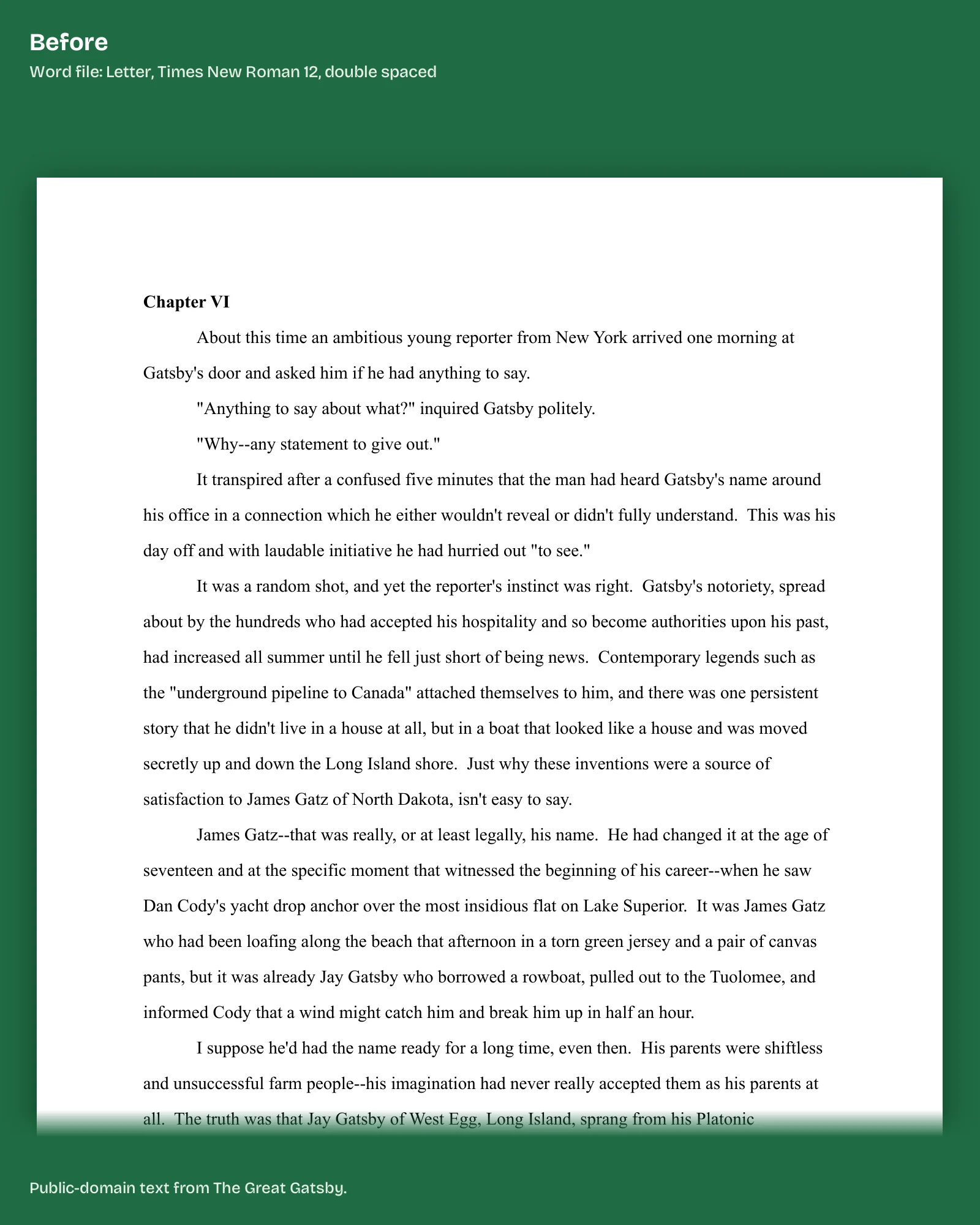
Ebook formatting
Give every chapter title the Heading 1 style, insert pictures as images, leave the cover out, and add a contents page from Insert. Then download a Word file.
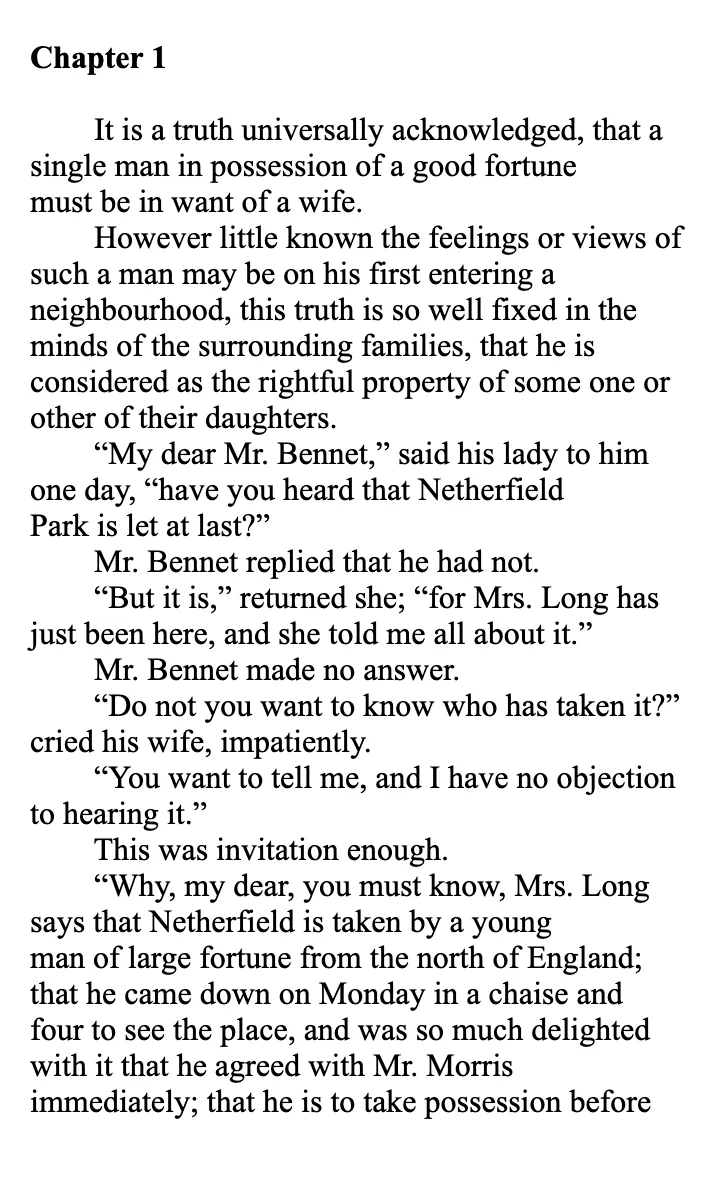
Ebook formatting
Two separate contents lists can break: the page inside the book and the Kindle chapter menu. Both come from Heading 1 chapter titles. Rebuild, then check in Previewer.
Ebook formatting
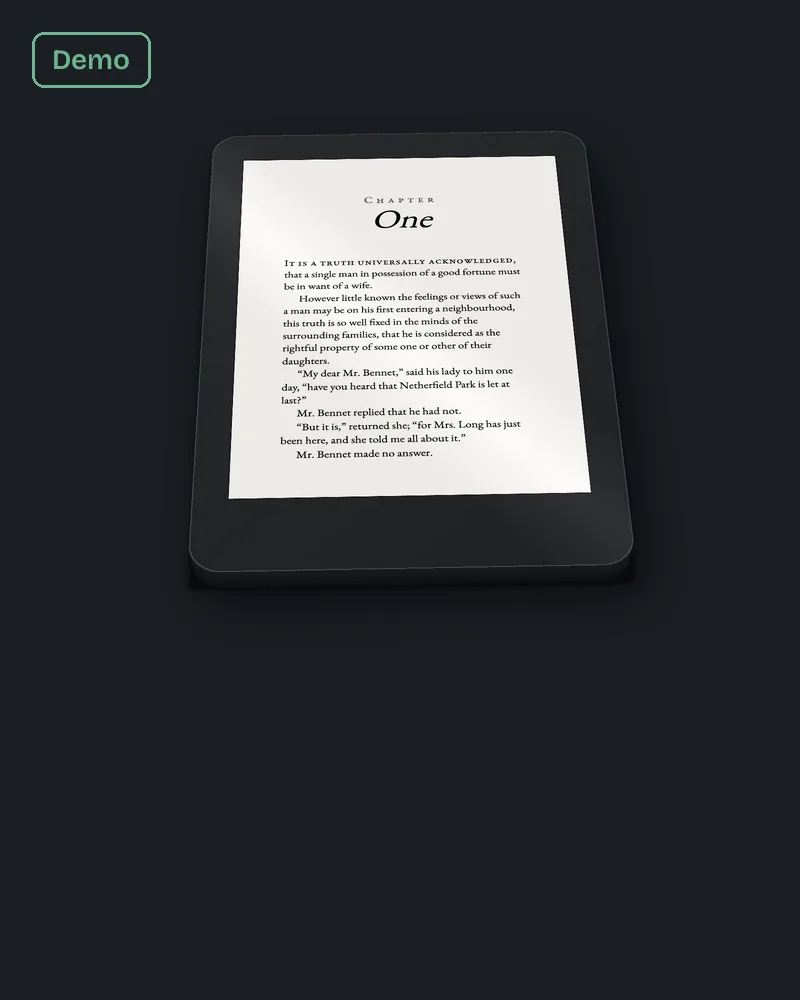
Start with the file: Word for mostly text, KPF from Kindle Create if you sell only on Kindle, or EPUB if you sell elsewhere. Style every chapter title as a heading.
Ebook formatting
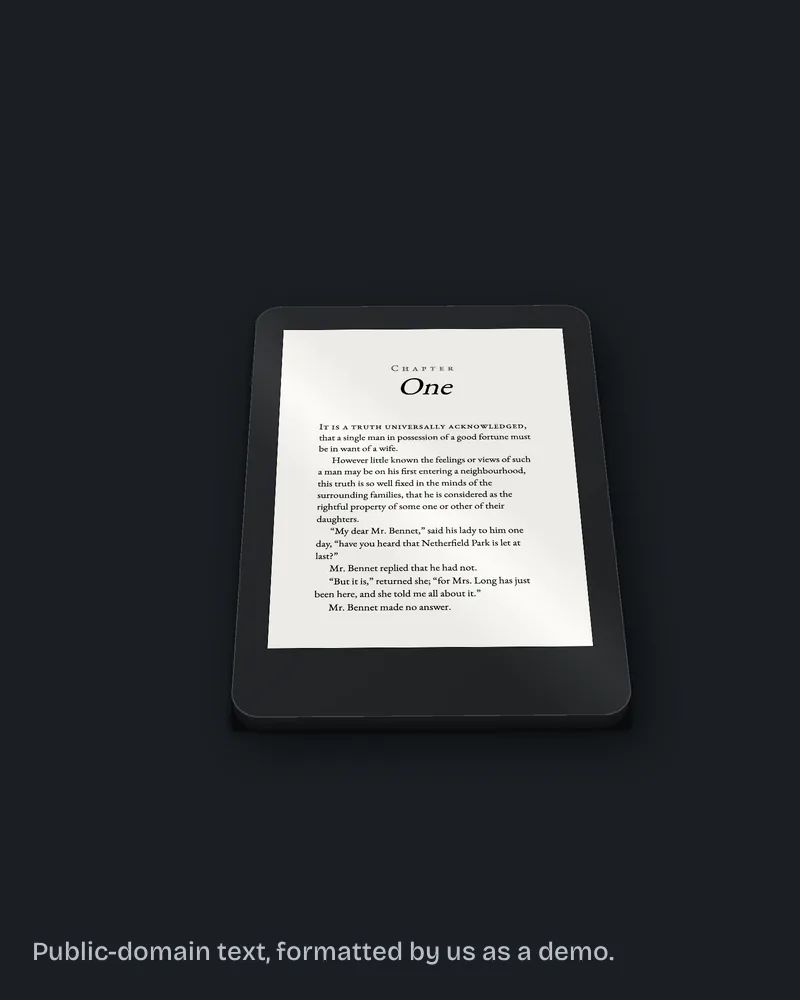
Kindle Previewer is a free Amazon desktop app. Open your EPUB, change device, orientation and font size, click every contents link, and flip the whole book.
Cover wrap and spine
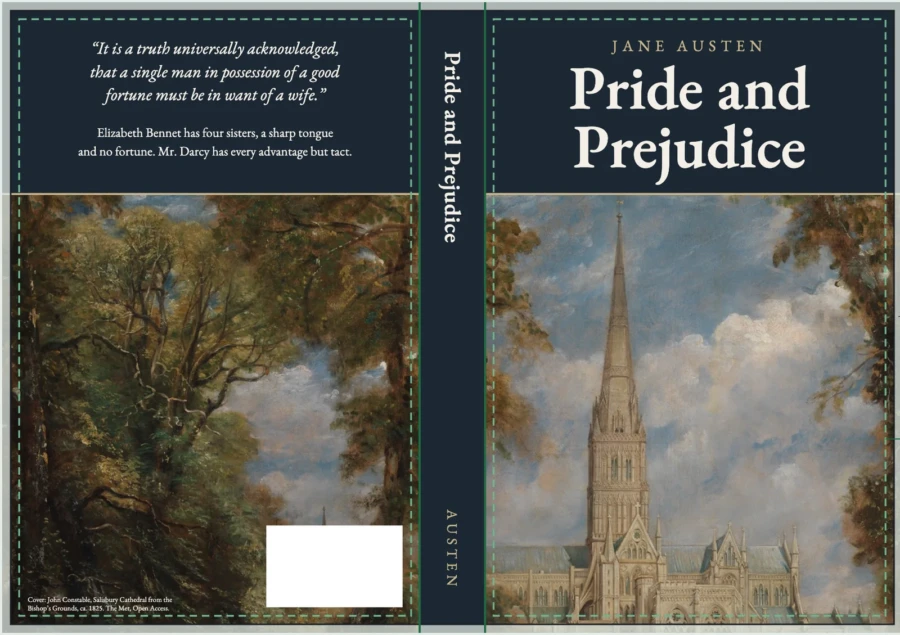
The generator is a free KDP page. Enter binding, ink, paper, trim and page count to get the cover dimensions and a PDF and PNG template to place under your art.
Paperback interior
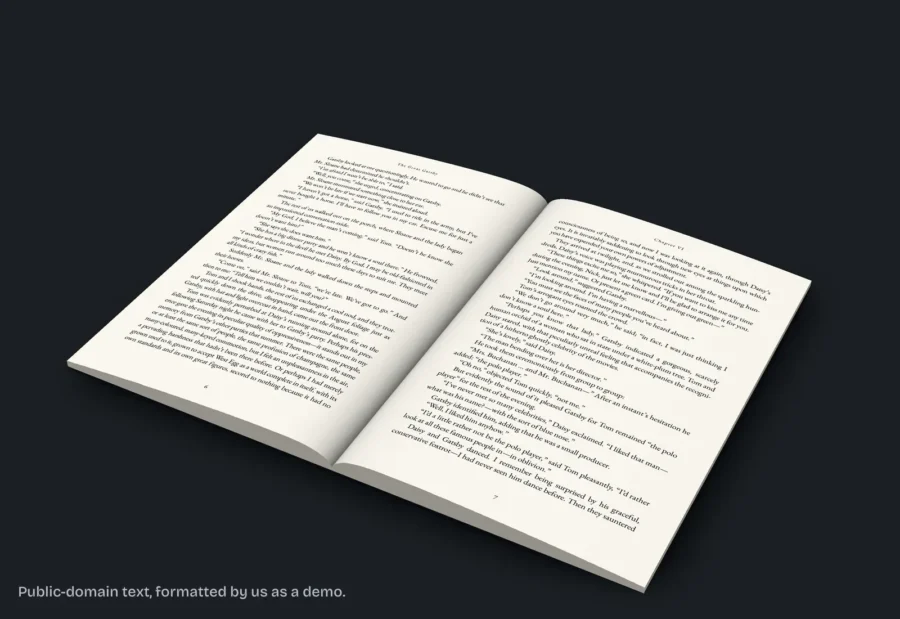
Choose bleed only if an image or background color reaches the page edge. A bleed file is 0.125 inch wider and 0.25 inch taller than trim. Text-only novels skip it.
KDP upload and listing prep
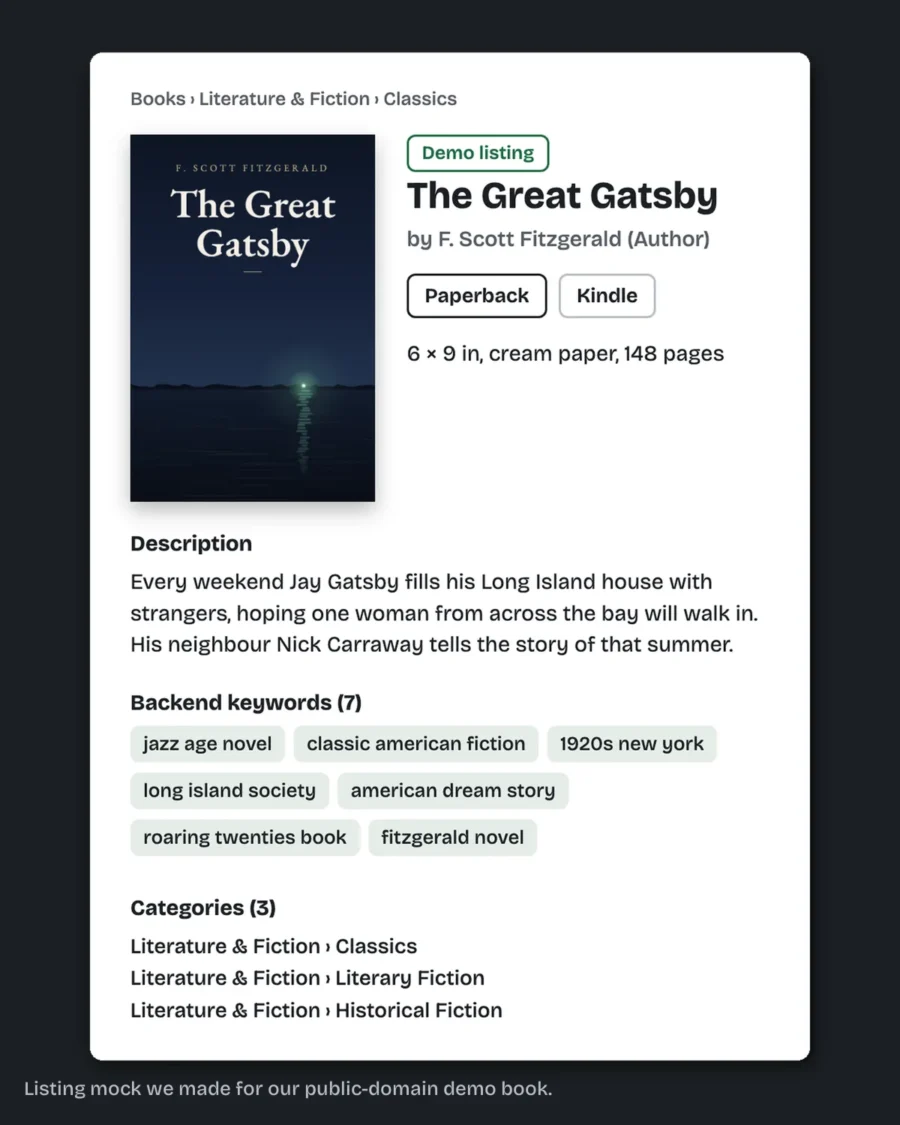
From your Bookshelf click + Create, choose paperback, then work through book details, content, and rights and pricing. Match trim size and bleed to your PDF.
Written by the production team behind Clean Page Press.
Prefer to have it done? See what book formatting costs for every service, ebook formatting included.